DreamCatcher Replay SystemDream Catcher
Revision 1.13 Page 33
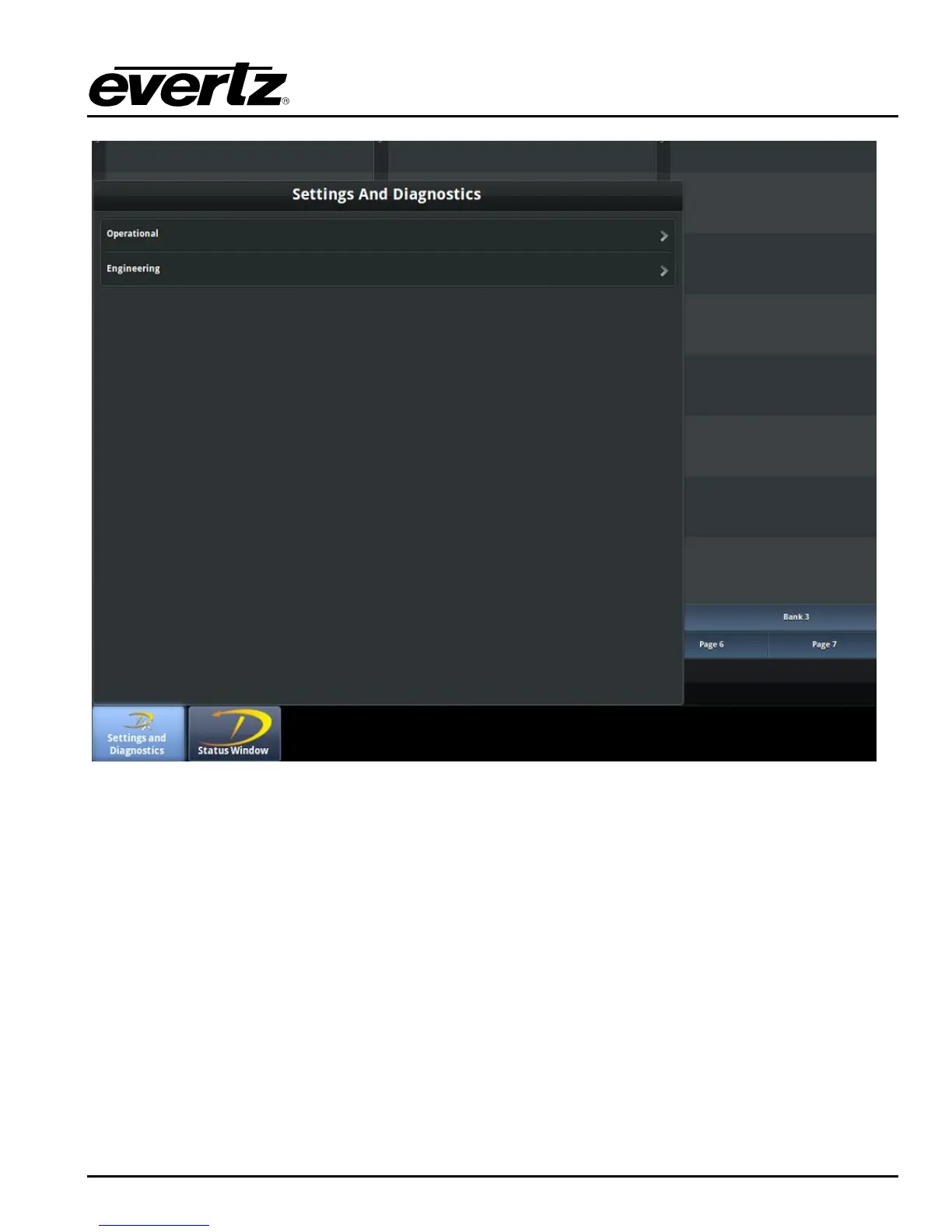
Figure 3-17: DreamCatcher Server Settings and Diagnostics Widget
3.3.3. DreamCatcher Controller Settings and Diagnostics Menu
Press and hold the “Menu” button located at the top left of the Controller. In a moment the Settings
and Diagnostics Menu should appear as shown in Figure 3-18.
Once in the Settings and Diagnostics Menu select the Engineering Menu, followed by DreamCatcher‟s
Server Menu.


 To Next Page