EMC-DCP
EMC DESKTOP CONTROL PANEL
Revision 1.1 Page 11
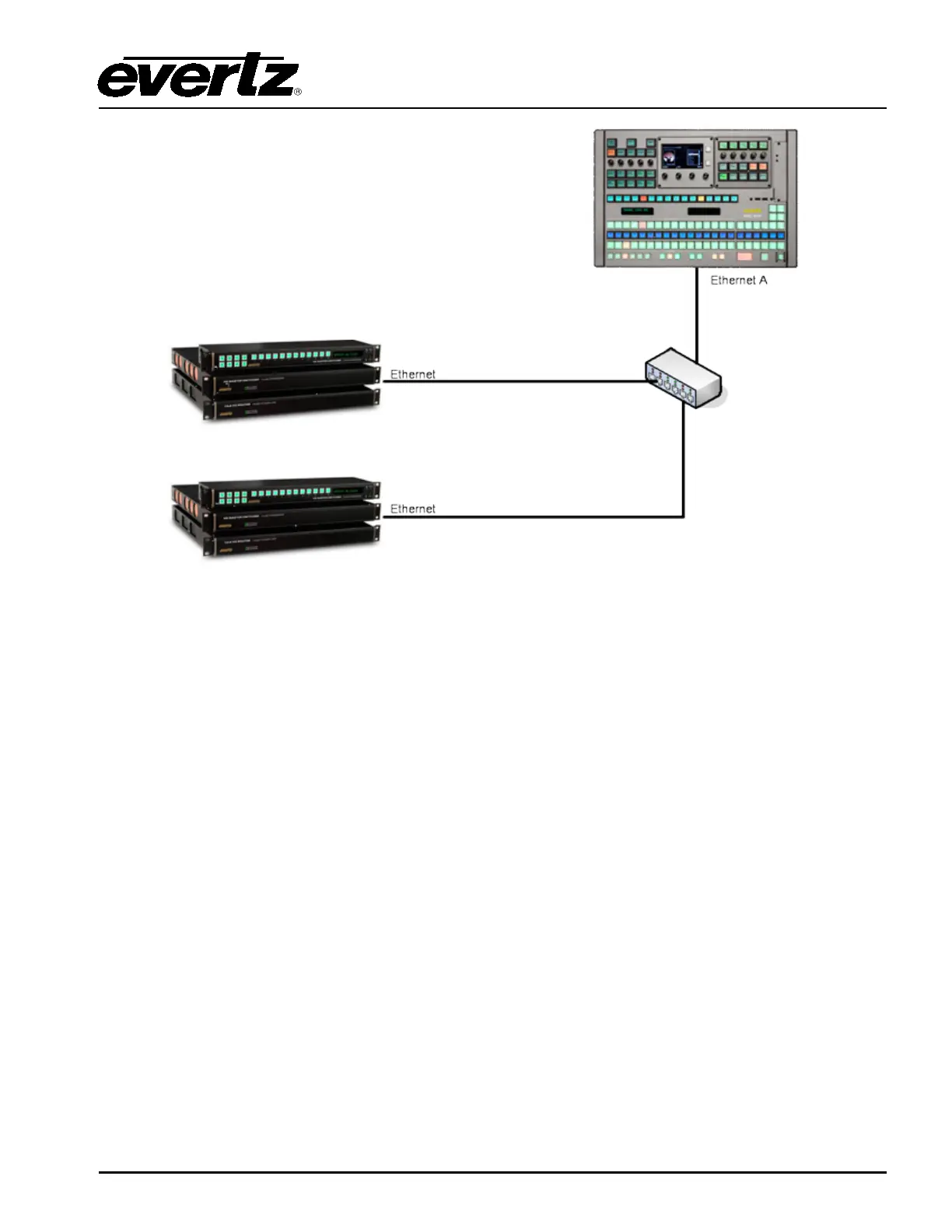
Figure 3-8: Basic Mini Master Configuration
3.7. CONFIGURING IP ADDRESS AND QLINK ADDRESS OF EMC-DCP
In order to set the IP Addresses of Ethernet ports A and B and the Q-Link address, the user will be
required to enter the Setup Mode of the EMC-DCP, which can be accessed directly on the panel.
Figure 3-9 shows which shaft encoders the user MUST push AND simultaneously hold down for 10
seconds in order to enter Setup Mode.



 To Next Page