EMC-DCP
EMC DESKTOP CONTROL PANEL
Page 24 Revision 1.1
3.12. UPGRADING THE EMC-DCP FIRMWARE OVER THE NETWORK
If the EMC-DCP panel is available on the configuration PC over the network, then the EMC-DCP can
also be updated via the network.
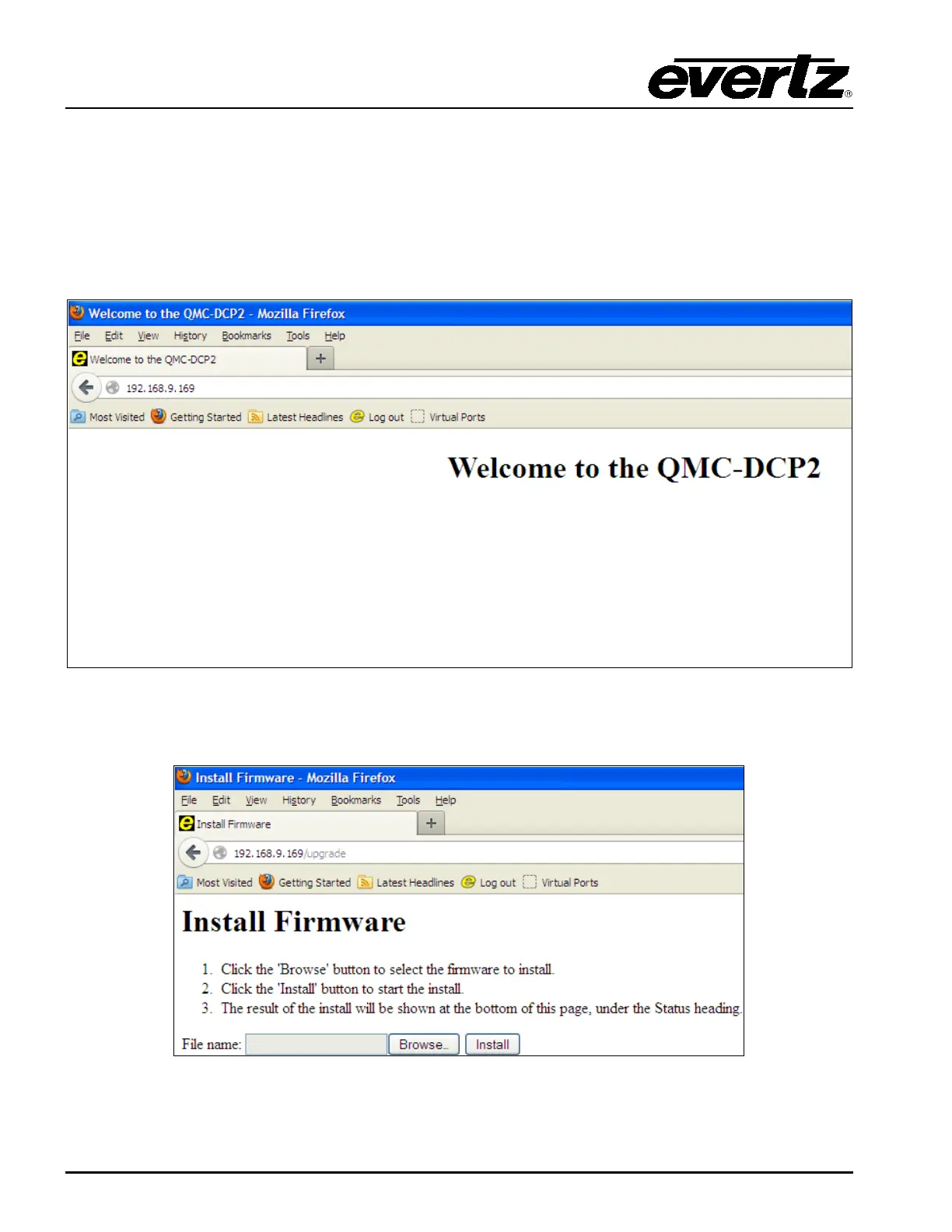
To do this you need to connect to the EMC-DCP webpage using the Mozilla Firefox web browser. To
confirm that the configuration PC is able to connect to the EMC-DCP simply enter the IP address of the
EMC-DCP (either NIC A or NIC B).
Figure 3-20: EMC-DCP Webpage
To access the upgrade webpage for the EMC-DCP, simply add a “/upgrade” to the IP address.
Figure 3-21: EMC-DCP Upgrade Webpage



 To Next Page