EMC-DCP
EMC DESKTOP CONTROL PANEL
Page 12 Revision 1.1
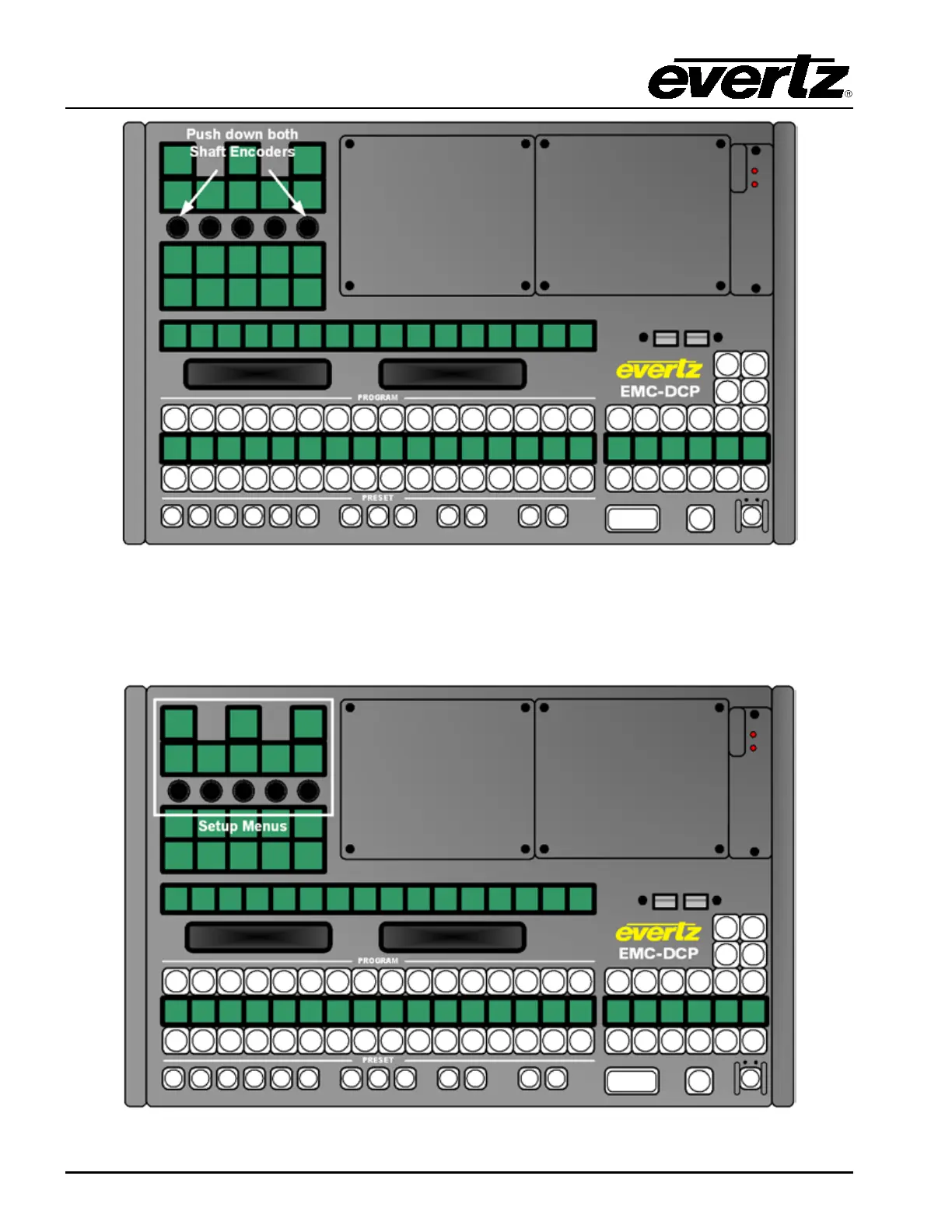
Figure 3-9: Getting into EMC-DCP Setup Mode
After about 10 seconds, the EMC-DCP panel will turn RED, and then it will switch to multi-coloured
mode. In this mode, the EMC-DCP will display the various Setup Menu options in the top left corner of
the panel (see Figure 3-10).
Figure 3-10: EMC-DCP Setup Menus



 To Next Page