Raptor User Manual
2017 EverySight Ltd. Proprietary Page 17 of 46 Rev 1.0
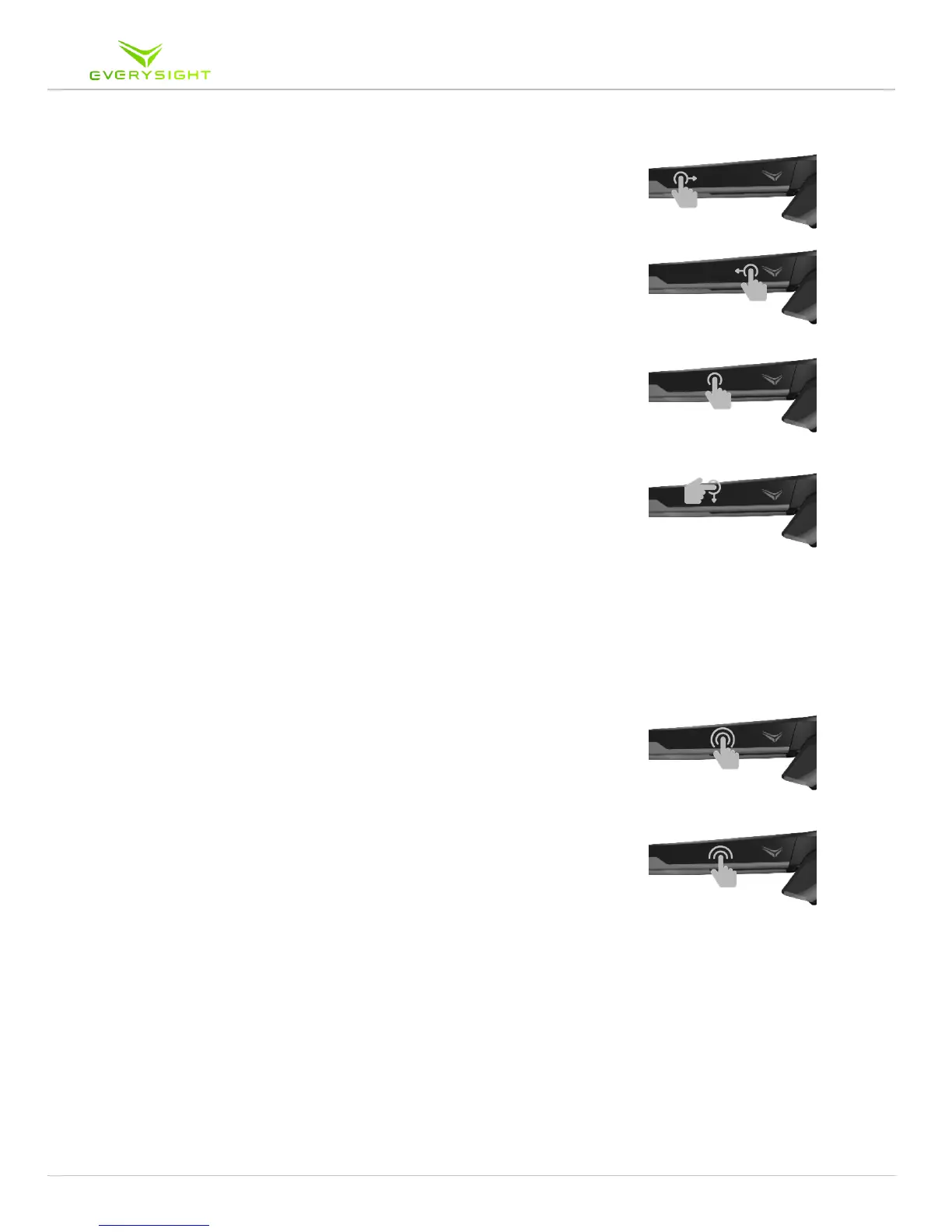
• Swipe forwards or backwards to rotate the carousel. Use
one finger in a long continuous swipe motion. Don’t hold
your finger on the touchpad before or after the gesture.
• Tap to select an item. The item that will be selected is
always the one that is centered and includes its label.
Swipe down to go back one screen.
• Swipe up is used for specific actions only like
disconnecting a sensor or shuffling a song. Please refer to
the relevant sections for more information. to deselect an
item. For example, if you had previously paired with a
Smartphone, swiping up on the phone’s icon, will deselect
it.
• Tap and Hold on any screen to show the list of running
apps and have access to Adjustments screen where you
can adjust brightness and volume.
• Double Tap on any screen to activate your camera in
order to record a video or take a picture. See camera
section for more details.



 To Next Page