Raptor User Manual
2017 EverySight Ltd. Proprietary Page 40 of 46 Rev 1.0
Rx Insert for Visor
One of the accessories offered for those who require prescription lenses is the Rx lens
insert. These inserts allow those who would otherwise require contacts or specialized
prescription riding glasses the ability to get the full AR experience provided by Raptor.
Note: Once receiving the RX insert, you will have to visit your optometrist to have the lenses
replaced with the exact shape & size of the lenses we provided, but with your prescription.
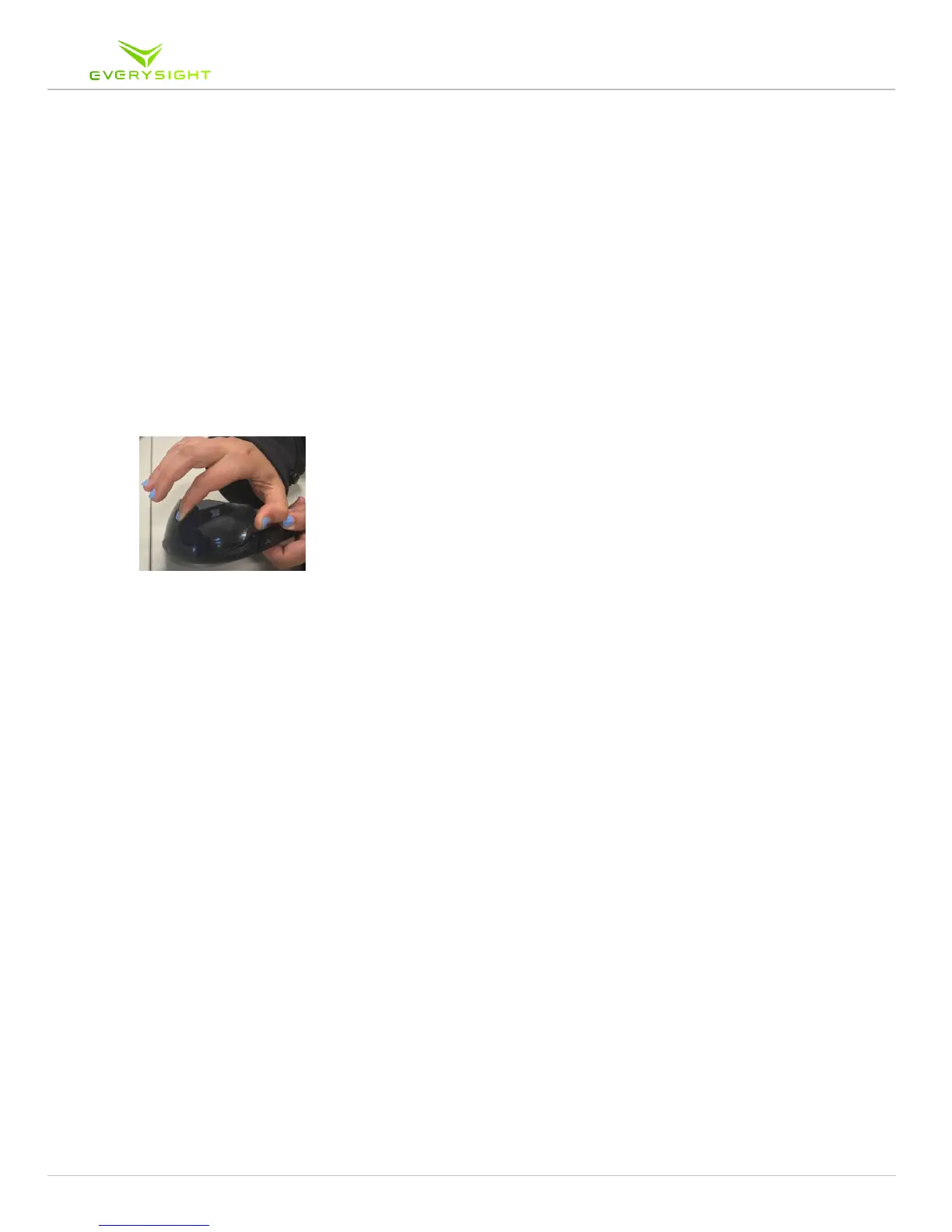
1. The first step is to remove the visor. Hold your Raptor upside down. Simply place one
finger between the corner of the visor and the frame and your thumb in the bridge piece
over the nose and simply pull on the corner of the visor to remove it from the frame
2. Remove the existing arc frame by pulling it in from one side of the arc frame towards
the middle of the gap where your nose would be
3. Take the RX Frame and place it in the bridge. Once you hear or feel it click into place,
you will know that it’s secure
4. Now that your prescription lenses are clipped into the bridge, you can replace the visor
into the frame
5. Place the visor with the Rx inserts now attached back into the front of the Raptor
5.1. After aligning the teeth of the visor with the sides of the bridge, simply begin to
press it in to place
5.2. Start by applying pressure to one side and once aligned, apply pressure to the
opposite side
5.3. You will hear the visor click into place
6. In order to clean the visor or the lenses, you will have to separate them from the visor as
you have learned to do in this chapter and follow the cleaning instructions in section



 To Next Page