EasyManua.ls Logo

EverySight Raptor - Voice Command Operations; Available Voice Commands

Default Icon
46 pages
Print Icon
To Next Page IconTo Next Page
To Previous Page IconTo Previous Page
Loading...
Raptor User Manual
2017 EverySight Ltd. Proprietary Page 37 of 46 Rev 1.0
Voice Commands
In an effort to keep your Raptor experience as hands free as possible, there are a number of
Voice Commands that you can use to operate your Raptor.
To activate the Voice Commands, simply say:
Go Everysight’’
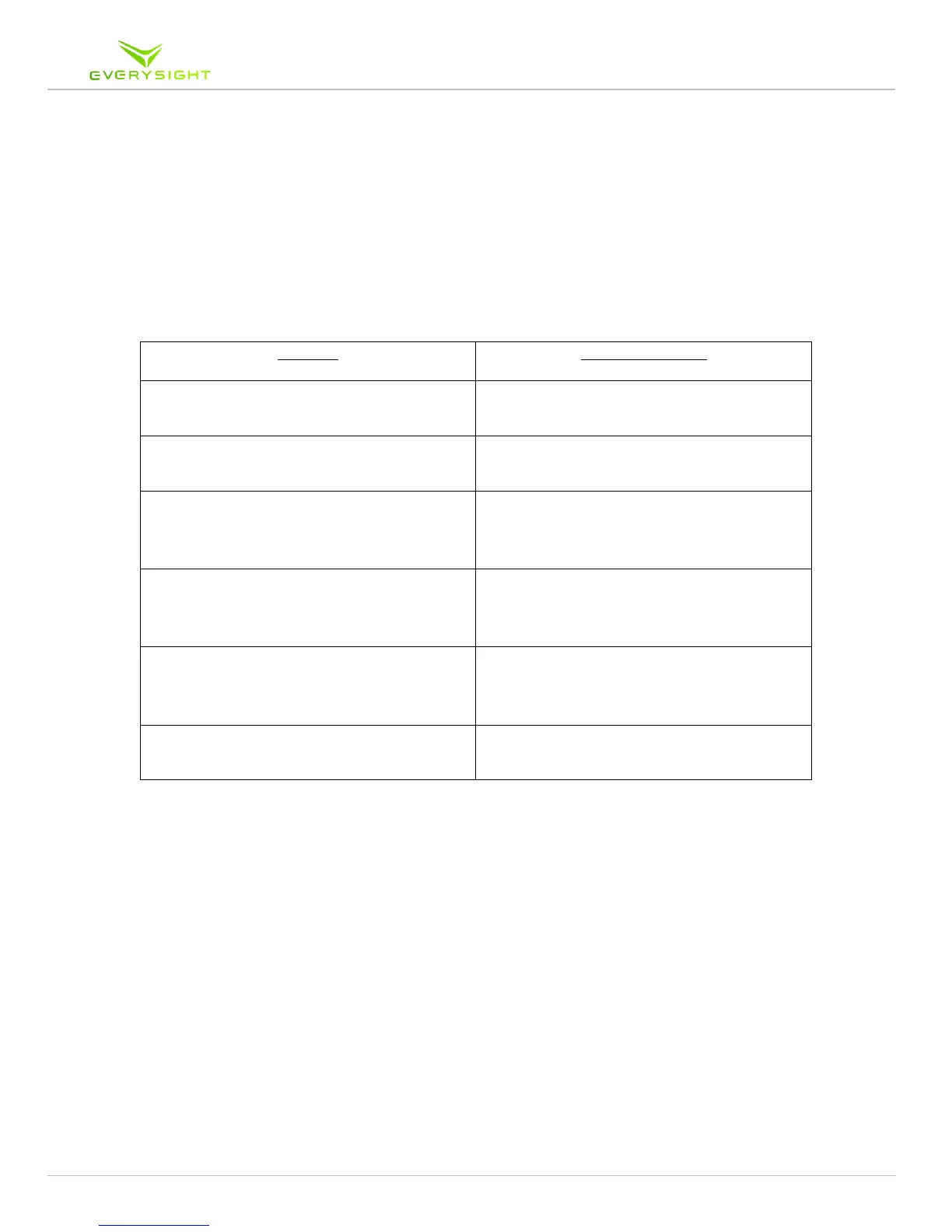
Once active, use any of the following commands to operate the specific features

Feature
Voice Command
Take a Picture
Take a Picture
Record a Video
Record a Video
Adjust Brightness
Brightness Up
Brightness Down
Adjust Speaker Volume
Volume Up
Volume Down
Turning Touchpad On or Off
Touch On
Touch Off
To Access Rides Menu
Just Ride

Table of Contents