Raptor User Manual
2017 EverySight Ltd. Proprietary Page 35 of 46 Rev 1.0
Note: Media that was once downloaded and then deleted
from the app (but still exist on the glasses) will not
download again as new files, they can only be accessed only
through USB connection
Powering Down Your Raptor
After your ride and all related actions, it is a good idea to power down your Raptor. This
helps preserve the battery power for a shorter charging time for your next ride.
1. Press and hold the power button for two seconds on the
underside of the left Temple Arm to bring up the
Power/Restart/Lock Touch menu.
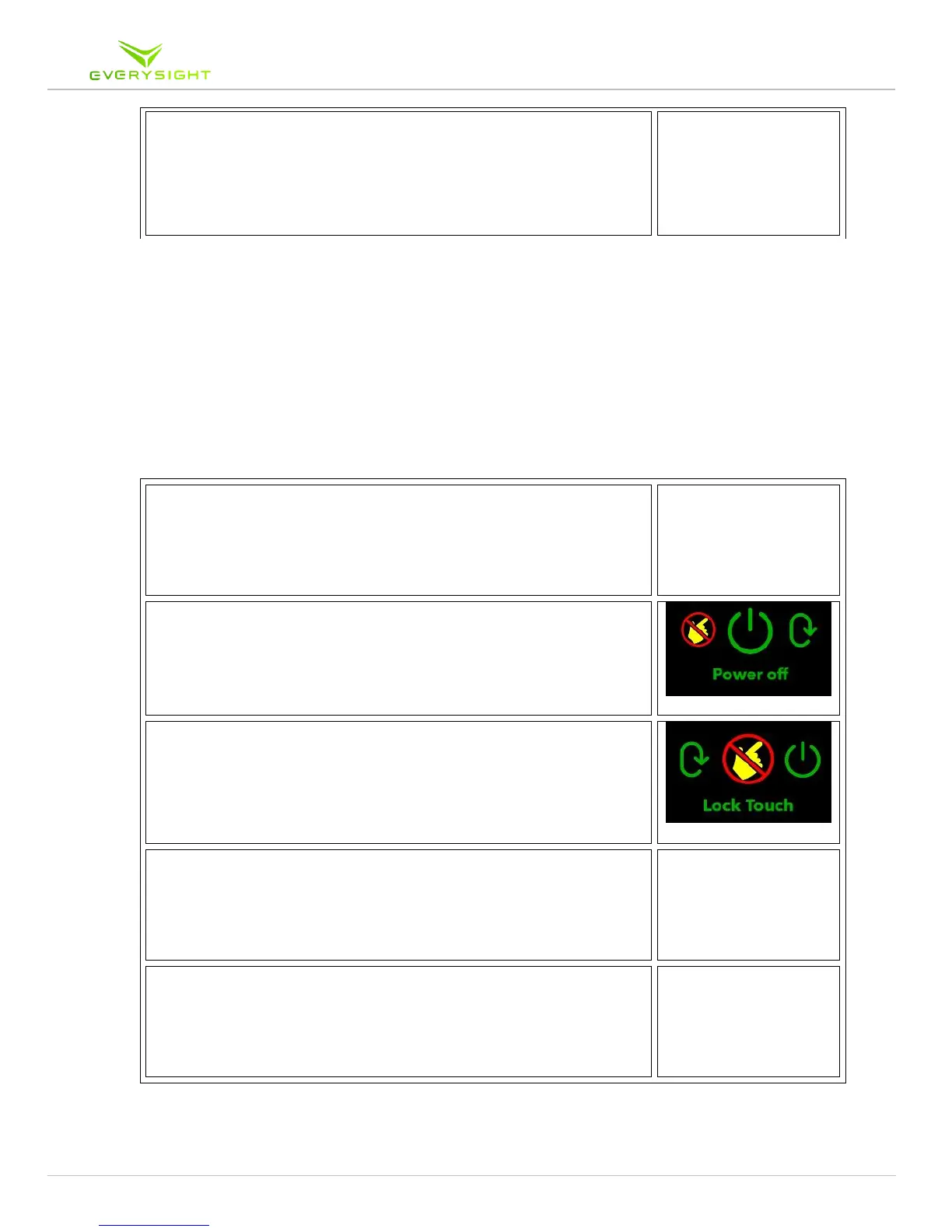
2. Swipe left or right until you see Power Off. Tap to power
down your Raptor.
3. Tap the Lock Touch button to lock the touch feature
4. Swipe down to exit the menu
5. Press and hold the power button until the countdown is
complete for another method of powering down.



 To Next Page