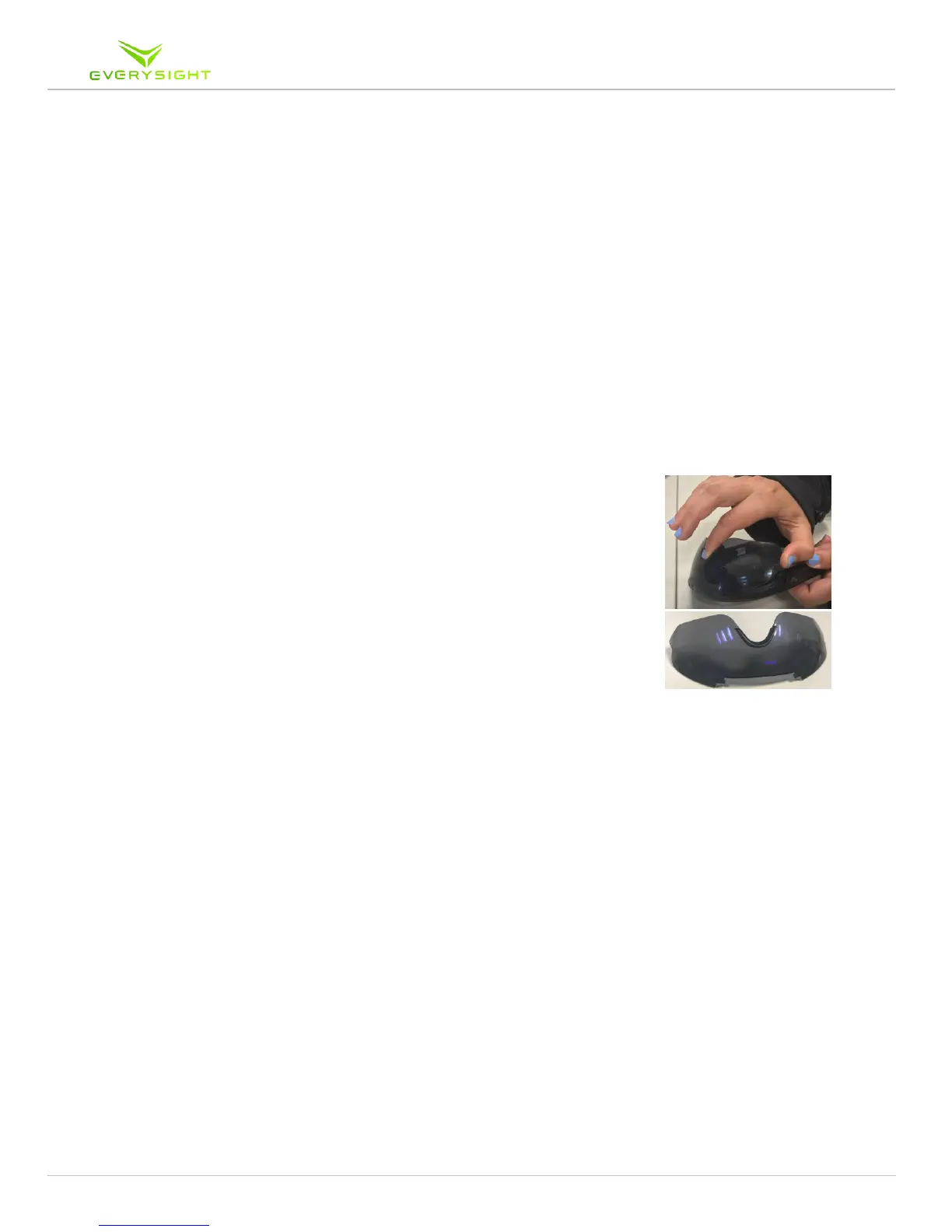
Interchangeable Visor
Raptor has the ability to be used during the day or during the night by simply switching to
from a tinted sun-blocking visor to a clear visor that is perfect for any post dusk ride.
1. Hold your Raptor upside down. Simply place one finger
between the corner of the visor and the frame and your thumb
in the bridge piece over the nose and simply pull on the corner
of the visor to remove it from the frame
2. To install the clear visor place it back into the front of the
Raptor
2.1. After aligning the teeth of the visor with the sides of the
bridge, simply begin to press it in to place
2.2. Start by applying pressure to one side and once aligned,
apply pressure to the opposite side
2.3. You will hear the visor click into place
3. Make sure the visor seats well and is flush with the inside the
frame, otherwise it may come loose when you are in motion.



 To Next Page