69
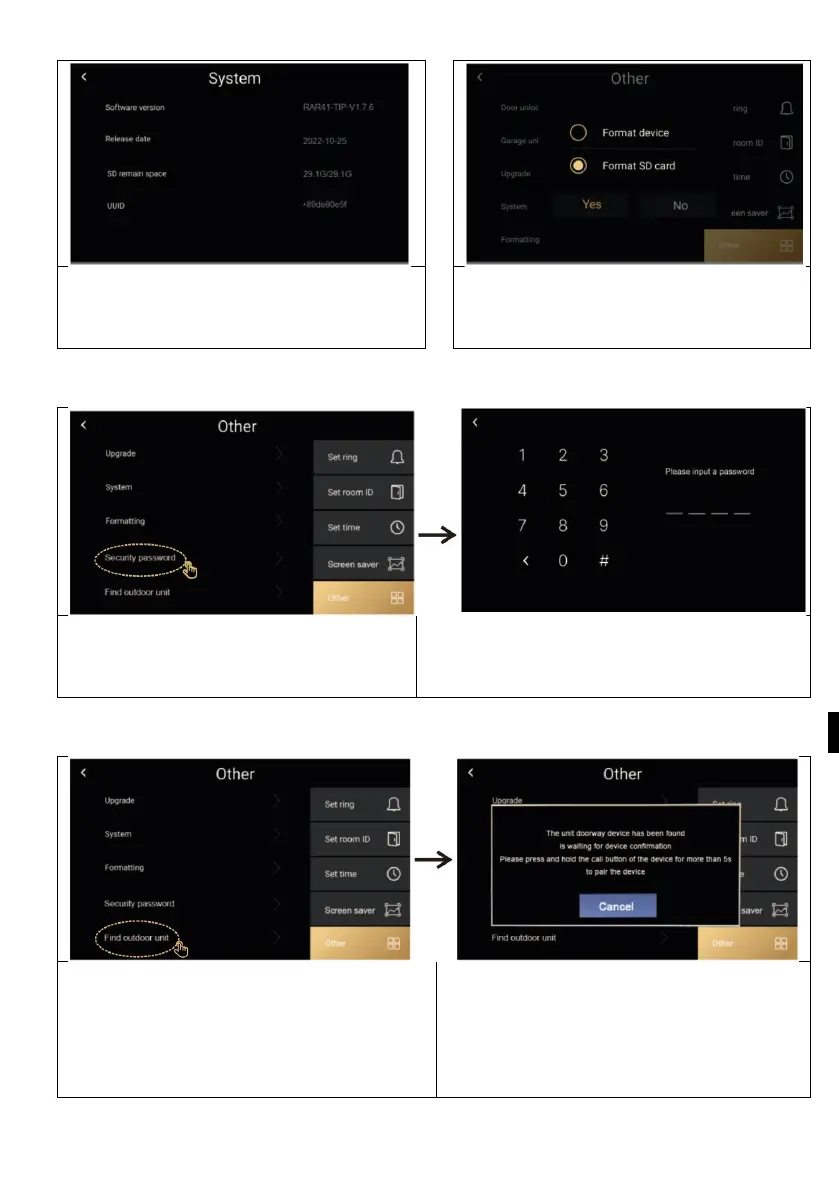
Other > System
Other > Forming
System information: software version,
SD card status and device ID can be
You can format the memory card and
restore the factory settings of the
O
ther > Security password
The security password is for the
service,
users do not have to work with it.
Other / Find an outdoor unit
Press the call button of the second
door station for more than 5 seconds
to pair with the monitor. Until the
pairing is complete, exit will be



 To Next Page