+1.317.845.5710
+44.1438.310163
USA (Corporate Headquarters)
Europe/Middle East/Asia
46
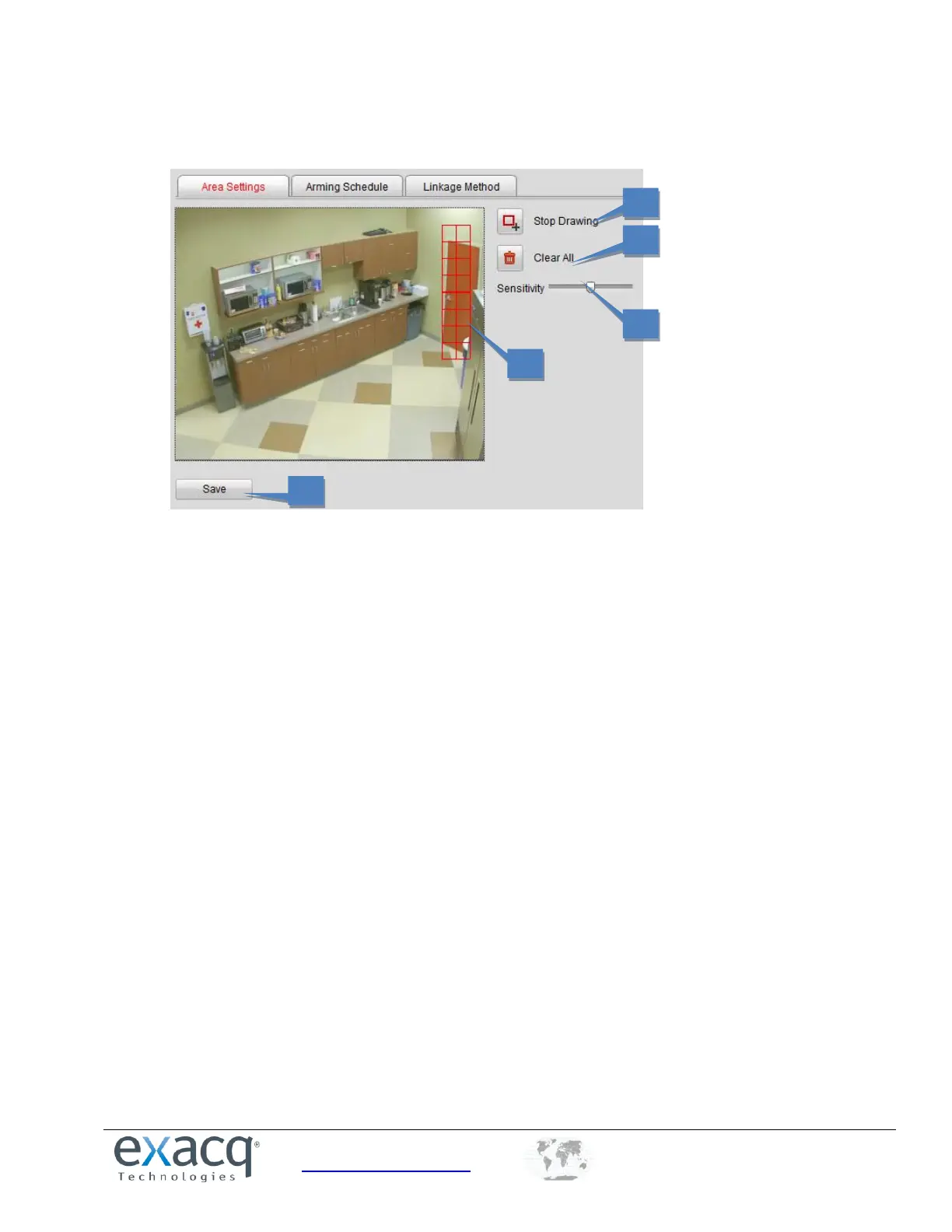
5. Draw the motion detection area by clicking and dragging the mouse in the live video image. Up to eight motion
detection areas can be drawn in the same image.
6. Click the Stop Drawing button to finish drawing.
7. Click the Clear All button if you want to clear all areas.
8. Move the Sensitivity slider bar to set the sensitivity of the camera.
9. Click the Save button to save the settings.



 To Next Page