+1.317.845.5710
+44.1438.310163
USA (Corporate Headquarters)
Europe/Middle East/Asia
48
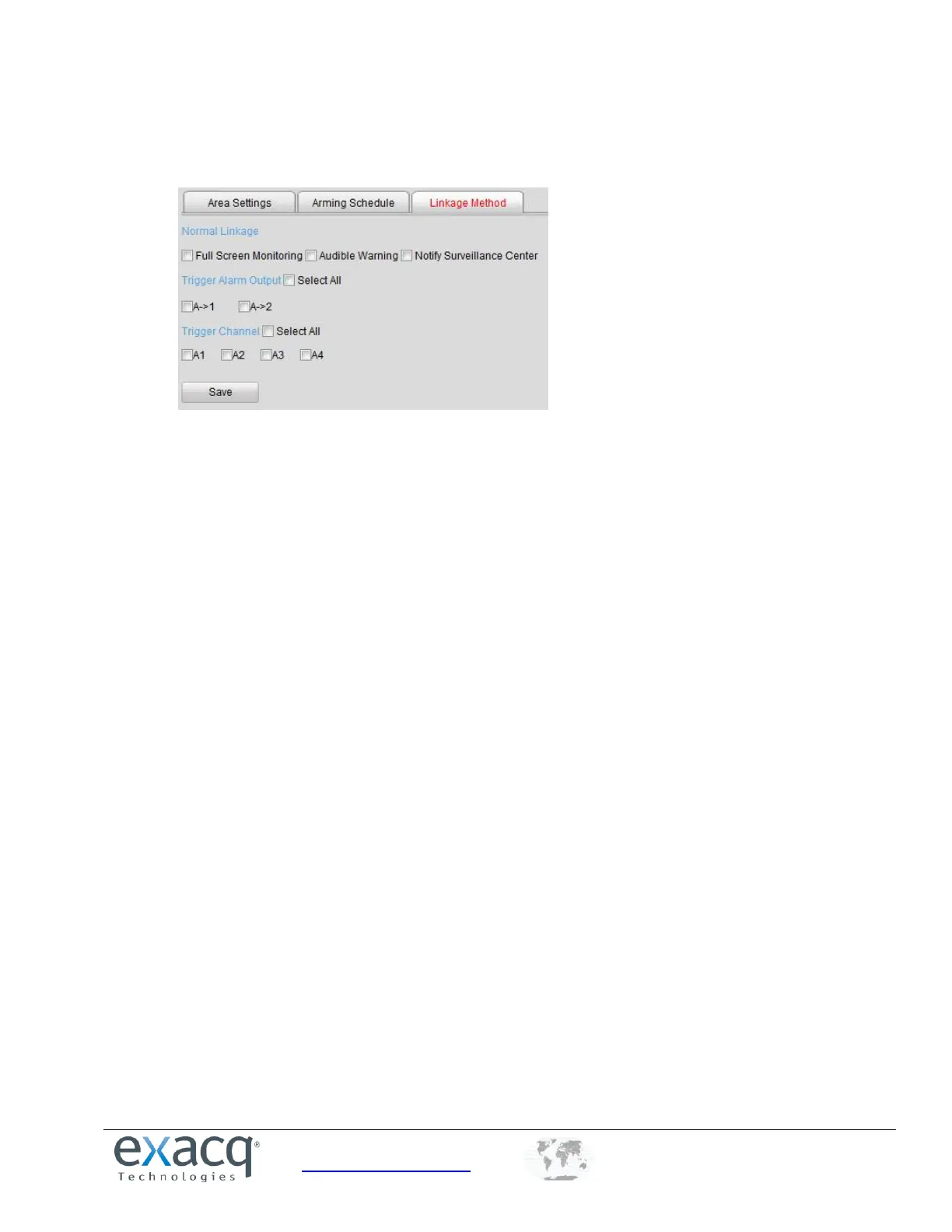
Set the Alarm Actions Taken for Motion Detection
1. To specify the alarm type when an event is triggered, select the Linkage Method tab.
2. Select the alarming linkage methods:
Full Screen Monitoring
Audible Warning
Notify Surveillance Center
3. Select the Alarm Output to trigger.
4. Select the Trigger Channel.



 To Next Page