Setting up Your Fiber Inspection Probe and ConnectorMax2 Mobile
38 FIP-400B
Setting up Autonaming
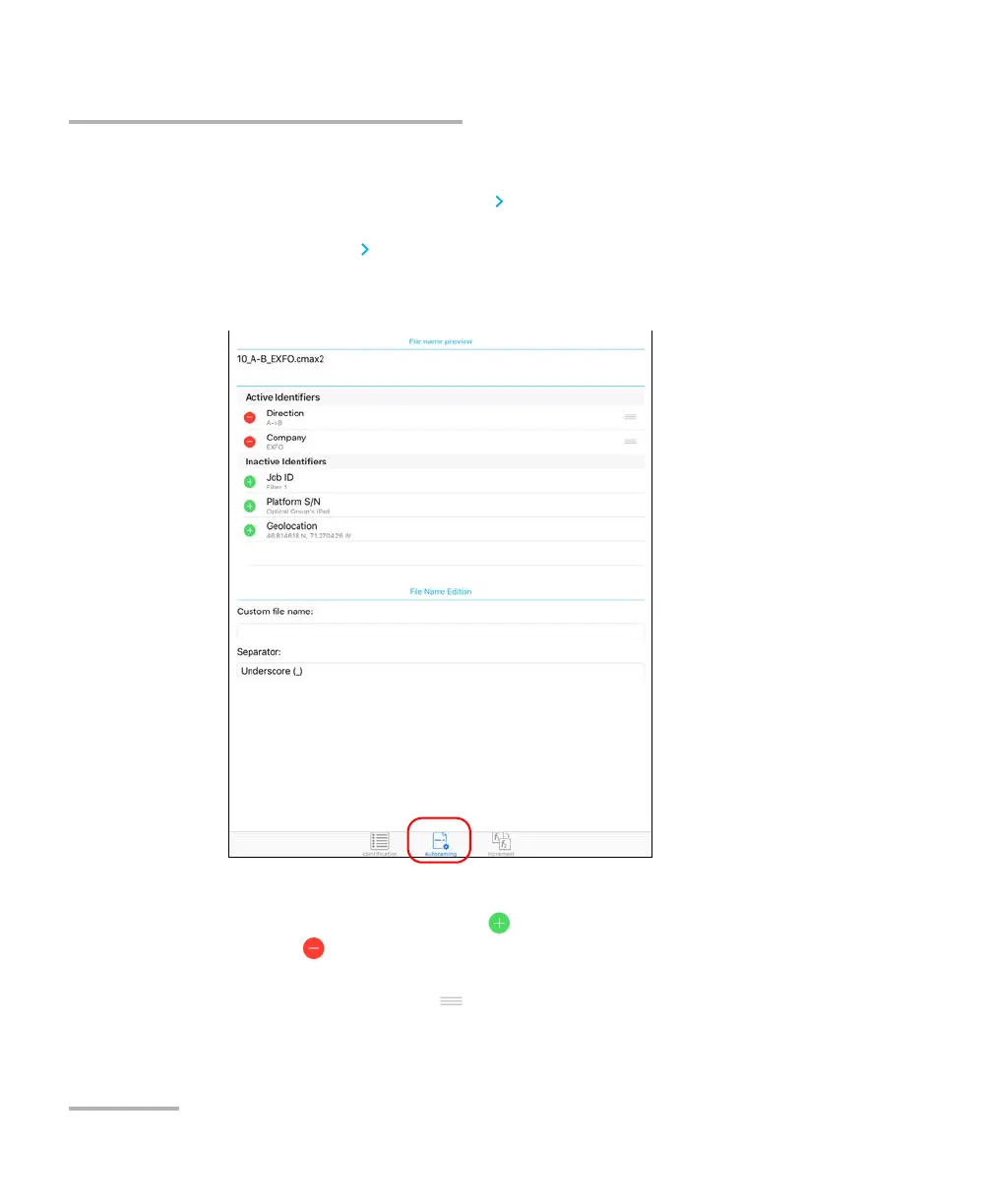
To configure the automatic file naming:
1. From the main window, tap to access the Identification window.
Note: You can also tap at the end of the Measurement Name row.
2. Select the Autonaming tab.
3. Move the identifiers from the Inactive Identifiers to the Active
Identifiers space by tapping . You can remove the identifiers by
tapping . You can also move the identifiers, with the drag and drop
gesture, from the Active Identifiers to the Inactive Identifiers space
by tapping and holding .
Note: Only the identifiers with values are displayed.












 To Next Page