Inspecting Fiber Ends
Fiber Inspection Probe 63
Inspecting Fiber Ends (Single Fiber and Transceiver - Fiber Receptacles)
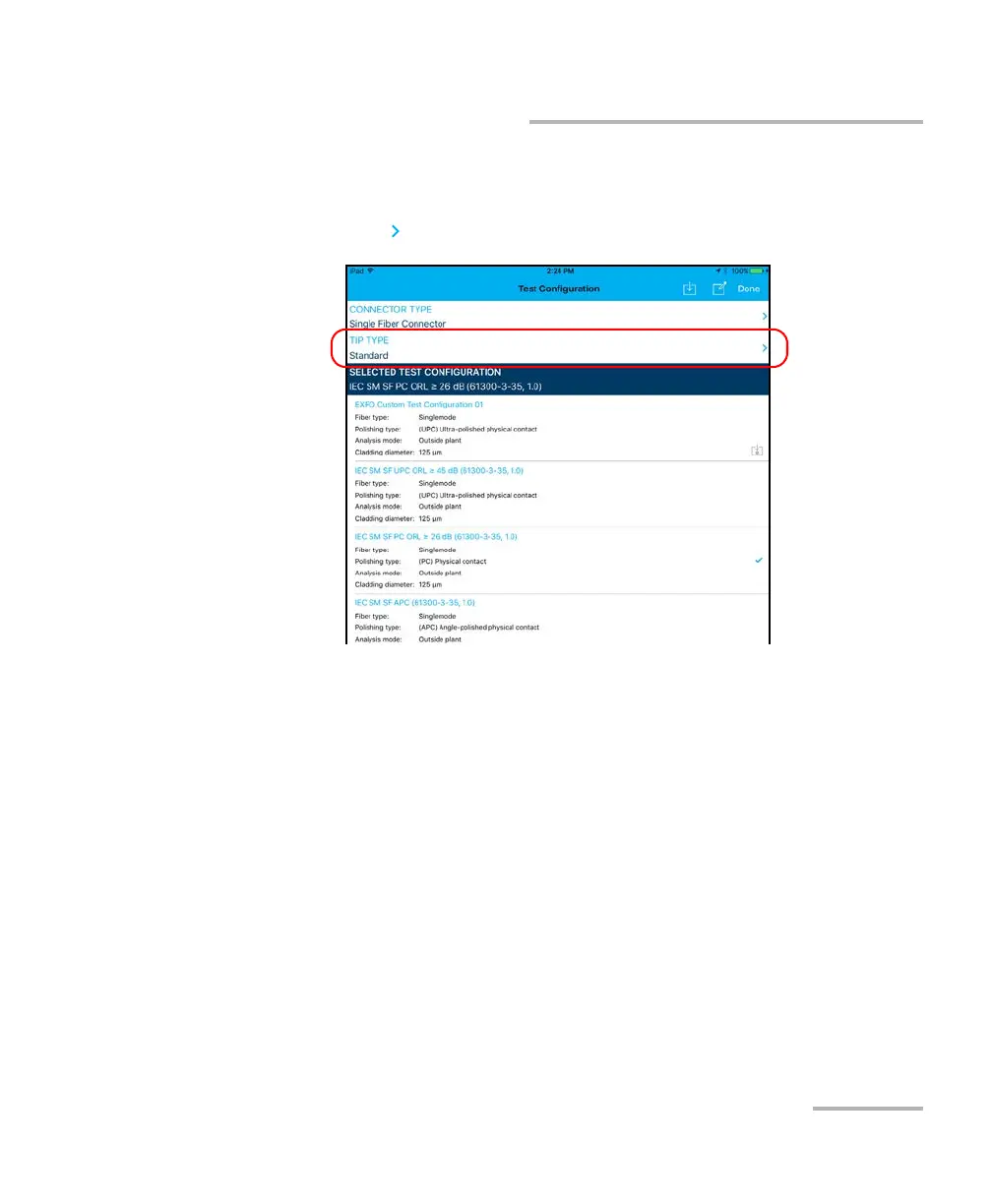
6. To choose the type of connector tip you want to use, proceed as
follows:
6a. Tap at the end of the Tip Type row.
6b. Select a tip type.
6c. Tap Done to return to the Test Configuration window.
7. In the Test Configuration window, tap the configuration you want to
use for your inspection and tap Done to return in Live Video mode.
Note: The test configuration list is updated according to the connector type you
have selected.












 To Next Page