Inspecting Fiber Ends
66 FIP-400B
Inspecting Multiple Fiber Ends (MF-Ready Probes Only)
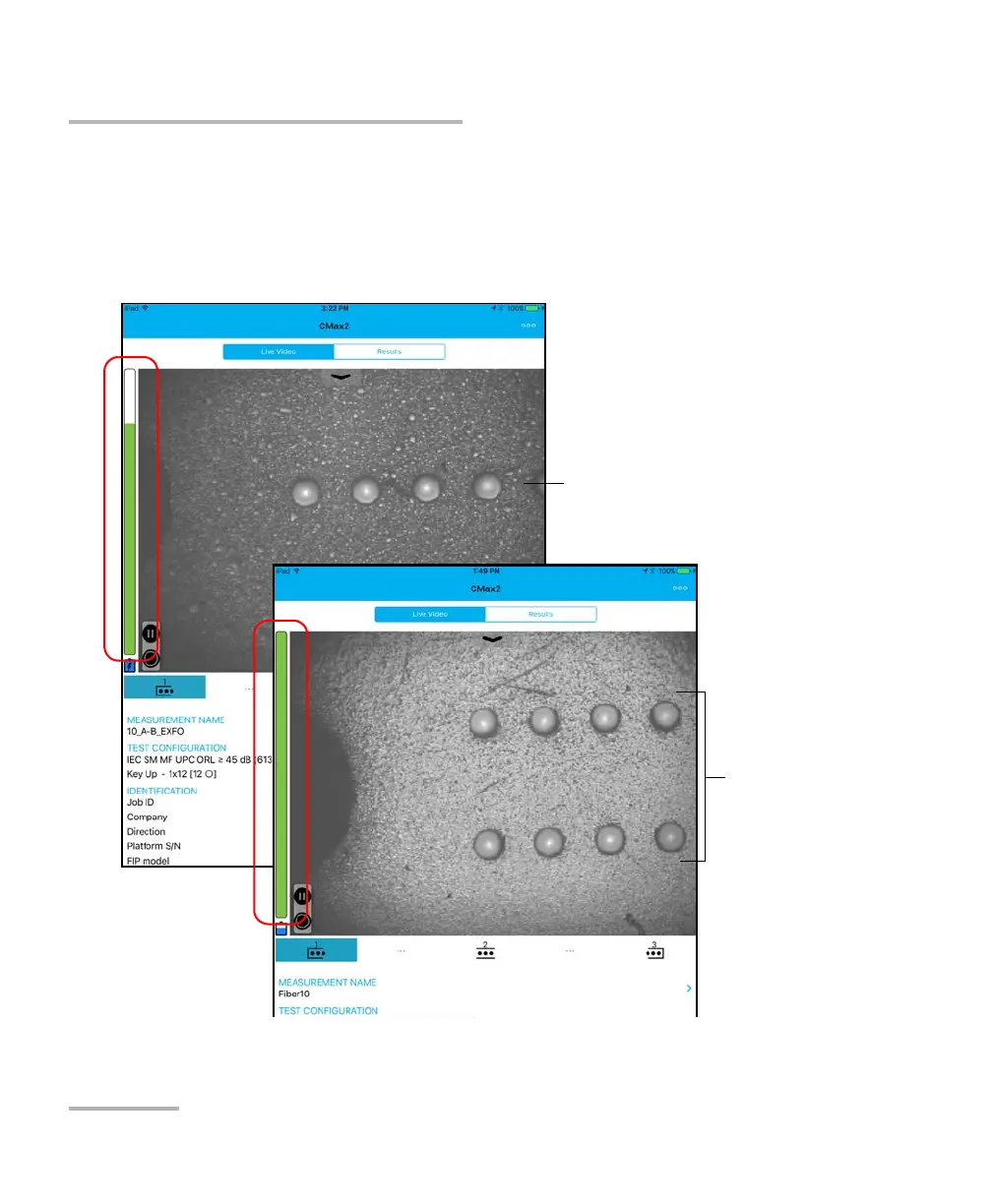
The focus indicator, which is displayed in the left part of the main window,
shows whether the current view is optimized for a capture. A green
indicator shows a picture that can be captured and analyzed. Analysis will
be more difficult with a yellow indicator, and impossible with a red
indicator. A vertical black bar displays the peak focus level.
For more information on analysis, see Analyzing Captures on page 83.
Single-row multifiber connector
Dual-row
multifiber
connector












 To Next Page