Inspecting Fiber Ends
Fiber Inspection Probe 67
Inspecting Multiple Fiber Ends (MF-Ready Probes Only)
To inspect fiber ends (multiple fibers) in Live Video mode:
1. Install a removable nozzle on the MF-Ready probe (see Changing the
FIP Nozzle (MF-Ready Probes Only) on page 24 for details).
2. Insert the connector into the removable nozzle.
3. Start ConnectorMax2 Mobile if it is not already started.
4. Ensure to configure the automatic file naming (see Setting up
Autonaming on page 37 for details).
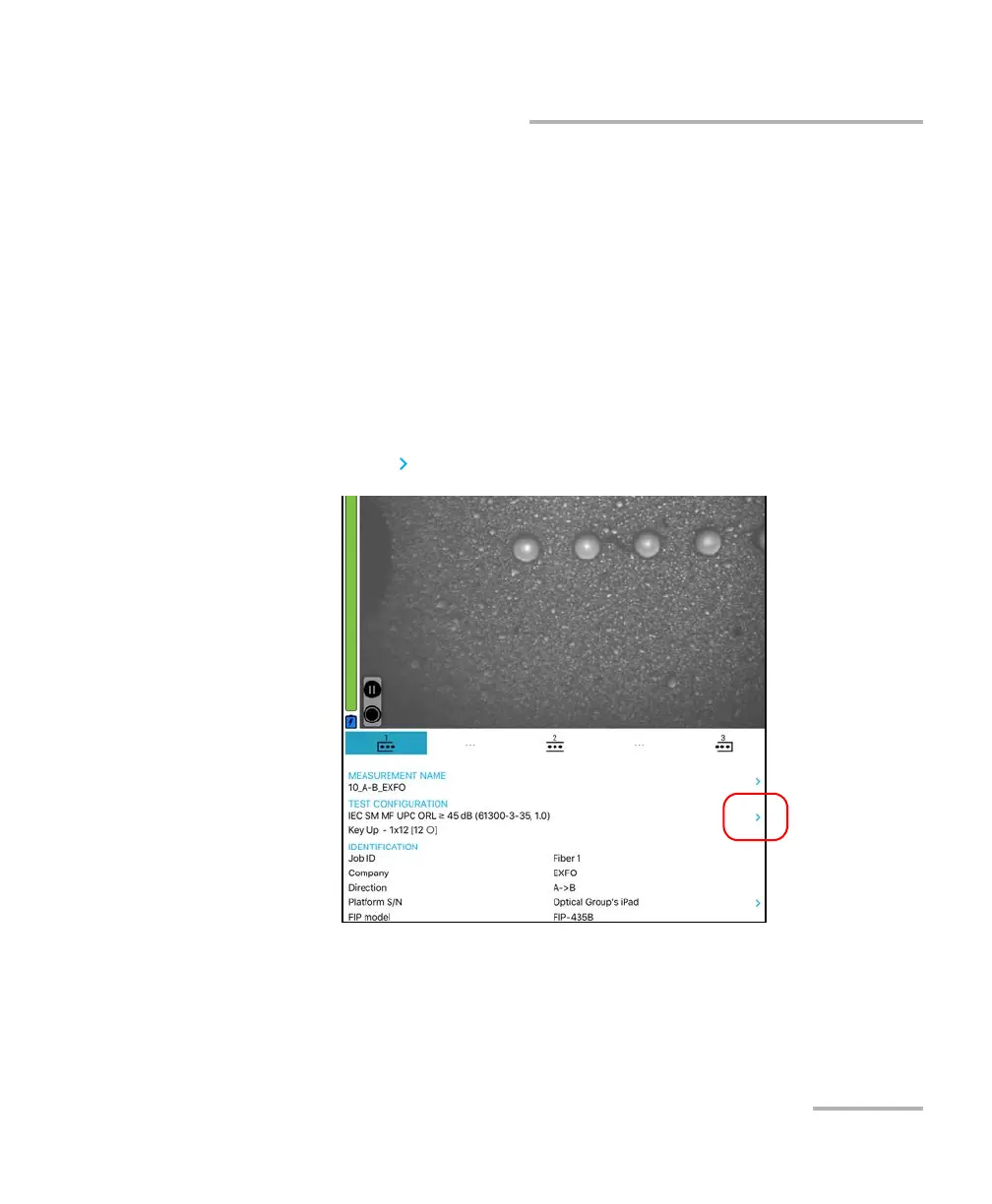
5. In Live Video mode, choose the multiple fiber connector, as shown
below:
5a. Tap at the end of the Test Configuration row.












 To Next Page