Inspecting Fiber Ends
Fiber Inspection Probe 85
Analyzing Captures
The overlay shows the status of the analysis, the status per zone, the
analysis zones, any anomaly (defects, scratches) found on the fiber
endface. The color of the circles shows the status of the analysis zone:
Green: pass
Blue: no analysis was performed or the function is disabled
Red: fail
By default, the overlay is shown after an analysis, but you can hide it by
tapping the image on screen.
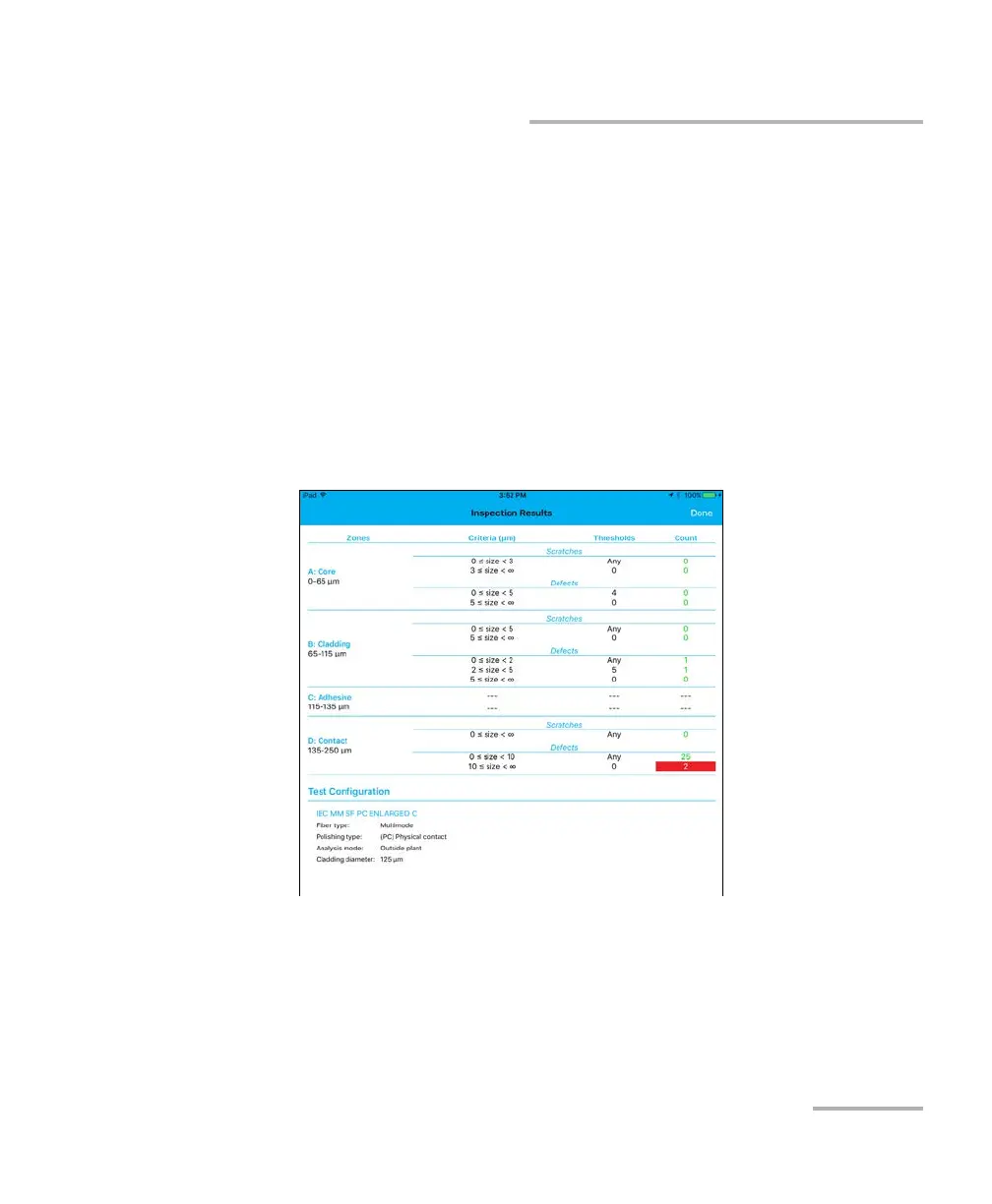
The Results show detailed information for scratches and defects
detected in each test zone and the corresponding test status.












 To Next Page