D-2 Tape Delay
Video
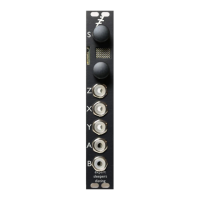
X is audio input
Y is tape speed
Z is feedback
A = output according to mode
B = output according to mode
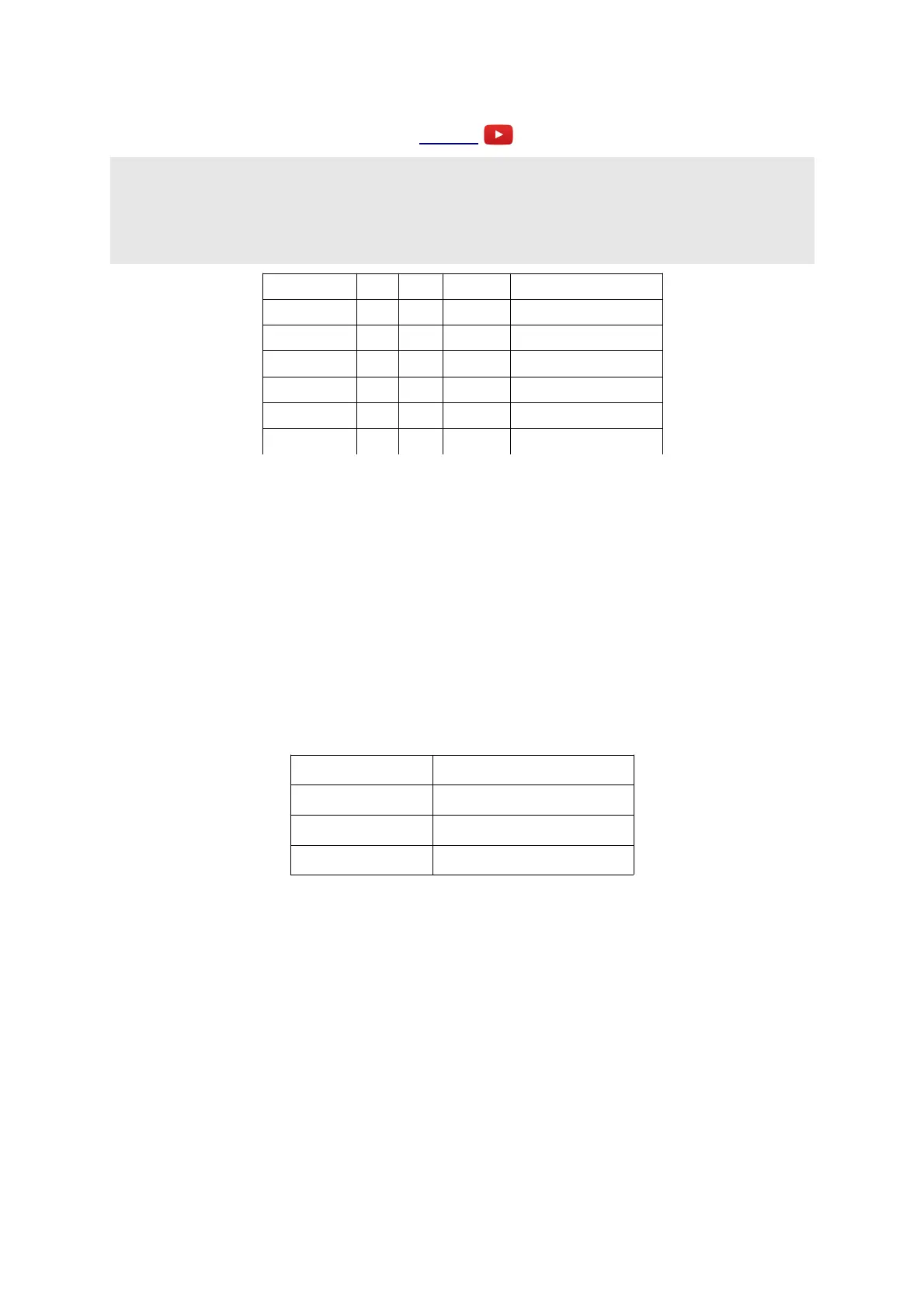
Parameter Min Max Default Description
0 0 43 43 Tape length.
1 -9 9 0 Fine length control.
2 -8 16 0 Tape speed.
3 0 2 0 Output mode.
4 -33 32 -33 Mix.
5 -1 32 -1 Feedback.
This is a delay/echo effect which simulates a variable speed tape loop echo device. The delay time
at '1x speed', with the tape length parameter at maximum, is just over 400ms.
X is the audio input.
Parameters 0 & 1 together set the 'tape length', effectively setting the delay time. Parameter 0 is
scaled in 10ms increments, while parameter 1 is in 1ms increments (both assuming 1x 'tape speed').
Y controls the speed of the 'tape', which also affects the delay time. The voltage/speed relationship
is 8V/octave. If you consider 0V as '1x speed', then +8V gives '2x speed' (the maximum) and -4V
gives 'half speed' (the minimum). Parameter 2 can be used to set the speed manually; its value is
added to that of the Y input.
The Z knob/CV controls the feedback, from zero to slightly more than 100%.
Outputs A & B carry signals according to parameter 3:
Parameter value Output mode
0 A is mix; B is delay only.
1 A & B are mix.
2 A & B are delay only.
Parameter 4 controls the output mix between the dry signal and the delay signal. At the default
value of -33, the amount of delay in the mix rises in direct proportion to the amount of feedback.
For values from -32 to 0, the output crossfades between the delay (at -32) and the dry signal (at 0).
For values above 0, the dry signal level is constant and the delay signal level rises with the
parameter value.
Parameter 5 controls the delay feedback. If set to -1 (the default), the feedback is set by the Z
knob/CV, with a range from zero to slightly more than 100%. Otherwise, the feedback is set by the
parameter value, with 32 corresponding to 100%.
Page 40


 To Next Page