DXP HD 4K PLUS Series • Internal Web Page 99
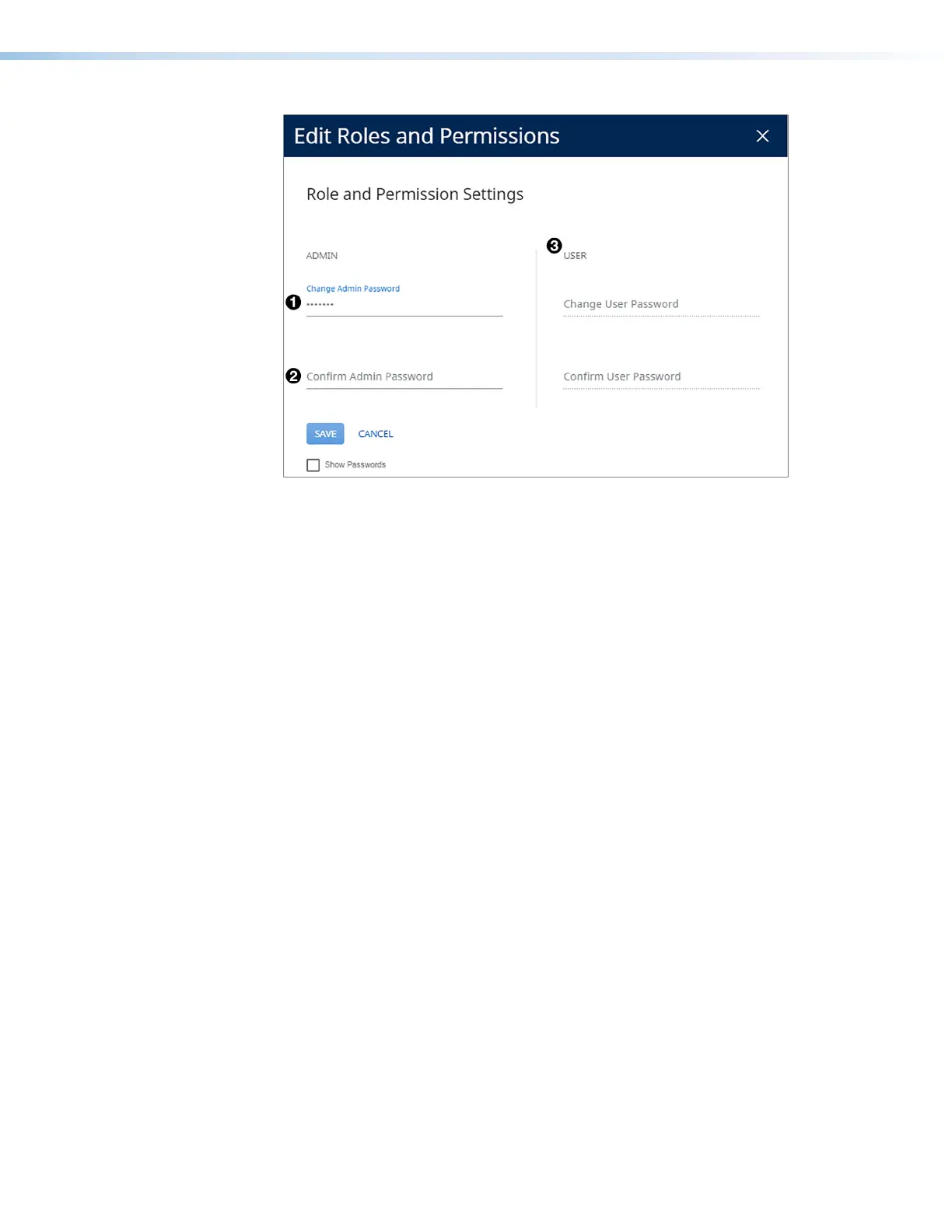
Figure 60. Passwords Dialog Box with Administrator Password Entered
4. If you want to assign a user password, repeat steps 2 and 3 in the User panel (see
figure 60,
3
).
5. When finished, click Save to set the passwords. To close the window without saving a
password, click Cancel or the X in the upper-right corner.
To remove an assigned password:
1. In the Change Admin Password or Change User Password field, enter a single space.
2. Enter a single space in the appropriate Confirm Password field.
3. Click Save.
60













 To Next Page