DXP HD 4K PLUS Series • Reference Information 107
Connecting as a Telnet Client
The Telnet utility is available from the command prompt (you may need to install the Telnet
client on your PC first). Telnet allows you to input SIS commands to the DXP switcher from
the PC via the Ethernet link and the LAN.
Starting Telnet
Access the command prompt and start Telnet as follows:
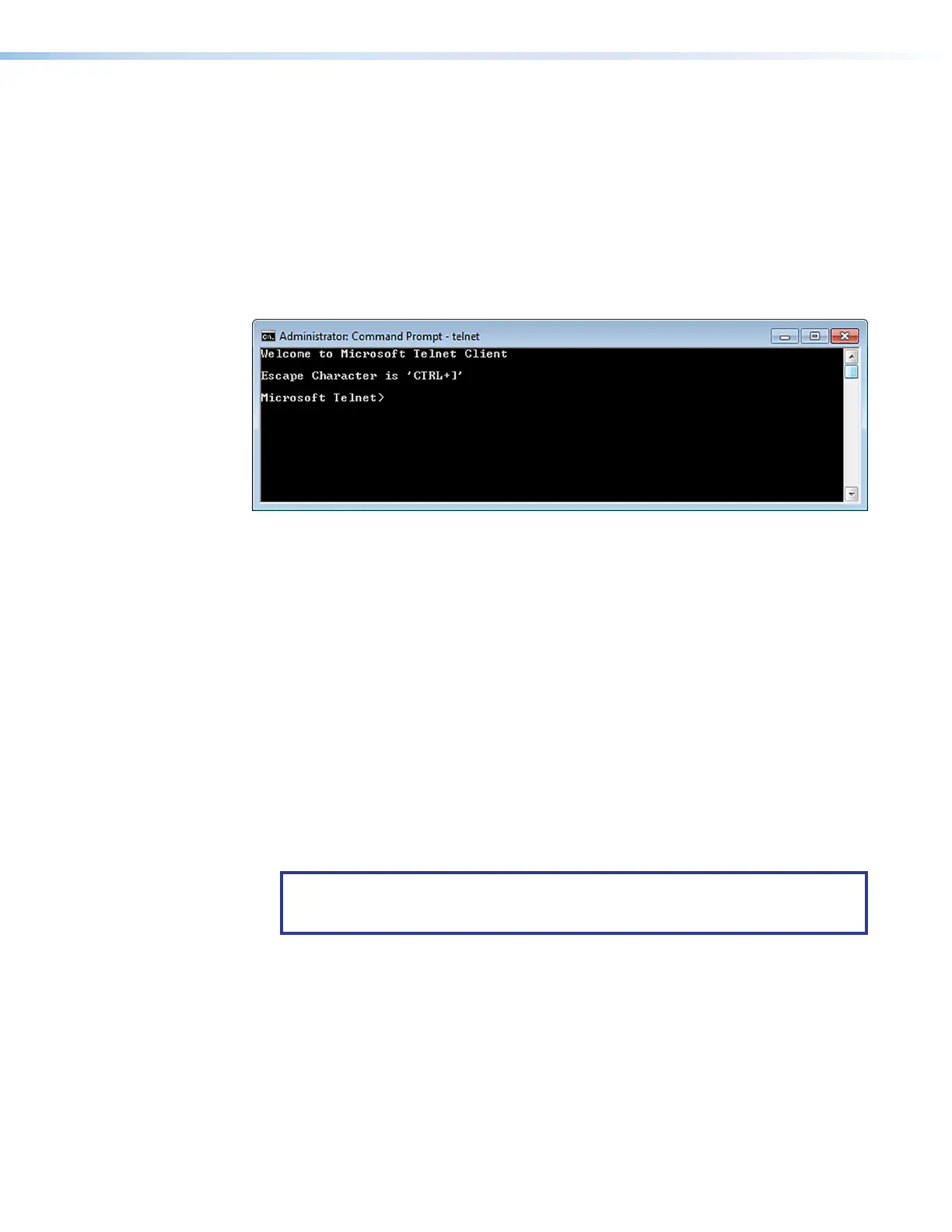
1. On the Start menu, enter telnet in the Search field.
2. Click OK. The computer returns a display similar to figure 68.
Figure 68. Telnet Screen
Operating using Telnet
It is not the intention of this guide to detail all of the operations and functionality of Telnet.
However, some basic level of understanding is necessary for operating the DXP switcher via
Telnet.
Connecting to the DXP (Open command)
Connect to the DXP switcher using the Open command. After your computer is connected
to the switcher, you can enter the SIS commands the same as you would if you were using
the RS-232 link.
Connect to the DXP as follows:
1. At the Telnet prompt, enter open IP address.
• If the switcher is not password-protected, no further prompts are displayed
until you disconnect from the DXP switcher.
• If the switcher is password-protected, Telnet displays the password prompt.
NOTE: The factory configured passwords for all accounts on this device have
been set to the device serial number. In the event of a complete system reset, the
passwords convert to the default, which is no password.
2. If necessary, enter the password at the password prompt.
Connection to the switcher via the Ethernet can be password-protected. There are two
levels of password protection: administrator and user.
• A person logged on as an administrator has full access to all DXP switching
capabilities and editing functions.
• Users can select test patterns, mute or unmute the output, select a blue screen,
and view all settings with the exception of passwords. By default, the switcher is
delivered with both passwords set to “carriage return.”
When you are logged in, the switcher returns either Login Administrator or Login
User. No further prompts are displayed until you disconnect from the DXP switcher.
68













 To Next Page