DXP HD 4K PLUS Series • Reference Information 103
Downloading Updated Firmware
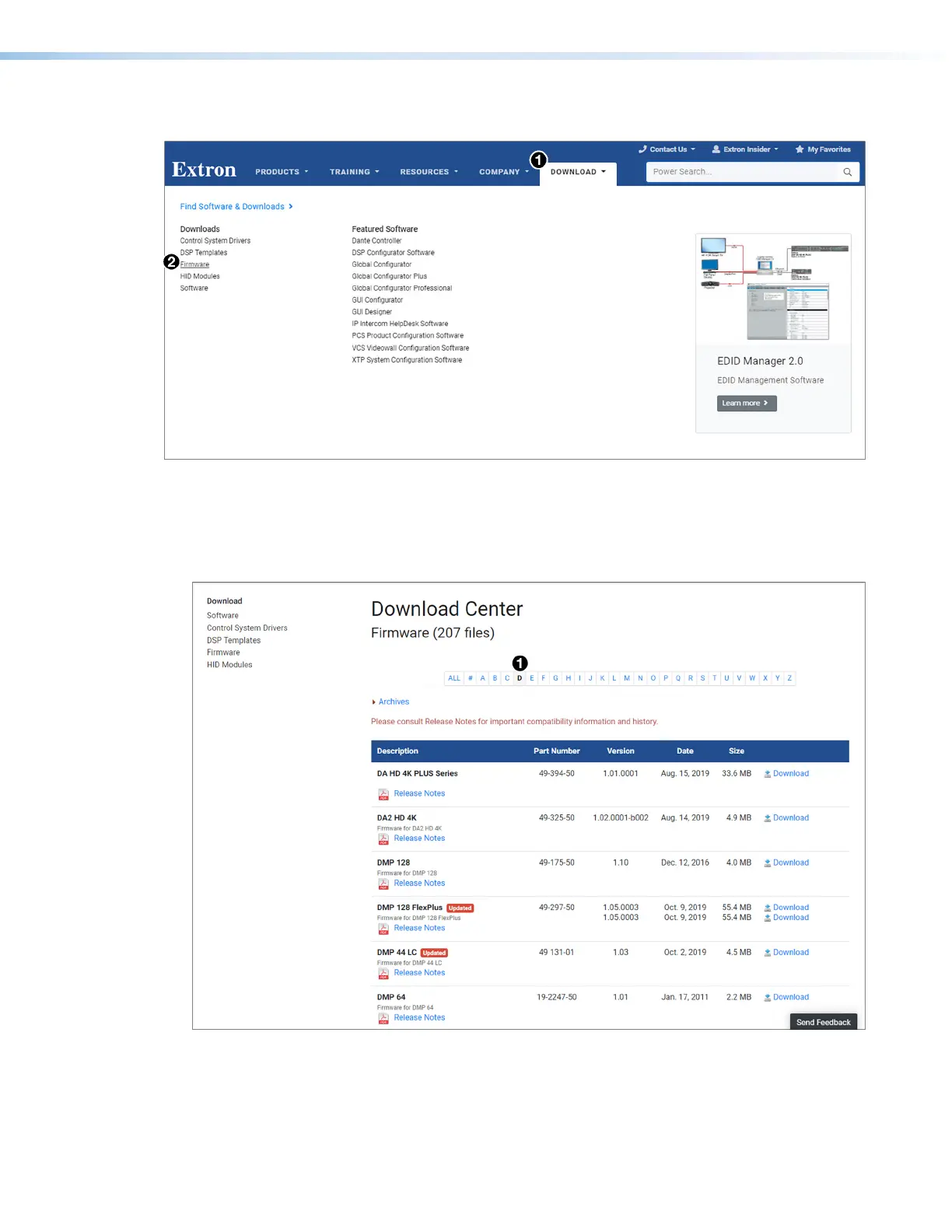
Figure 64. Downloading Firmware from the Extron Website
1. On the www.extron.com, click the Download tab (see figure 64,
1
).
2. Move the pointer to the Firmware link (
2
) in the Downloads column and click it.
3. On the Download Center screen, click the D link (see figure 65,
1
).
Figure 65. D Link on Firmware Download Center Page
64
65













 To Next Page