Quantum Series Videowall Processing Systems • Operation 64
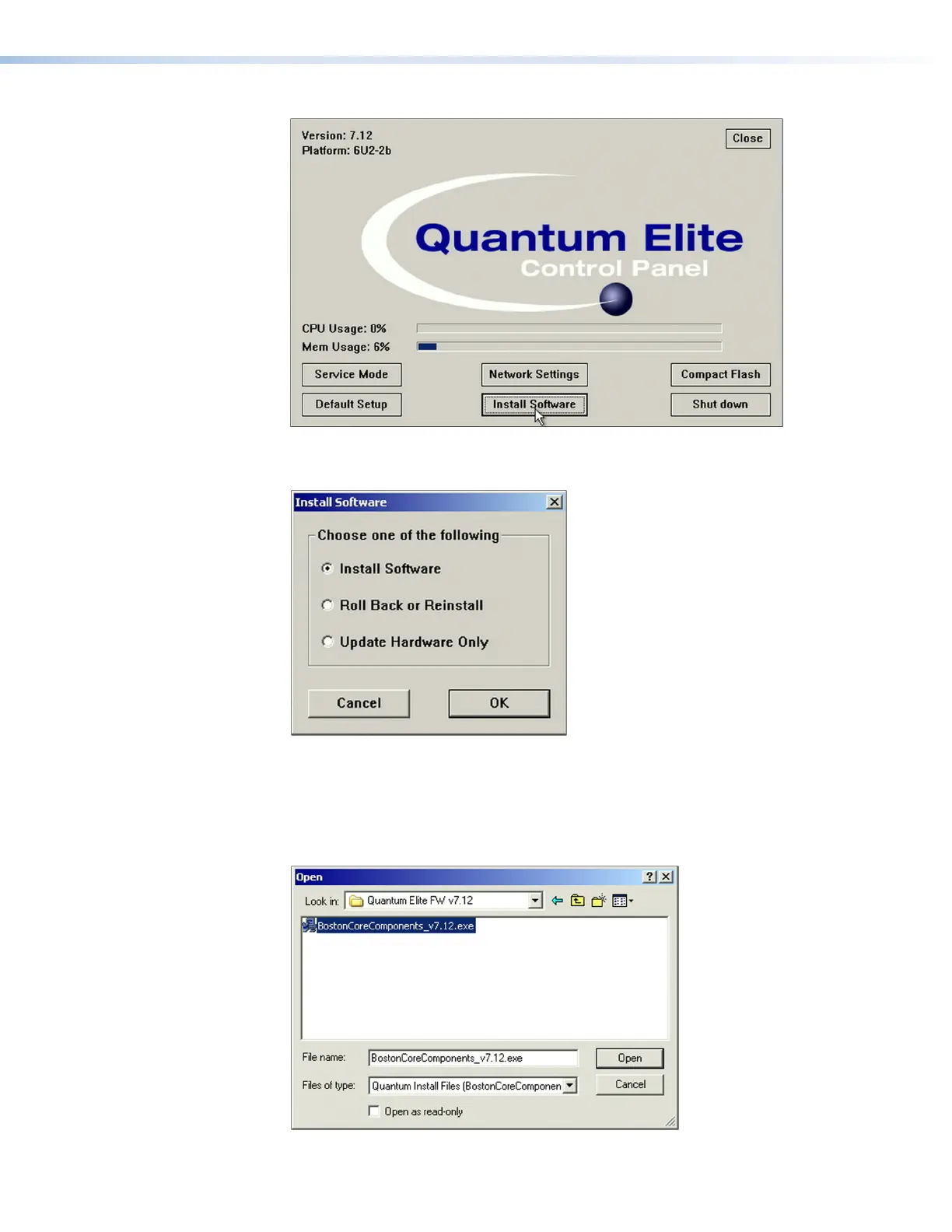
2. On the Quantum Control Panel window, click the Install Software button.
Figure 52. Install Software Button on the Control Panel Window
3. On the Install Software window, select Install Software, then click OK.
Figure 53. Install Software Window
4. On the Open window that appears, navigate to My Computer.
5. Double-click on External [X] drive for the drive containing the firmware executable
file (usually drive E:).
6. Double-click the firmware file name, ending with .exe, to start the installation process.
Figure 54. Open Window for Firmware File Selection



 To Next Page