Quantum Series Videowall Processing Systems • Operation 65
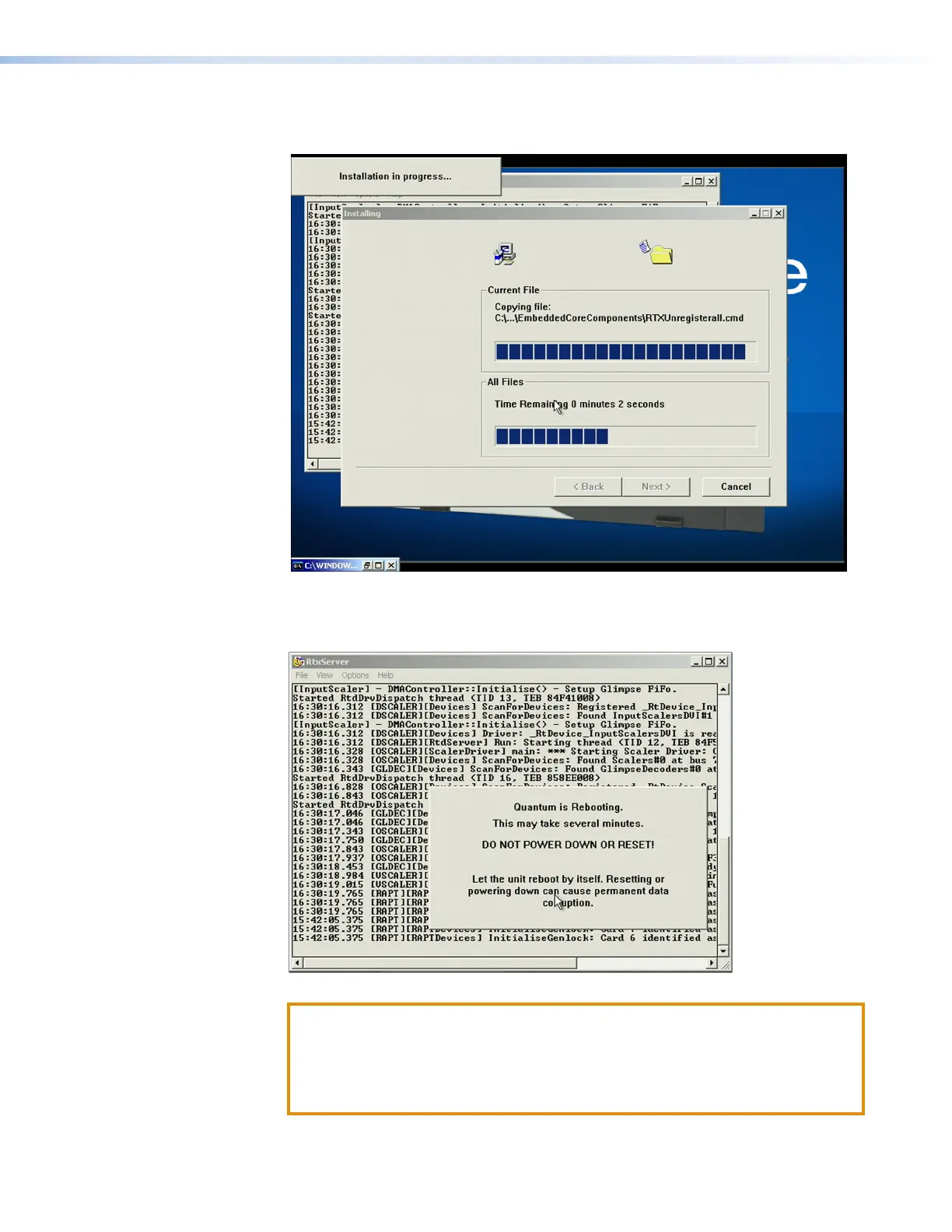
While the firmware file is uploading, the Installing screen shows the progress of the
firmware installation.
Figure 55. Firmware File on the Control Panel Quantum D Drive
When the installation is complete, a message appears, notifying you that the
processor is rebooting.
Figure 56. Rebooting Message
ATTENTION:
• Wait until the opening screen appears before performing any other
operations.
• Attendez jusqu’à ce que l’écran d’accueil apparaisse avant d’effectuer une
quelconque opération.



 To Next Page