AM-JACKAL-35/ JULY 2020
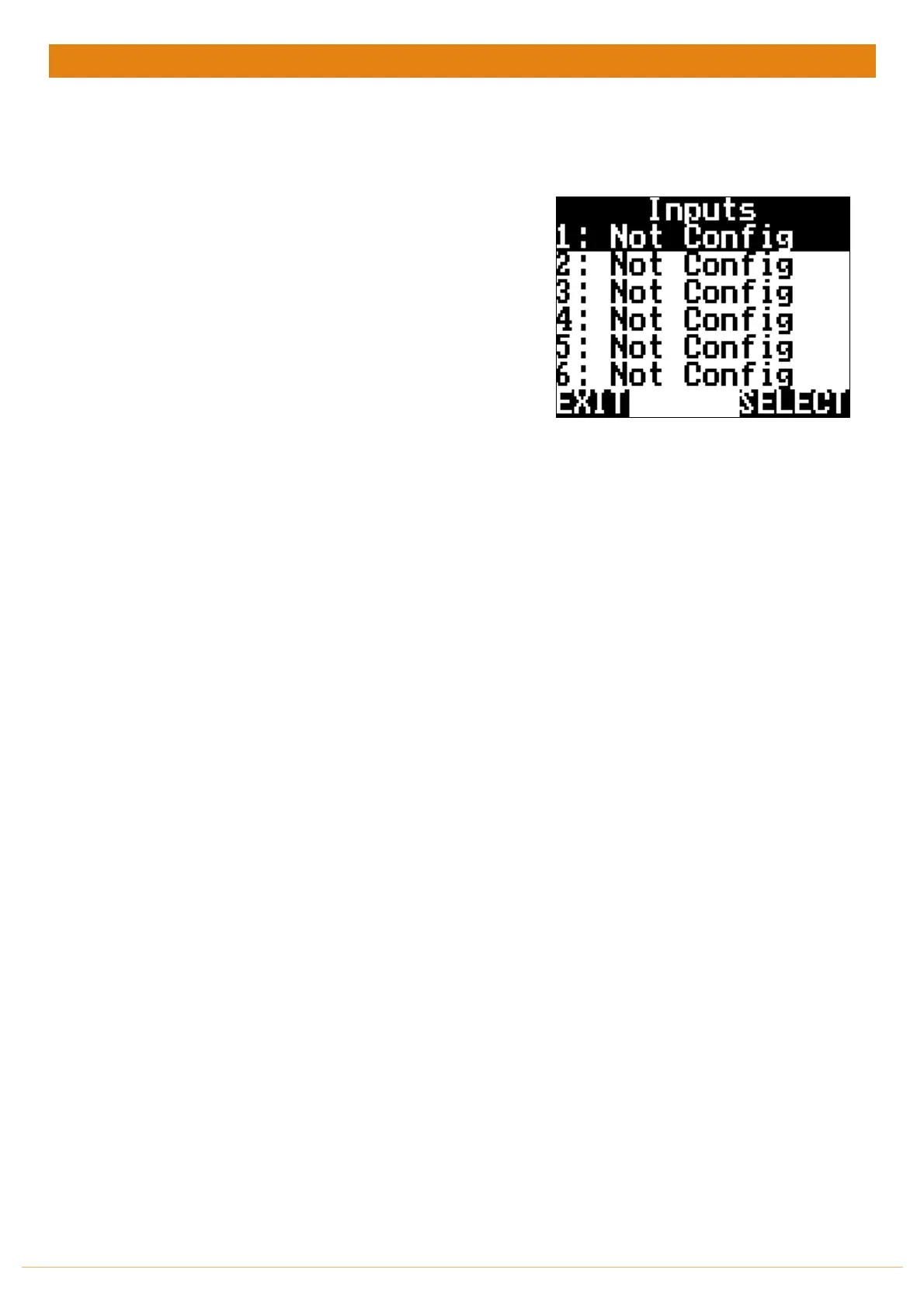
INPUTS
Each Input Is designated to display certain values as described below.
Ensure you are plugged into the appropriate port for your sensor.
RUN SCREEN > SETUP > INPUTS
o Input 1-5 (A1-A5) & 8-9 (B3-B4) -Square Wave
o m/ft/yd/in/km/mi/pulse
o pulse/kg/lb/L/gal/bu/rev/bale/unit/each/T/m^3
o Full/Empty – On/Off – H/L
• Input 6 & 7 (A6 & B2) – Varying Voltage
o Volt: kPa/psi/bar/volt/%/˚C/
Once your inputs are setup and calibrated you now need to display them on the front screen



 To Next Page