FaroArm User Guide
January 2007
35
Chapter 2: CAM2 Measure Devices Menu
• Look at the dialogue
box and move the
handle until you reach
the starting position.
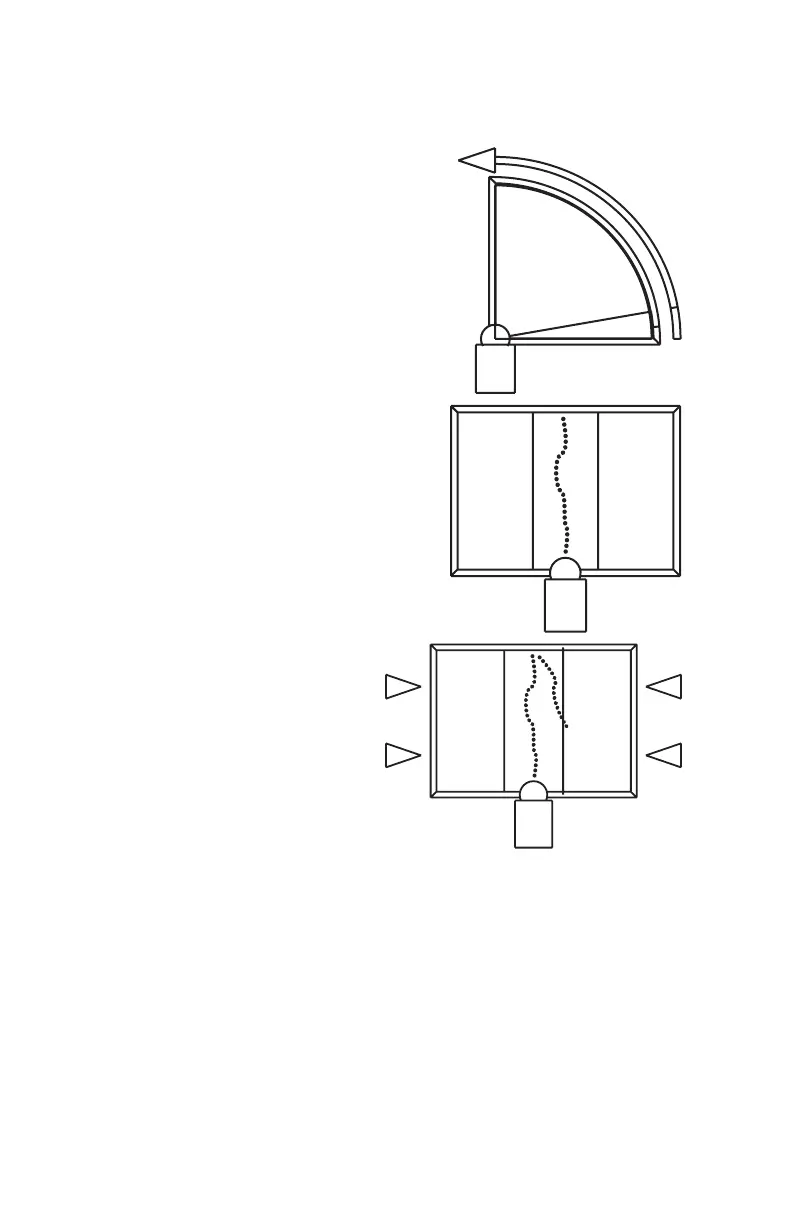
3 Press and hold the FRONT
button. Sweep the handle
up to the vertical position,
making sure to move in a
straight line. Be sure that
the ball probe remains
seated in the hole.
• Release the FRONT
button to pause.
• Look at the dialogue
box to help you stay
within the zone.
4 Repeat the sweeping until
all 200 points are
digitized. Look at the
dialogue box to help you
digitize all of the points.
08M46E00_FaroArmUSB.book Page 35 Monday, January 15, 2007 1:12 PM



 To Next Page