9
I
NTERNAL VOLUME PEDAL
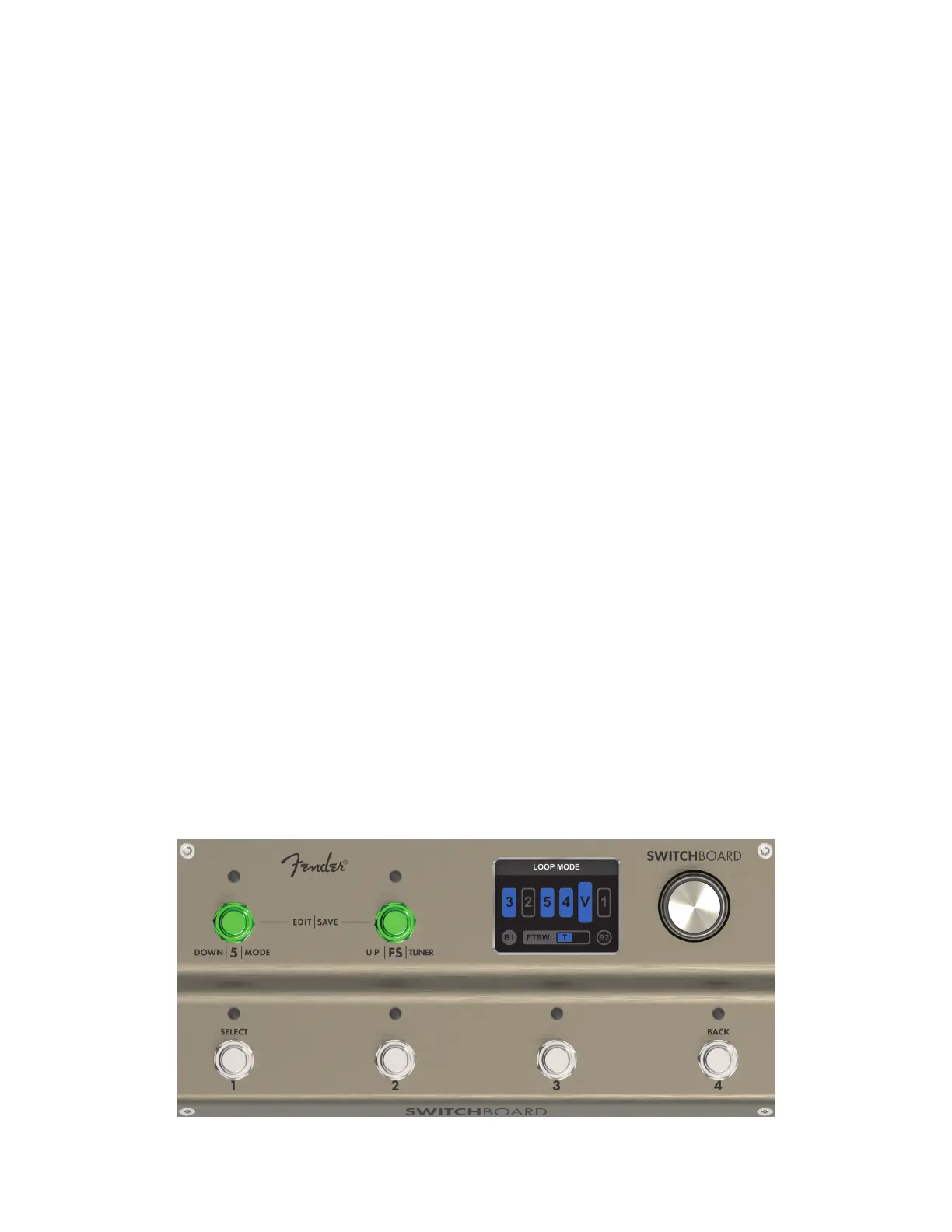
Switchboard’s internal volume pedal can be controlled in real time by connecting an expression pedal to the
EXP PEDAL jack. By default, the volume pedal is active and placed in the fth position of the signal path; it
can be moved to a dierent location or turned o using the LOOP MODE EDITOR.
If no expression pedal is connected, the volume pedal will be bypassed but the Volume Pedal Icon will still
appear in the signal path graphic.
Note that for best performance, an expression pedal can be calibrated to Switchboard using the CALIBRATE
EXP PEDAL option in the GLOBAL SETTINGS menu.
ENTERING EDIT MENU
Press and hold the encoder to open the EDIT MENU, which gives the user options for saving current loop
mode parameters, editing favorites, editing banks and accessing the Global Settings menu.
LOOP MODE EDITOR
The LOOP MODE EDITOR controls LOOP MODE parameters using an easily accessible graphic menu.
The user can rearrange the order and status of the ve eects loops, rearrange the placement and status of
the internal volume pedal, select which FTSW conductors are controlled by Footswitch FS, turn the input and
output buers on and o, and save current LOOP MODE parameters into a preset slot or as a new Favorite.
ENTERING LOOP MODE EDITOR
LOOP MODE EDITOR is accessed from the LOOP MODE screen by pressing Footswitch 5 and Footswitch FS simultaneously.
To return to LOOP MODE, press both footswitches simultaneously again; changes made in the LOOP MODE EDITOR will
automatically be applied to LOOP MODE.
LOOP MODE



 To Next Page