14
F. EDIT MENU
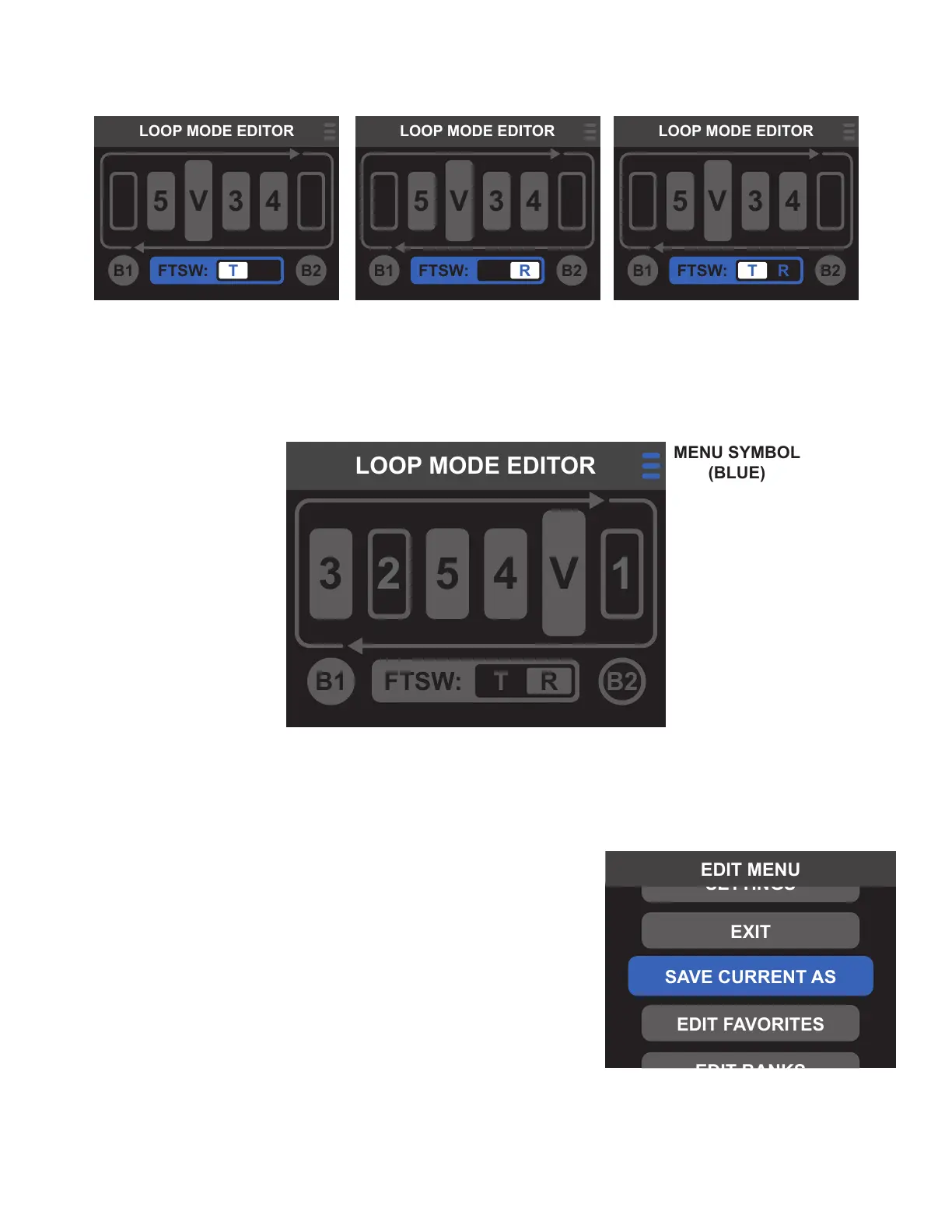
To access the EDIT MENU from the LOOP MODE EDITOR screen, use the encoder to select the menu symbol in
the upper right corner.
Once the FTSW conductor conguration has been conrmed, Switchboard will automatically return to the
LOOP MODE EDITOR screen.
1
2
1
2
1
2
LOOP MODE: CREATING PRESETS
Once LOOP MODE EDITOR parameters are set to preference, they’re
easily saved to a preset or favorite slot. When saving from LOOP
MODE or LOOP MODE EDITOR, all parameters including loop on/o
status, loop order, volume pedal location and status, FTSW OUT jack
conductor selection and status, and input/output buer on/o status
will be saved.
From LOOP MODE, enter the EDIT MENU by pressing and holding
the encoder, then select SAVE CURRENT AS. From the LOOP MODE
EDITOR screen, simply press and hold the encoder to enter the LOOP
MODE SAVE AS menu. Then use the encoder or footswitches to select
a menu option.



 To Next Page