PRESET EDITOR
The PRESET EDITOR provides full control of all parameters saved to a preset using an easily accessible graph-
ic menu. The user can rearrange eect loop order/status, rearrange internal volume pedal placement/status,
select FTSW conductors to be activated, turn the input/output buers on and o, edit MIDI messages and
rename presets. The PRESET EDITOR can also be used to copy the current preset to another preset slot, save it
as a favorite, clear the current preset or load a favorite into a preset slot.
ENTERING PRESET EDITOR
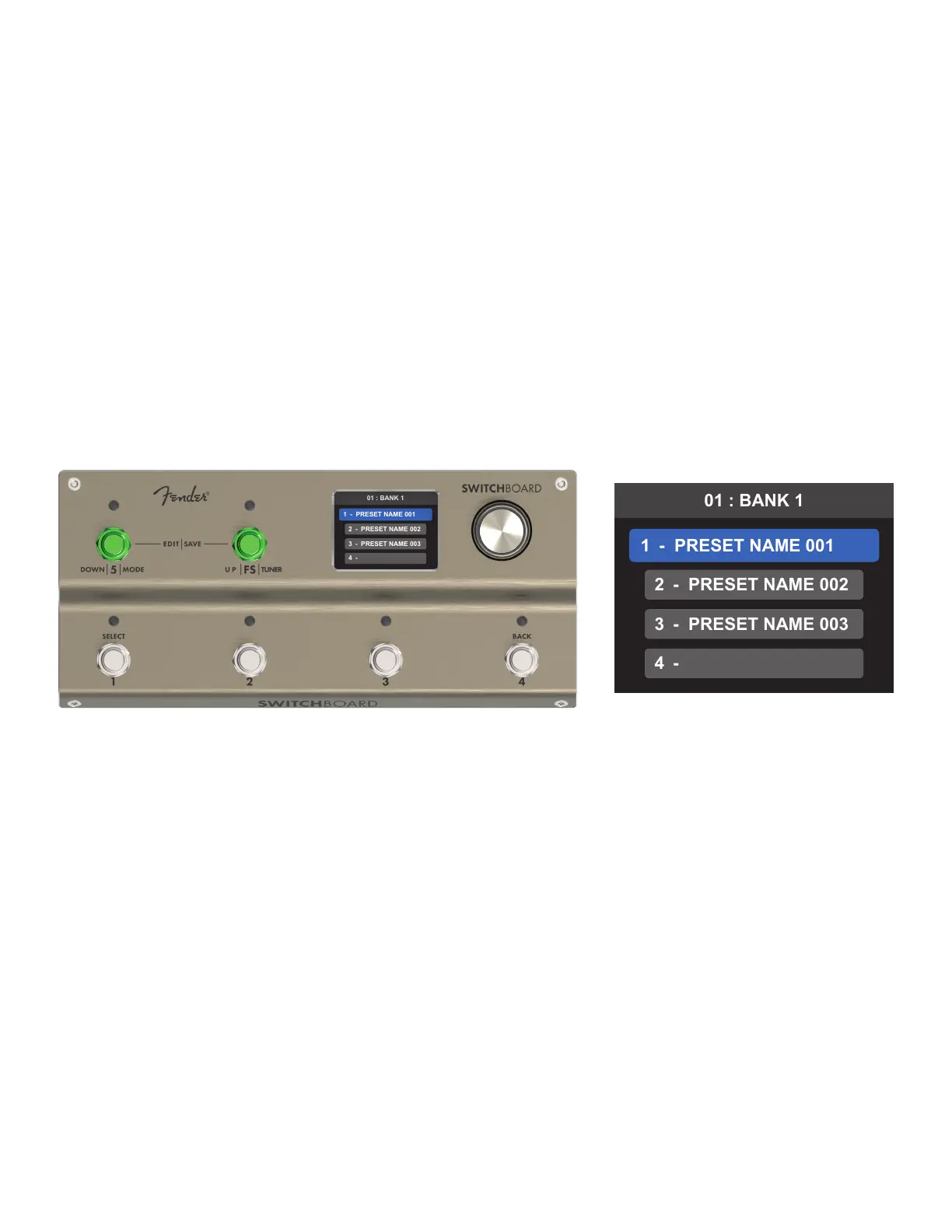
To access the PRESET EDITOR, rst select the preset or empty preset slot to be edited from the BANK MODE
screen and then press footswitches 5 and FS simultaneously to edit that preset.
To return to BANK MODE, press both footswitches simultaneously. When exiting PRESET EDITOR:
• If current parameters dier from the preset's parameters before entering the PRESET EDITOR, the save
menu will appear automatically before returning to BANK MODE.
• If current parameters match the preset's parameters before entering the PRESET EDITOR (even if parame
ters were changed and then restored during editing), the user is returned directly to BANK MODE.
PRESET LIVE LOOP CONTROL
In the PRESET EDITOR, the functions for the six footswitches, footswitch LEDs and icon indications are the same
as in LOOP MODE. This means that the PRESET EDITOR screen can be used as a live control mode for any preset.
Simply select the desired preset and enter the PRESET EDITOR—the six footswitches can then toggle the FTSW
and each loop on or o individually.
Before exiting the PRESET EDITOR, ensure that all loops and the FSTW are set back to their original status. The
PRESET EDITOR can then be exited quickly without encountering any exit menus.
19



 To Next Page