6
TUNER
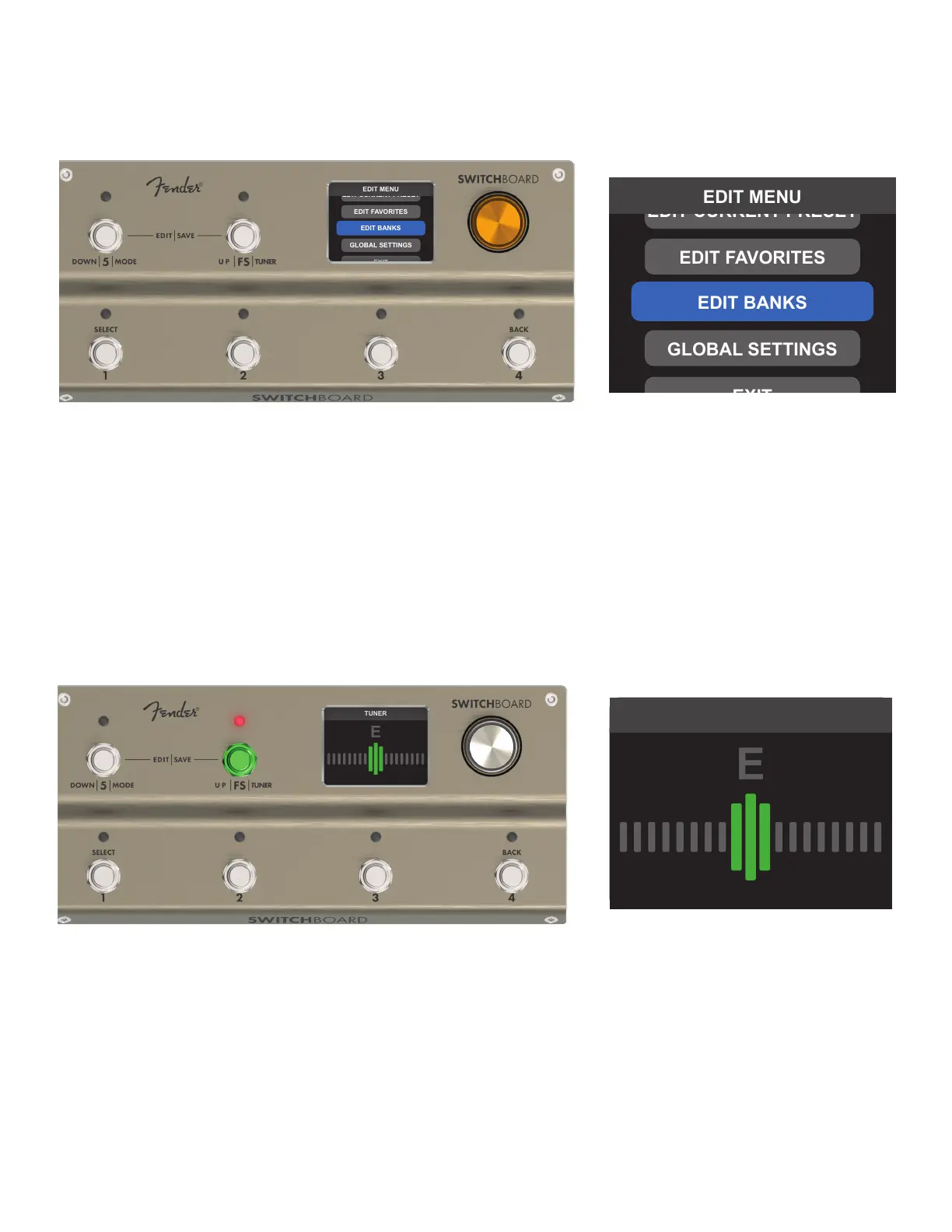
Press and hold Footswitch FS for one second to activate Switchboard’s onboard tuner; press it again to exit and return
to LOOP MODE. The LED above Footswitch FS illuminates red when the tuner is active.
Note that output is muted when the tuner is active, and footswitches 1-5 retain their function from the previous
screen (i.e., turning eects on/o, changing presets). Active loops or presets are indicated by ashing LEDs above their
corresponding footswitches. Any changes made while tuning will remain in eect when the tuner screen is exited.
EDIT MENU
The EDIT MENU has access to editing parameters, saving options and global settings. It can be accessed at
any time from the LOOP MODE or BANK MODE screens by pressing and holding the encoder for one second.
TUNER
TUNER



 To Next Page