2. Installation
2−7
Festo P.BE−CPX−CEC−EN en 1004a
2.4 Setting the switches of the CoDeSys controller
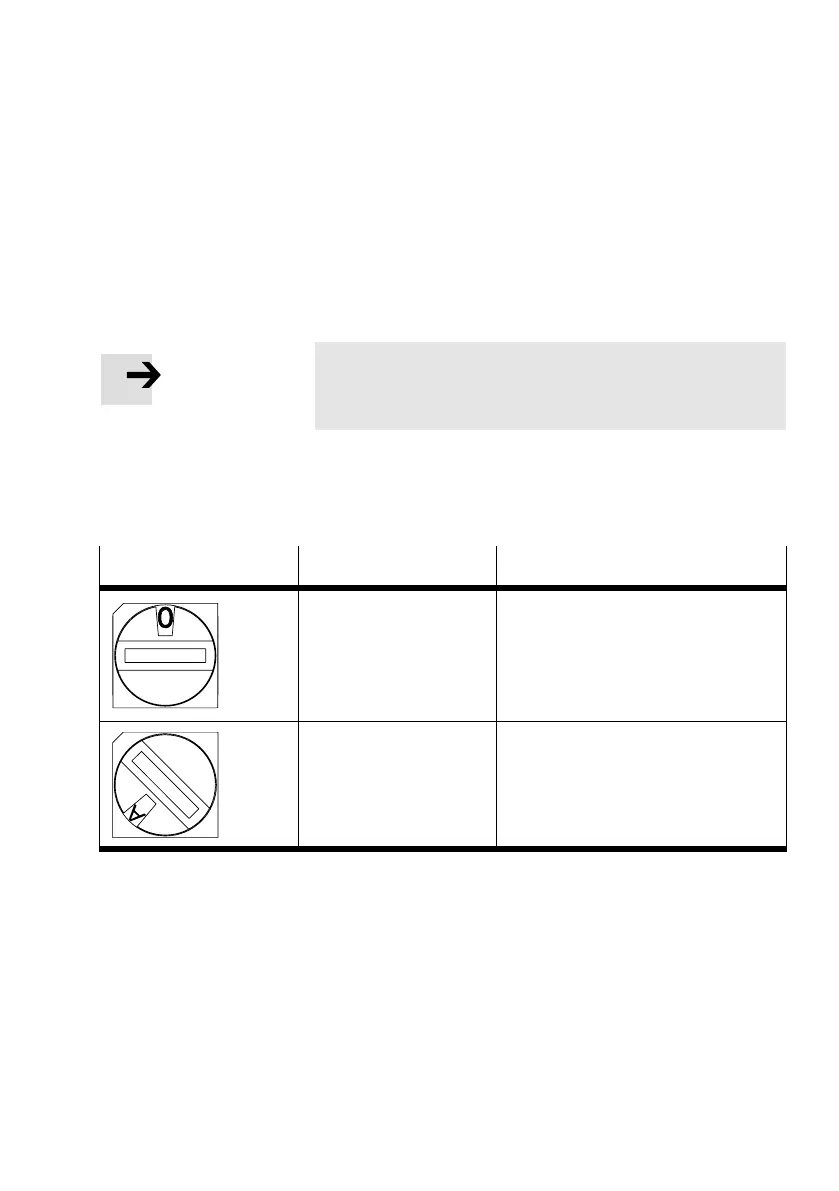
2.4.1 RUN/STOP rotary switch
Note
Leave the RUN/STOP rotary switch at position "0" (STOP)
during installation.
The switch setting of the RUN/STOP rotary switch with
fourinternal digital inputs is passed on to the controller and
can be evaluated there.
Rotary switch
Setting Meaning
0 STOP
CoDeSys controller stopped
The STOP LED lights up yellow
1 ... F RU N
CoDeSys controller started
The RUN LED lights up green
Tab.2/1: Switch settings of the RUN/STOP rotary switch



 To Next Page