PDO byte 5 4 3 2 1 0
Area Setpoint
value 2
Setpoint
value 1
Command
Bits 15 … 0 15 … 0 7 6 5 4 3 2 1 0 7 6 5 4 3 2 1 0
Function setpoint
value 2
setpoint
value 1
app option app
con-
trol
valve mode
Value 4000 5000 0 0 0 0 1 1 1 1 1 1 0 0 0 0 1 0
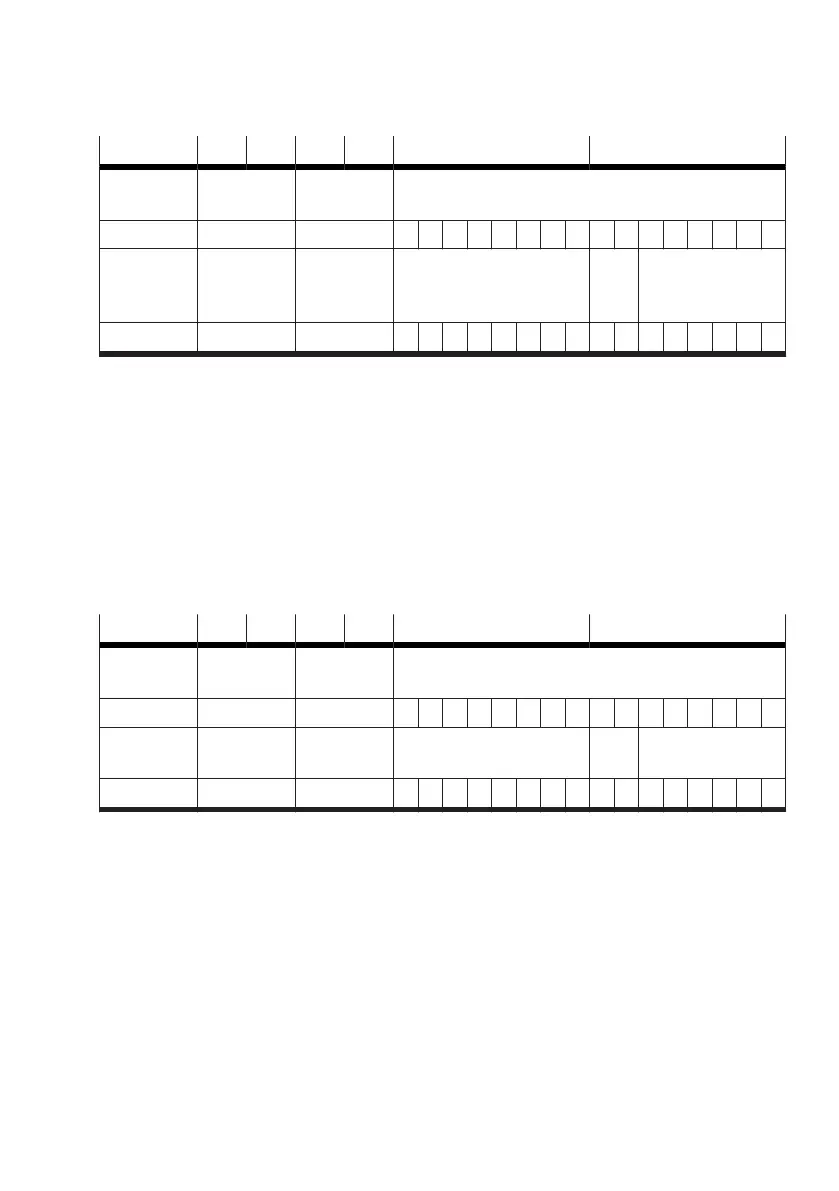
Tab. 48: Assignment of the output data (PDO) for sample operation of the Motion App #02
The input data are used to return the current status of the valve and of the Motion App:
–
Operating mode of the valve (valve mode): Motion App #02 (PDI byte 0, bits 5 … 0 => 000010
2
)
– Status of the valve (valve state): running (running) (PDI byte 0, bits 7 … 6 => 10
2
)
–
Status of the Motion App (app state):
–
End-position sensing:
e.g. sensor for end position "advanced" returns "1" (PDI byte 1, bit 2 => 1)
e.g. sensor for end position "retracted" returns "0" (PDI byte 1, bit 0 => 0)
–
Warning: no warning pending (PDI byte 1, bit 7 => 0)
– Actual value 1 (actual value 1): degree of opening: e.g. + 50.02% (PDI byte 3 … 2 =>500210)
– Actual value 2 (actual value 2): degree of opening: e.g. +39.99% (PDI byte 5 … 4 => 3999
10
)
PDI byte 5 4 3 2 1 0
Area Actual value
2
Actual value
1
Status
Bits 15 … 0 15 … 0 7 6 5 4 3 2 1 0 7 6 5 4 3 2 1 0
Function actual value
2
actual value
1
app state valve
state
valve mode
Value 3999 5002 0 0 0 0 0 1 0 0 1 0 0 0 0 0 1 0
Tab. 49: Sample feedback to input data (PDI) for operation of Motion App #02
3.5.3.3 Controlling a Motion App
During operation, the behaviour of a Motion App can be controlled by adjusting the values for "app
control", "app option", "setpoint value 1" and "setpoint value 2".
3.5.3.4 Ending a Motion App
To end a Motion App, the operating mode of the valve (valve mode) must be set to the value "61". The
Motion App is then ended. The value in the section "valve state" of the input data (PDI) changes to
"01
2
" (configurable).
Another Motion App can now be started, or a switch to transfer mode can be made (
è
3.5.4 Transfer
mode).










 To Next Page