55
CONTROL PANEL GUIDE AND SYSTEM OPERATION (CONTINUED)
OPTIONS SCREEN - REGENERATION (CONTINUED)
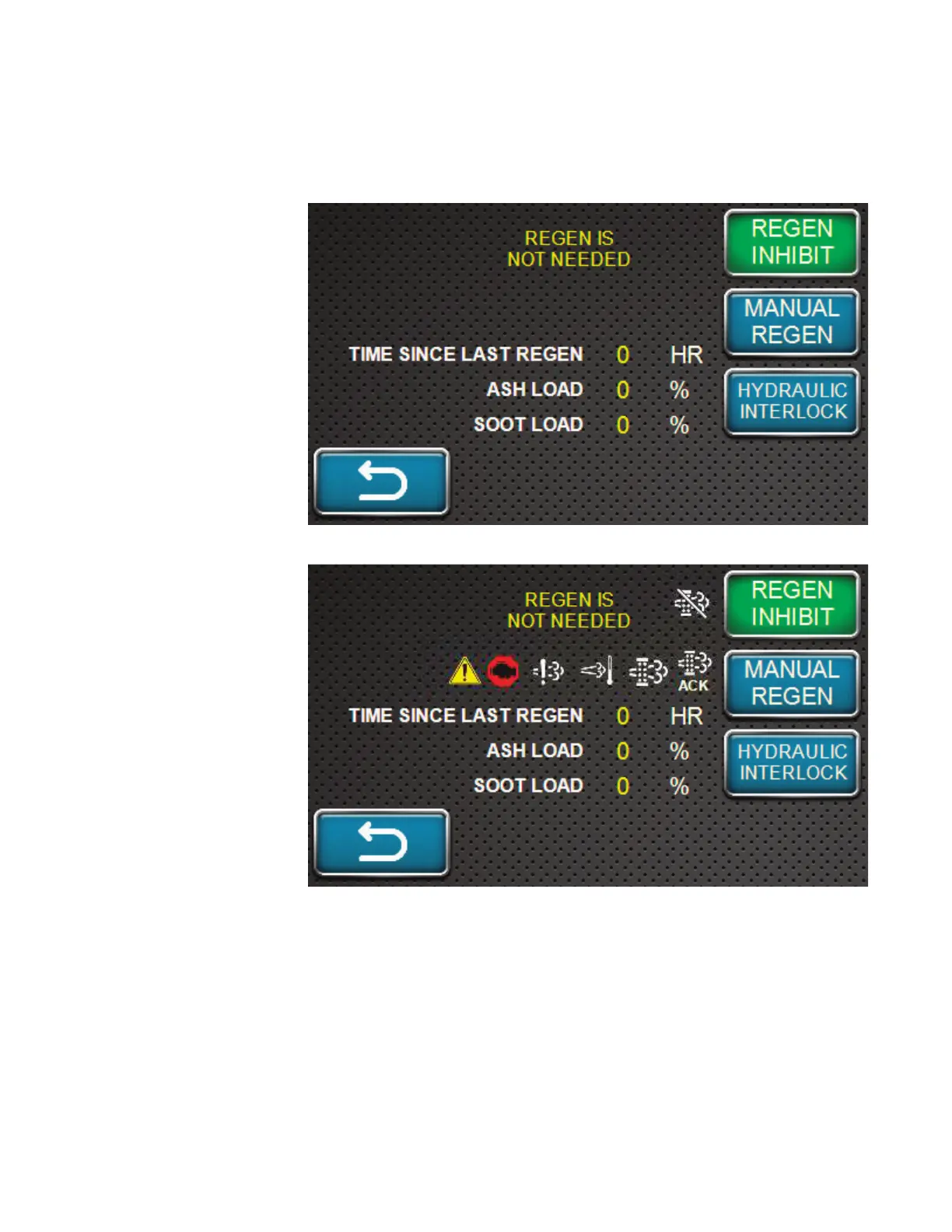
RESET REGENERATION STANDBY DUE TO INHIBIT SWITCH
During machine
operation with
Regeneration in
the Inhibit state on
the control panel,
a notification and
regeneration inhibited
icon will display at
the bottom of the
screen. If the ECU
determines that
Reset Regeneration
is required, a Auto
Regeneration request
will be displayed. If
the operator allows
the regeneration, it will
begin and a notification
and regeneration icon
will display at the
bottom of the screen.
If the operator delays
the regeneration,
the display will go
to dual mode with
one display showing
the regeneration
inhibit icon and the
regeneration request
continuously displayed
at the bottom of the
screen. Further, the
Auto Regeneration
request message will
re-display every 30
minutes. The machine can continue to operate with Reset Regeneration inhibited for 3 hours,
however, after 3 hours, a Stationary Regeneration request may occur.
RESET REGENERATION STANDBY DUE TO LOW DOC TEMPERATURE
For Reset Regeneration to begin, the DOC temperature has to be at a sufficient level. If the
DOC has not reached this temperature and Reset Regeneration is required, then a notification
to Increase RPM / Load and the Regeneration icon will be displayed. Once the DOC reaches
sufficient temperature, Reset Regeneration will begin and a notification and regeneration icon will
display at the bottom of the screen.



 To Next Page