MNL004_EN rev. F
Pag. 19 di 56
4.2 ECT-F CONTROL OPERATION
4.2.1 SWITCHING ON
To switch on the equipment for the first time follow these below instructions:
Connect the plug to the electric socket.
The display will show “STAND-BY”, which indicates
the presence of mains power.
To switch on the equipment, press any button for two
seconds.
When ECT-F is switched on, the display can be
customised in four different modes using OK button
(see par. 5.2.2)
mode 1
mode 2
mode 3
mode 4
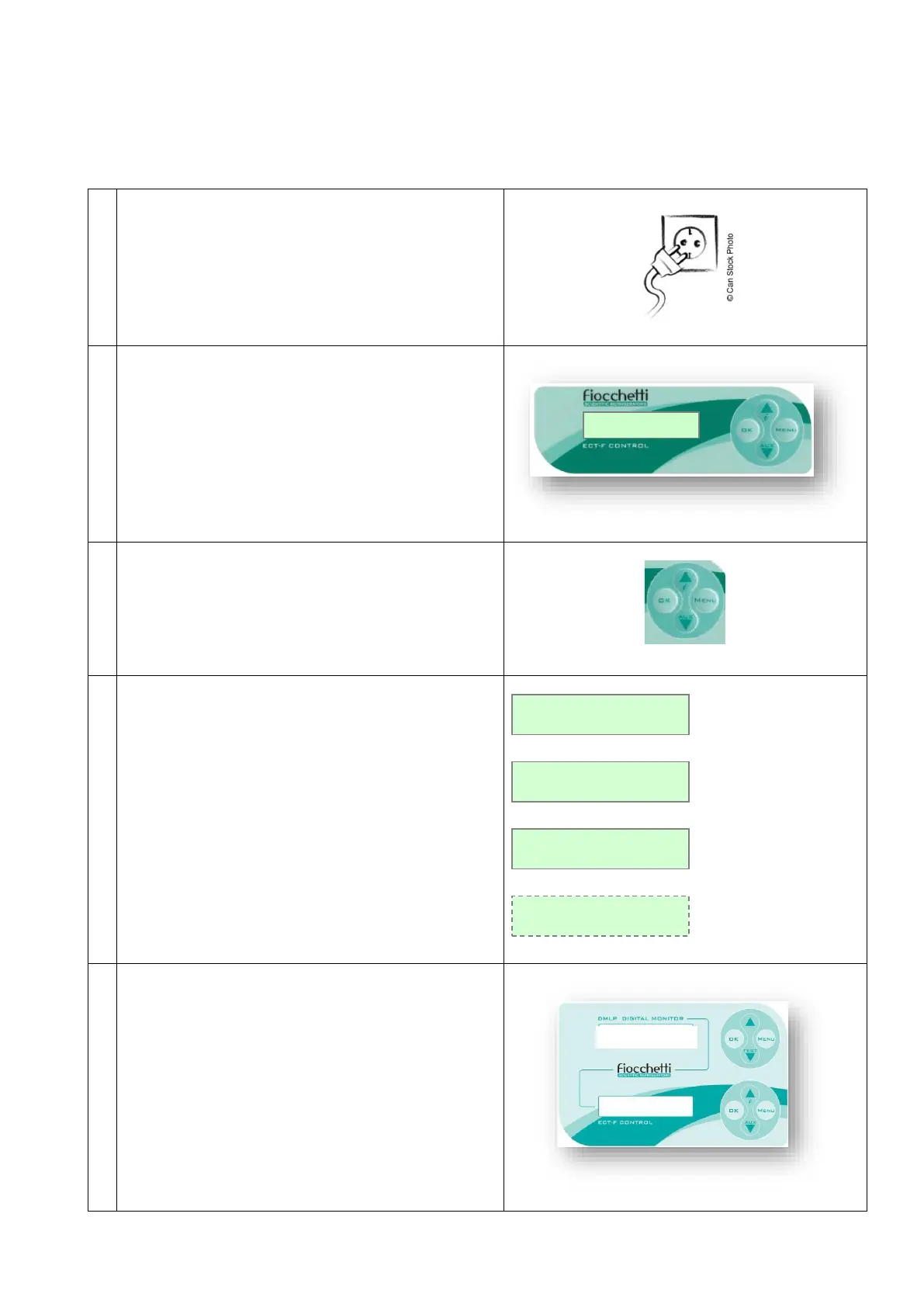
Once connected the equipment to the mains, if DMLP
Digital Monitor is installed, the STAND-BY string will
appear.
Switch on the DMLP Digital Monitor pressing any
button for two seconds.



 To Next Page