MNL004_EN rev. F
Pag. 24 di 56
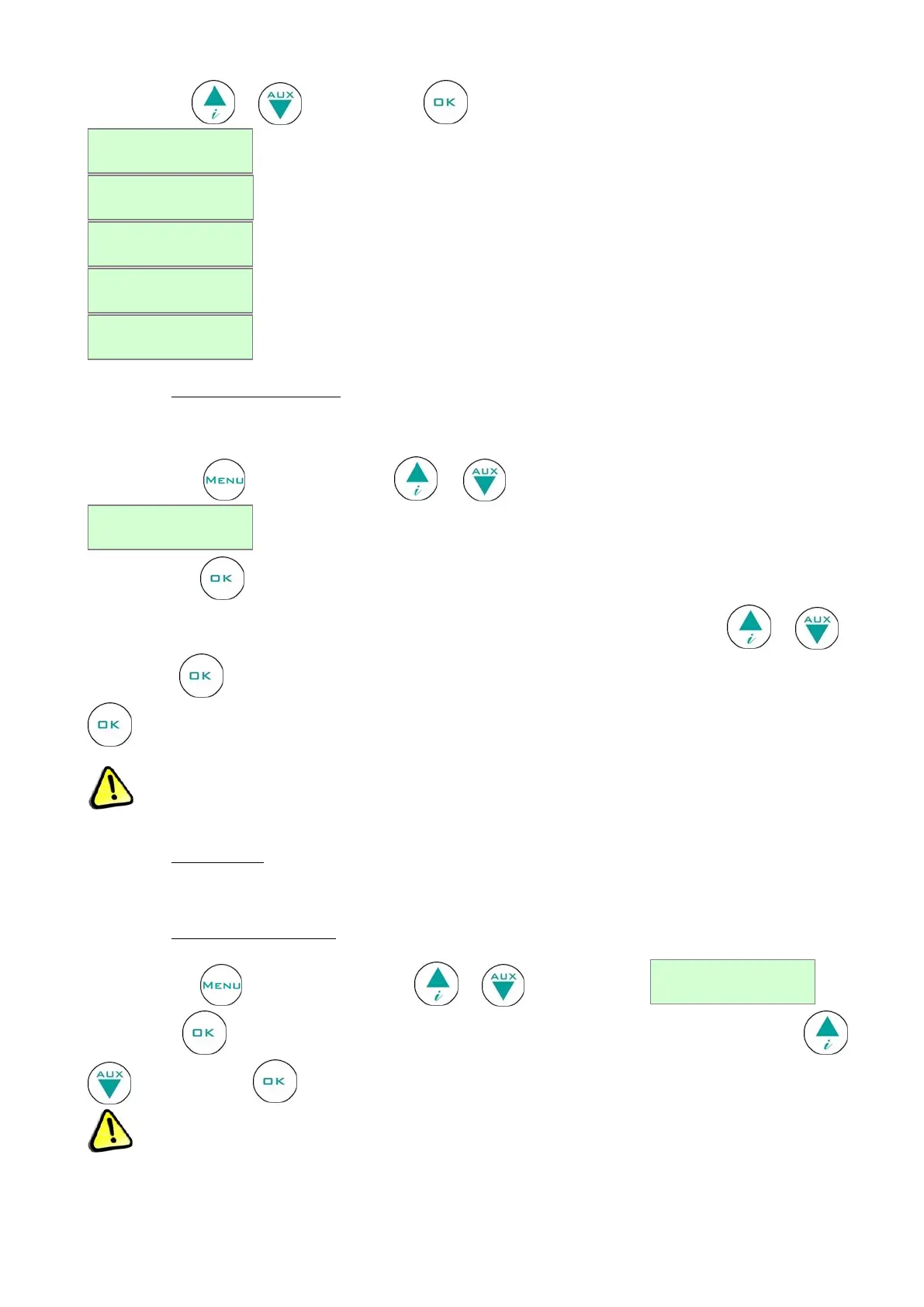
Use the arrows or and confirm with to select the desired language from:
4.2.3.6 Setting the user password
This menu lets you set a new user password which will be asked when switching on and off the controller and when
setting the setpoint.
Press the button and use the buttons or to move to the menu corresponding to the password
.
Press the button and the password currently in use will be requested, which then you will be able to edit (if any
password has been entered, nothing is requested). Select the password in use using the buttons or and
confirm with . If entered correctly, you will then be able to edit it by setting a new value and confirming with
.
Setting the password = 00 will disable password protection.
If the password is lost, contact the manufacturer or technical support to retrieve it.
4.2.3.7 Service menu
Only Technical Support can enter into this menu.
4.2.3.8 Setting the date and time
Press the button and by using the buttons or stops at the menu
Confirm with . The display will show the date and time, with the time flashing. Adjust using buttons or
and confirm with , until you reach the last two digits which relate to the year.
If the time is lost (low battery), the display will show the flashing frame h00 m00:00.


 To Next Page