MNL004_EN rev. F
Pag. 21 di 56
4.2.3 ECT-F MENU FUNCTIONS
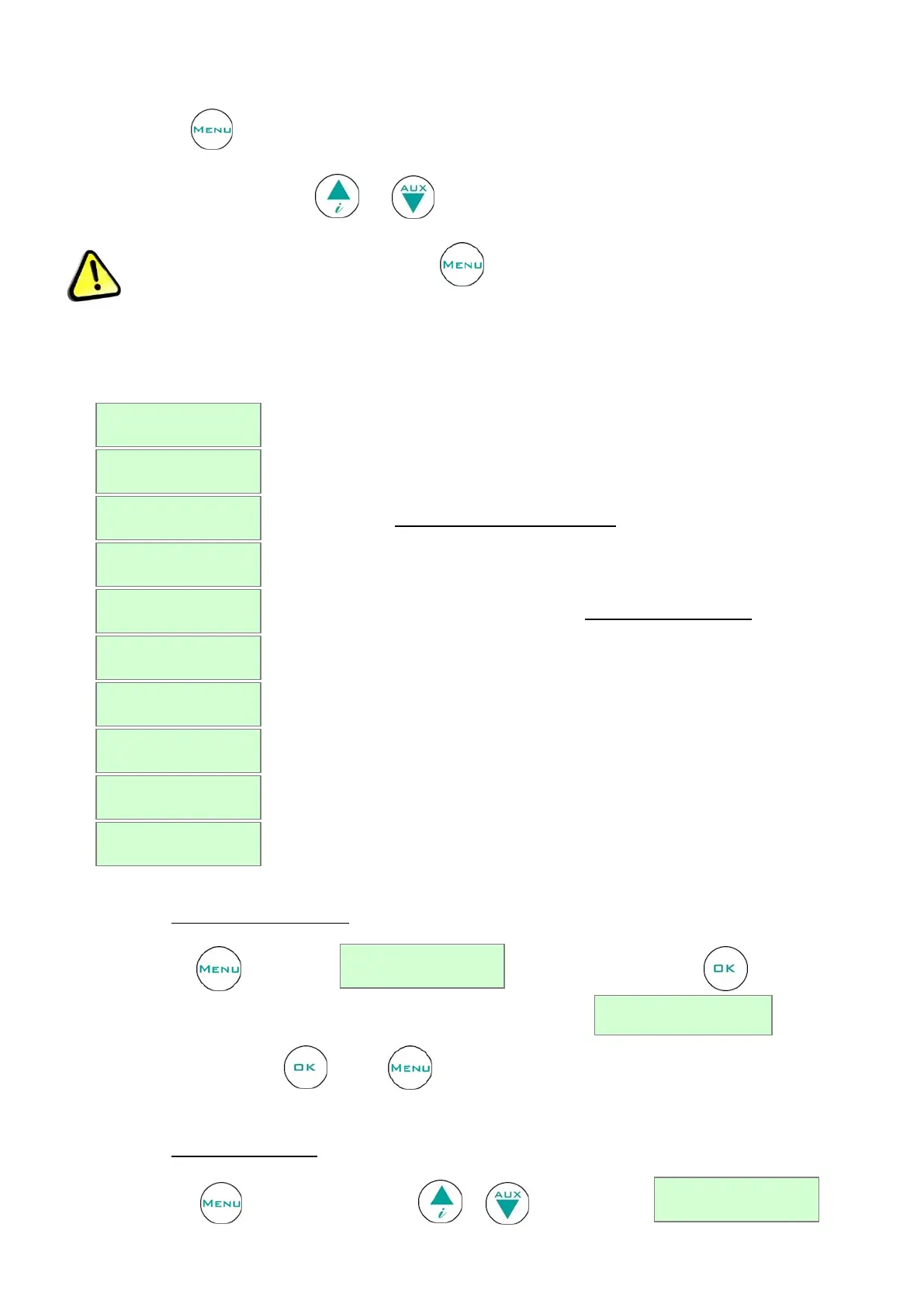
Use the button to access the list of available functions.
Scroll the menu using the buttons and .
Attention: to exit from different menus, press to go back to the set display.
Table 3- User menu functions
Description of the function
To switch off the controller and stops temperature control
To customise temperature setpoint
To set humidity (only if humidity probe is installed)
To switch on the compressor on a time-base (only for prepared models)
To visualize recorded alarms
To change strings’ language
To set user password in order to access the menu
To enter service menu functions
To set date and time (not present when DMLP is installed)
4.2.3.1 Turning off the equipment
Press the button and the string will appear. Press the button to confirm.
At this point, the controller requests further confirmation of the command:
To confirm, press the button again or to cancel the operation (Esc) and go back to main menu.
4.2.3.2 Changing the setpoint
Press the button and by using the buttons or stops at the string


 To Next Page