MNL004_EN rev. F
Pag. 49 di 56
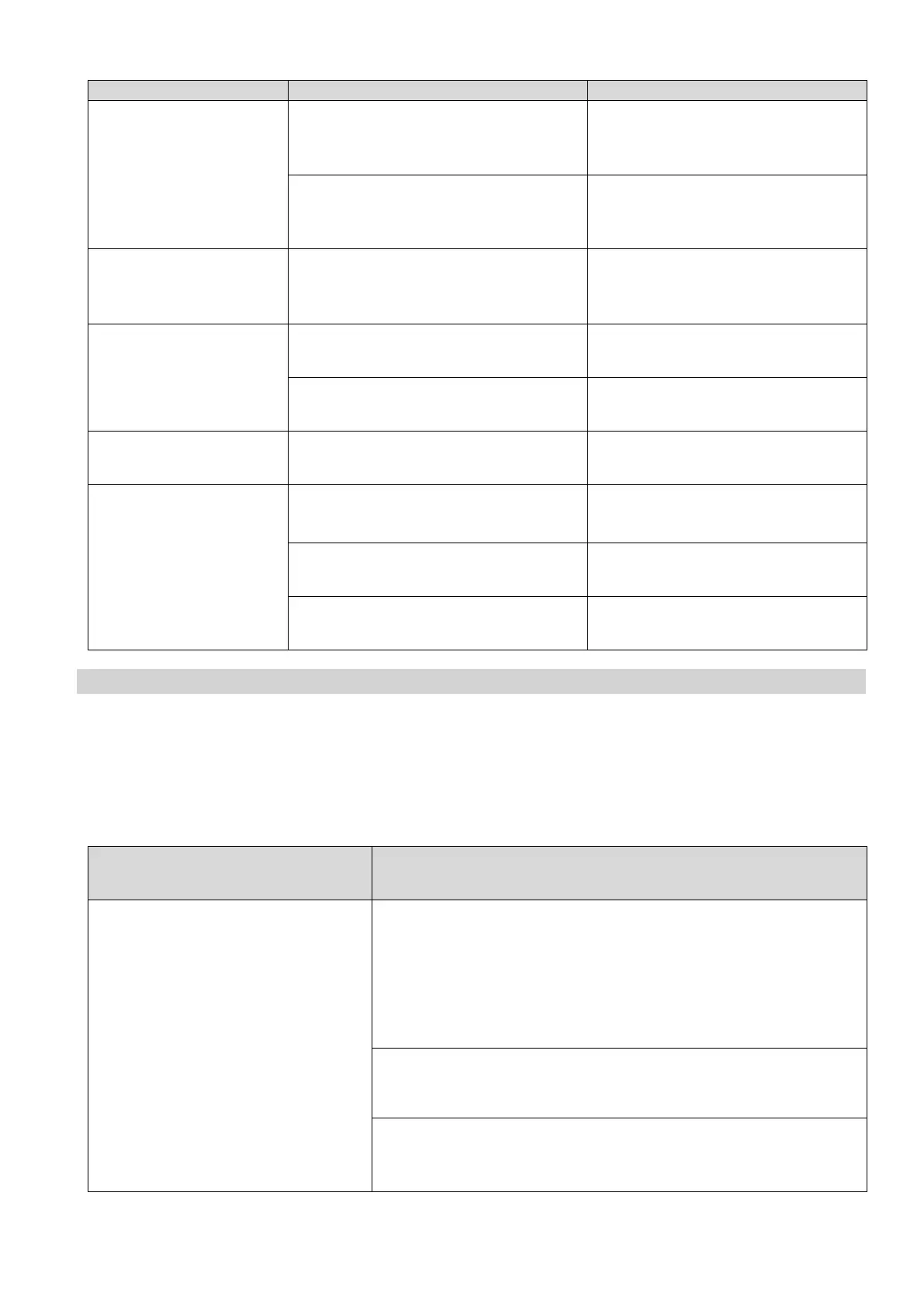
• Contact with objects (e.g.
cardboards, polystyrene or other
materials)
• Move and/or remove objects
touching the equipment.
Repeated alarm or fault
signals or alarm noticed
• Unit has detected an alarm.
• Visualize alarms (see par. 5.2.4.2)
• Formation of ice in the evaporator or
sudden defrosting
• Contact Technical Support.
• High humidity level in the
environment
• Air condition or ventilate the
environment.
• High humidity level in the
environment
• Air condition or ventilate the
environment.
DMLP Digital Monitor SD
card doesn’t record
• Turn on the DMLP Digital
Monitor (par. 5.3.1)
• Display not in “STATUS OK”
• Press “OK” till activating
“STATUS OK” mode (par. 5.3.2)
• Date and time not set correctly
• Check date and time (par. 5.3.3.6)
11 DIAGNOSTIC
The table below lists information regarding the possible causes and actions to be taken for the most common faults,
which do not need automatically technical servicing.
Servicing on the electrical system must also be carried out by trusted electricians.
VISUAL AND ACOUSTIC ALARM
• Switch off the refrigerator from the keyboard -STAND BY (see par.
5.2.3.1). Then, disconnect the electrical plug, wait a few seconds and
then re-connect the plug. Switch the refrigerator back on from the
keyboard and, once the temperature is displayed, press "OK" so that
the acoustic and visual alarms disappear.
• Check that door is properly closed.
• If the problem persists, contact Technical Support.


 To Next Page