MNL004_EN rev. F
Pag. 38 di 56
4.3.3.10 How to modify the language
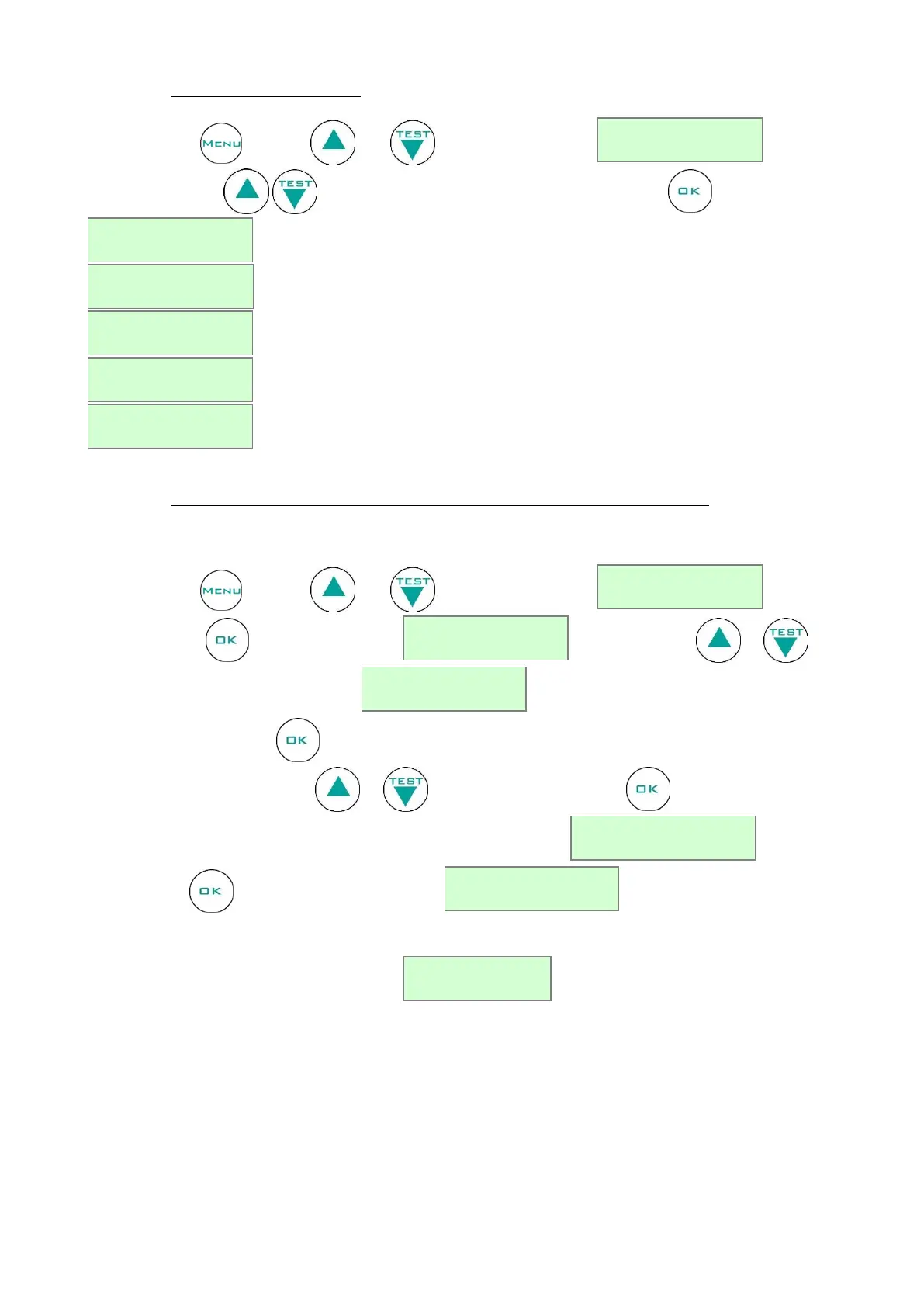
Press the button , then use or till the following string .
Using these buttons select the desired language and confirm by pressing :
4.3.3.11 How to modify compartment functions (only for double temperature equipment)
This function allows to exclude one of the two compartments, disabling the alarm signalizations if the chamber is faulty
or not in use.
Press the button , then use or till the following string .
Once confirmed , the display will show: . Using the button or , you can
visualise the other probe’s compartment: .
Confirming with the button on the wished compartment (“a” = upper/left; “b”= lower/right), the string “on”
will start blinking. Use the button or to select “off”, then confirm . The display will now show a
message asking to confirm or to exit from the Menu with the message: . Confirm again
with the button . The display will show message and it will go back to the main menu.
The following symbol “*” next to STATUS OK means that DMLP Digital Monitor has been disabled.


 To Next Page