MNL004_EN rev. F
Pag. 36 di 56
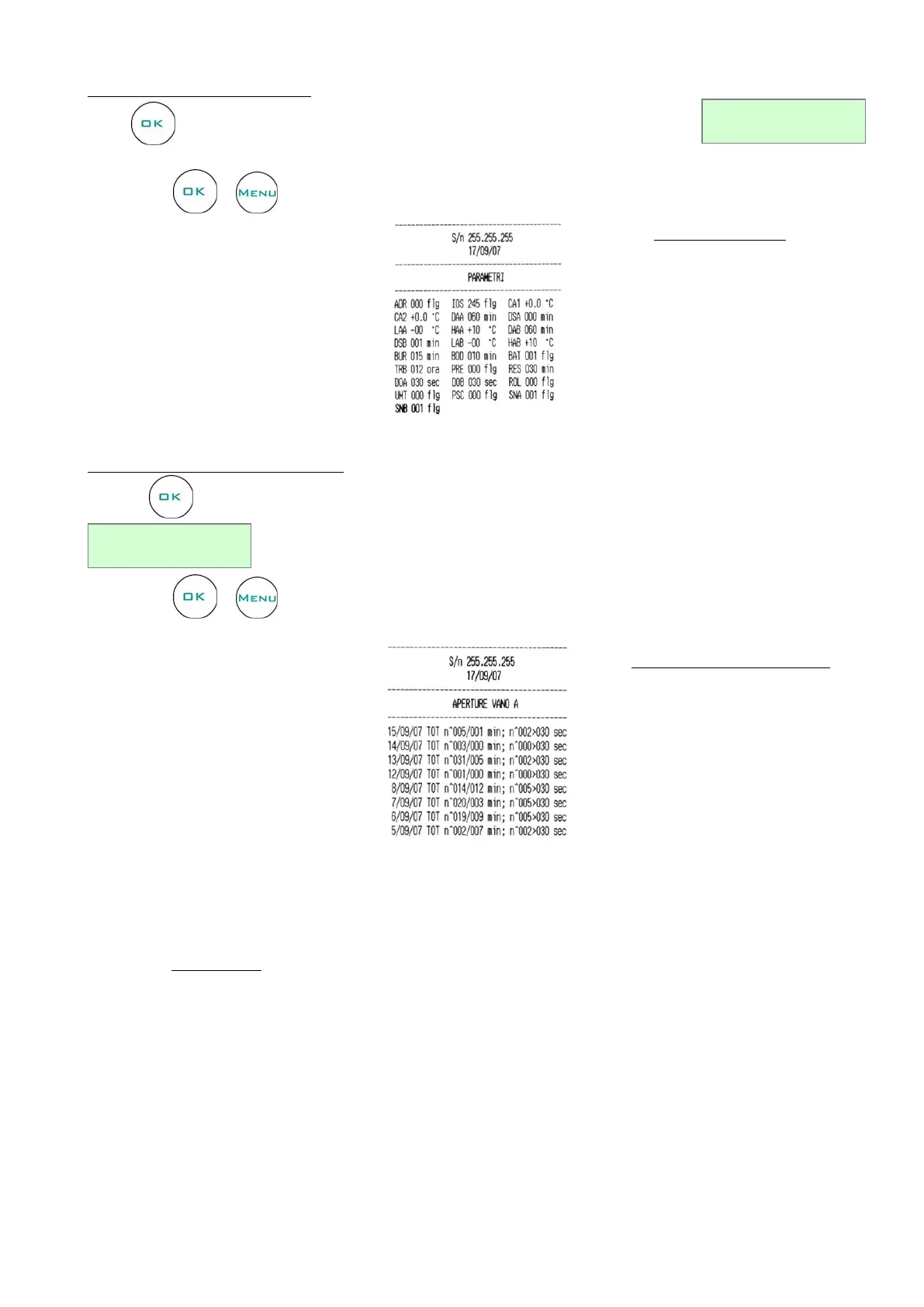
PRINT LIST: PARAMETERS
Press to enter in Parameters print menu. The following string appears in the display:
.
To print use or to cancel the operation. Report example:
PRINT LIST: DOOR OPENINGS
Press to enter in Door openings print menu. The following string appears in the display:
.
To print use or to cancel the operation. Report example:
4.3.3.8 Service Menu
Only Technical support can enter in Service menu. This menu is password protected.
Door openings list report details:
date and hour
total number of door openings
total duration of door openings
number of critical door openings
(>30 sec.)


 To Next Page