Table 4 – Types of temperature alarm
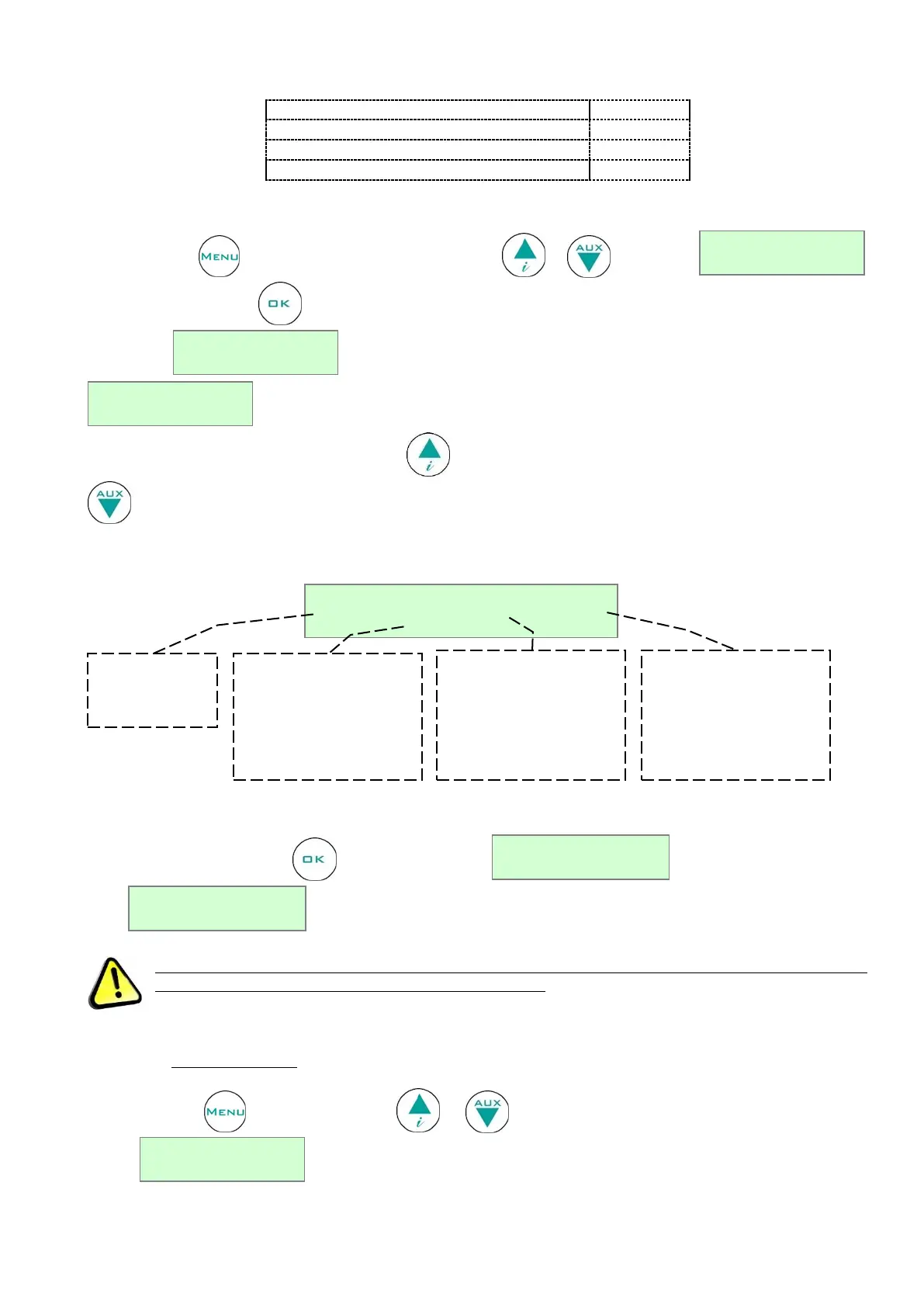
Press the button , positioning yourself using the buttons or on the string
Confirm with the button . The display will show the total number of alarms present in the memory up to that
moment → . If there are no alarms in the memory, this will be indicated with the string
.
If there are alarms to be seen, press the button to view the details of the last recorded event. Use the button
to scroll back to the first in memory
The information available is described in the following frame.
Figure 20 – Information on recorded alarm
Pressing repeatedly the button the start date/time (S) and the end date/time of the
alarm are displayed.
When DMLP Digital Monitor is installed, all alarms will be detected by it and not by ECT-F controller.
Failure alarms are detected in anyway by ECT-F controller.
4.2.3.5 Language selection
Press the button and use the buttons or to move to the menu corresponding to the language
selected .



 To Next Page