MNL004_EN rev. F
Pag. 28 di 56
4.3.3 DMLP DIGITAL MONITOR MENU FUNCTIONS
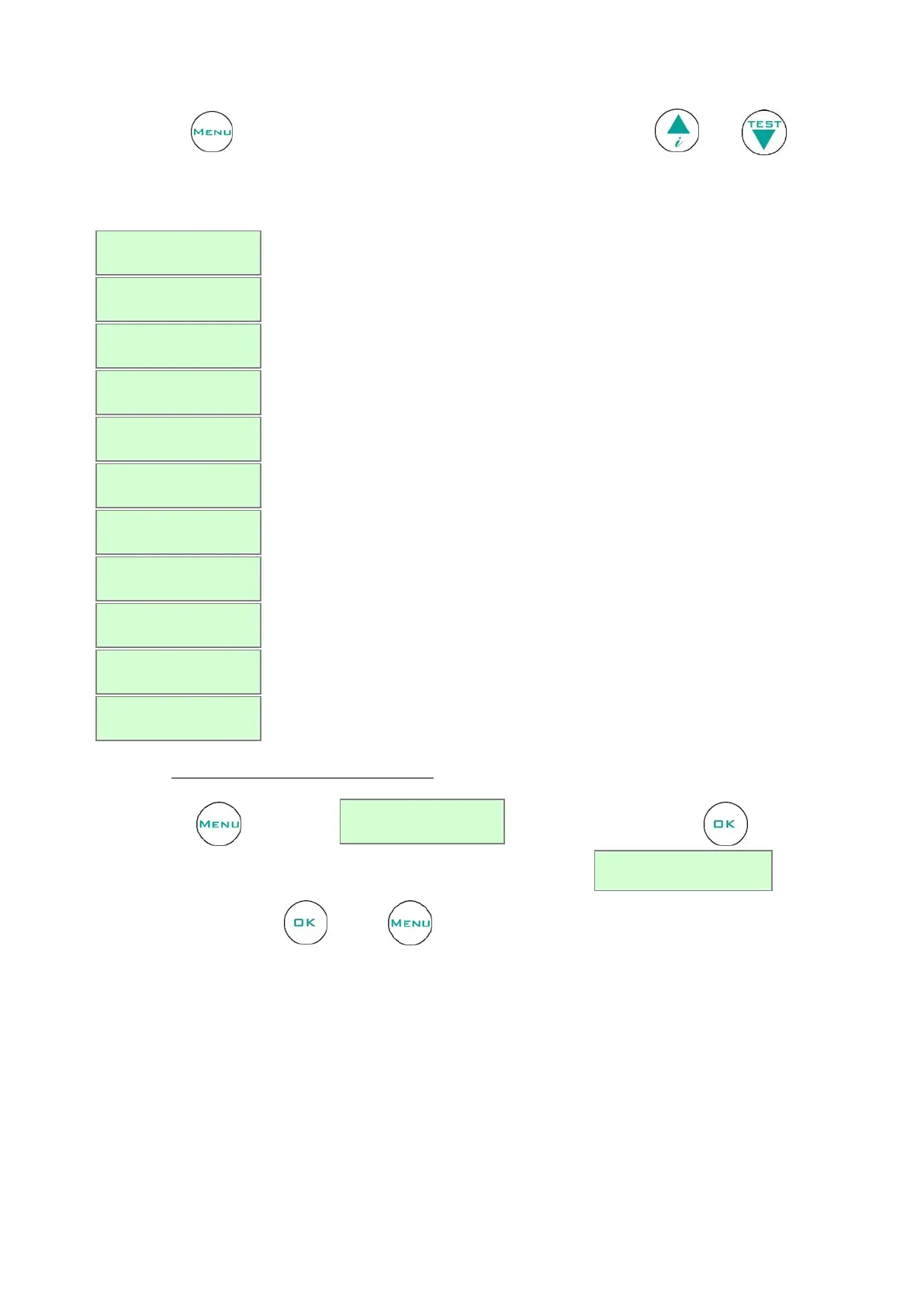
Use the button to access the list of available functions. Scroll the Menu using and
.
Table 6 – DMLP menu functions
Description of the function
To switch off the DMLP Digital Monitor.
To display the recorded alarms.
To set high and low temperature limits.
To visualize the number of door openings.
To set a user password to access to the menu.
To set controller date and time.
To access to printer menu.
To access to the service menu (only for Technical support).
To remove SD card properly.
To change the strings language.
To access to the chamber exclusion (only for double temperature equipment)
4.3.3.1 Turning off the DMLP Digital Monitor
Press the button and the string will appear. Press the button to confirm.
At this point, the controller requests further confirmation of the command:
To confirm, press the button again or to cancel the operation (Esc) and go back to main menu.


 To Next Page