MNL004_EN rev. F
Pag. 25 di 56
4.2.3.9 Doctor View test function
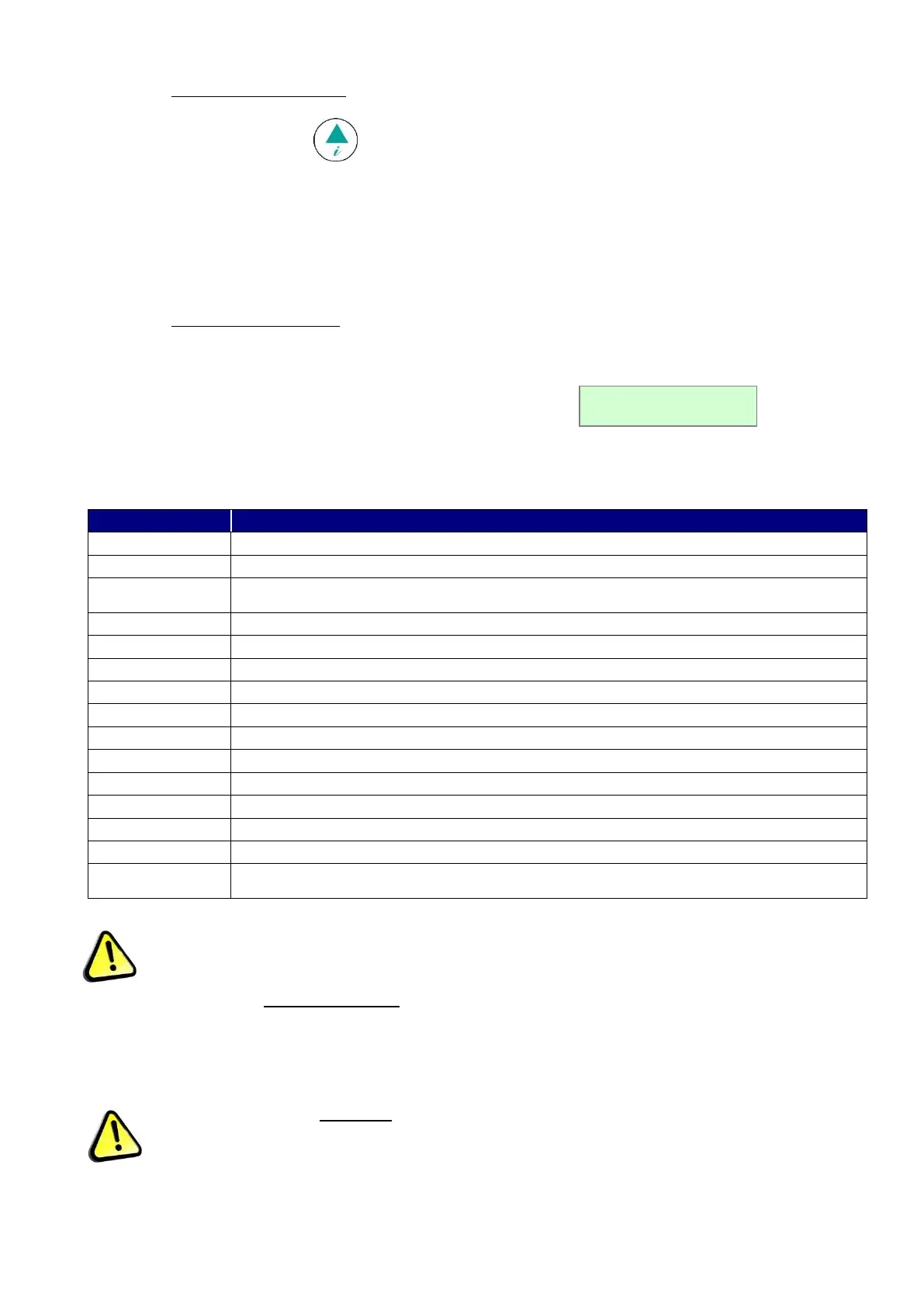
Press for few seconds the button to activate DOCTOR-VIEW function. This TEST checks buzzer for 5 sec.
(TEST BUZZER); then, it shows by sequence the SETPOINT, EVAPORATOR temperature, CONDENSER
temperature, high and low set limits, alarm time delay, the maximum duration allowed when DOOR is open and battery
tension (if battery is installed).
If any button is pressed during the test, this will stop automatically.
4.2.4 ALARM AND FAILURE SIGNALS
4.2.4.1 Fault in progress warning
In the event of any system abnormality, an audible and visual warning is immediately signalled to the user by means of
the flashing display and the sound of the buzzer.
In the event of a temperature alarm, the display will also show the string alternating with
the pre-set display mode (described in the previous chapter Par. 5.2.2.).
Press any button at any time to silence the buzzer.
The faults that the controller can detect are as follows.
TYPE OF FAULT IN PROGRESS
High temperature inside the chamber.
Low temperature inside the chamber.
High temperature after power failure or mains disconnection.
Faulty chamber probe (call Service)
Faulty evaporator probe (call Service)
Faulty condenser probe/aux (call Service)
Evaporator high temperature (call Service)
Condenser high temperature (call Service)
Clock-data loss (call Service)
Inadequate defrosting time (call Service)
Events or strings memory failure (call Service)
Inadequate thermal exchange: clean or free the condenser.
Maximum allowed continuous working % during the last 24 hours.
Temperature alarm occurred, in the presence or absence of mains (reset the alarm – see
par. 5.2.4.2)
Table 5 – Faults detected by the controller
The refrigerator will continue functioning correctly until the arrival of a service engineer, despite the above
alarms.
4.2.4.2 Fault ended warning
When the alarm condition is finished, the display will alternately visualise the
message ALARM NOTICED with the standard pre-set display until the user accesses the Alarm list menu.
Follow the procedure in par. 5.2.3.4 to reset the alarm.
To silence the alarm, press any button.


 To Next Page