MNL004_EN rev. F
Pag. 27 di 56
4.3.1 DMLP DIGITAL MONITOR SWITCHING ON
To switch on the DMLP Digital monitor for the first time follow these instructions:
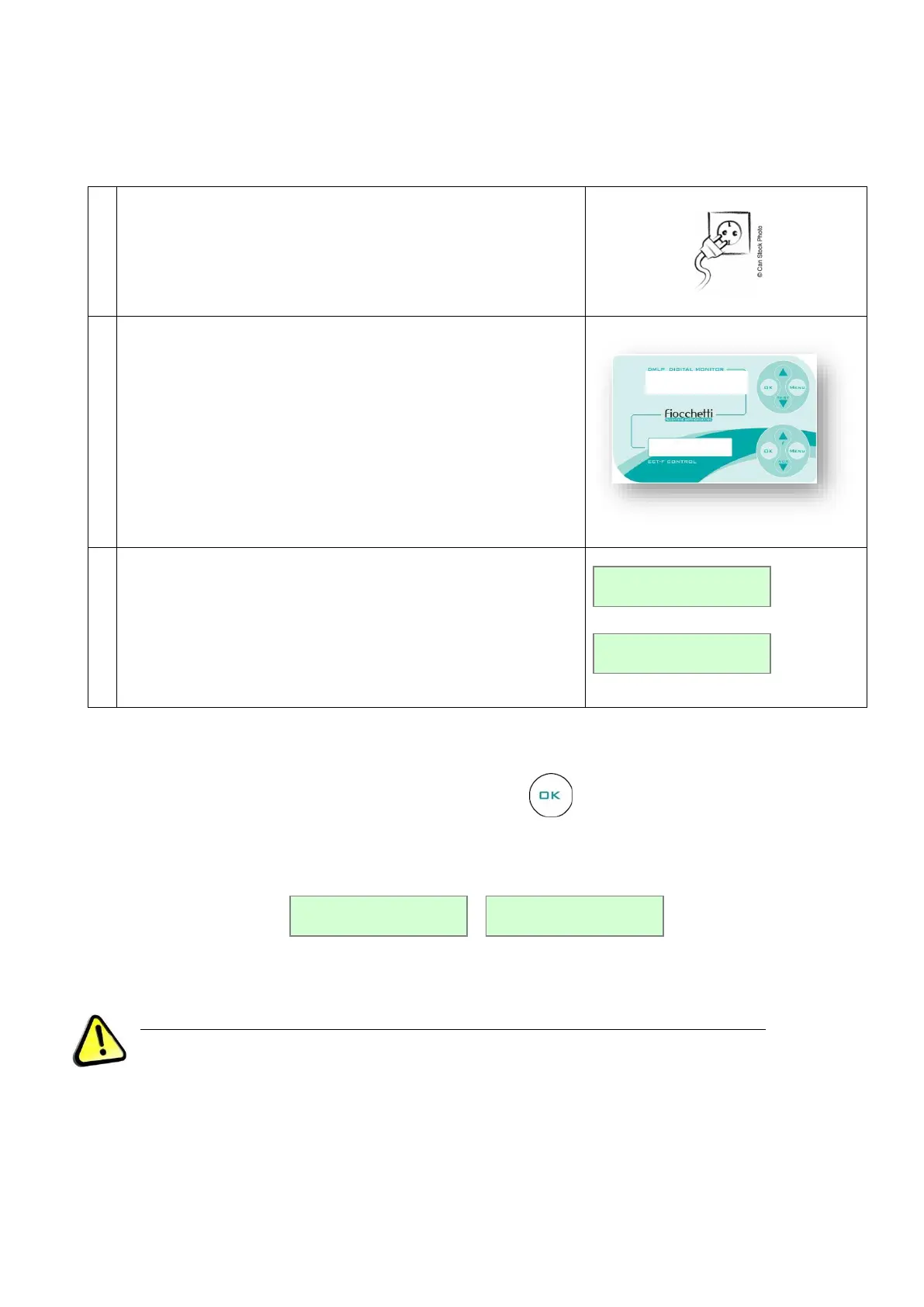
Connect the plug to the electric socket.
The display will show “STAND-BY”, which indicates the presence
of mains power.
To switch DMLP Digital Monitor on, press any buttons for two
seconds.
When DMLP Digital Monitor is switched on, the display can be
customised in two different modes using OK button (see par.
5.3.2.).
4.3.2 DISPLAY CONFIGURATION
The display can be configured in two different modes by pressing button.
Figure 21 – DMLP display visualization modes
DMLP Digital Monitor must be always in STATUS OK to grant the recording on SD CARD.


 To Next Page