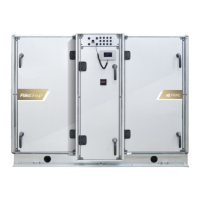
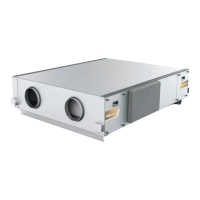
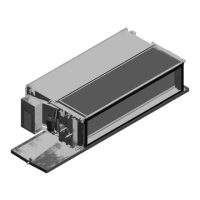
HyPower-Geko Electrical connection
FläktGroup DC-2014-0022-GB 2018-05/R5 • Subject to modifications 55
Depending on the model, the metal sheet electrical switch cabinet contains:
– one terminal strip and other electrical parts (if required)
– a control/power electronics (MATRIX 2001/3001/4001)
6.3 Fan speed
6.3.1 Fan with AC motor (3/5-speed motor)
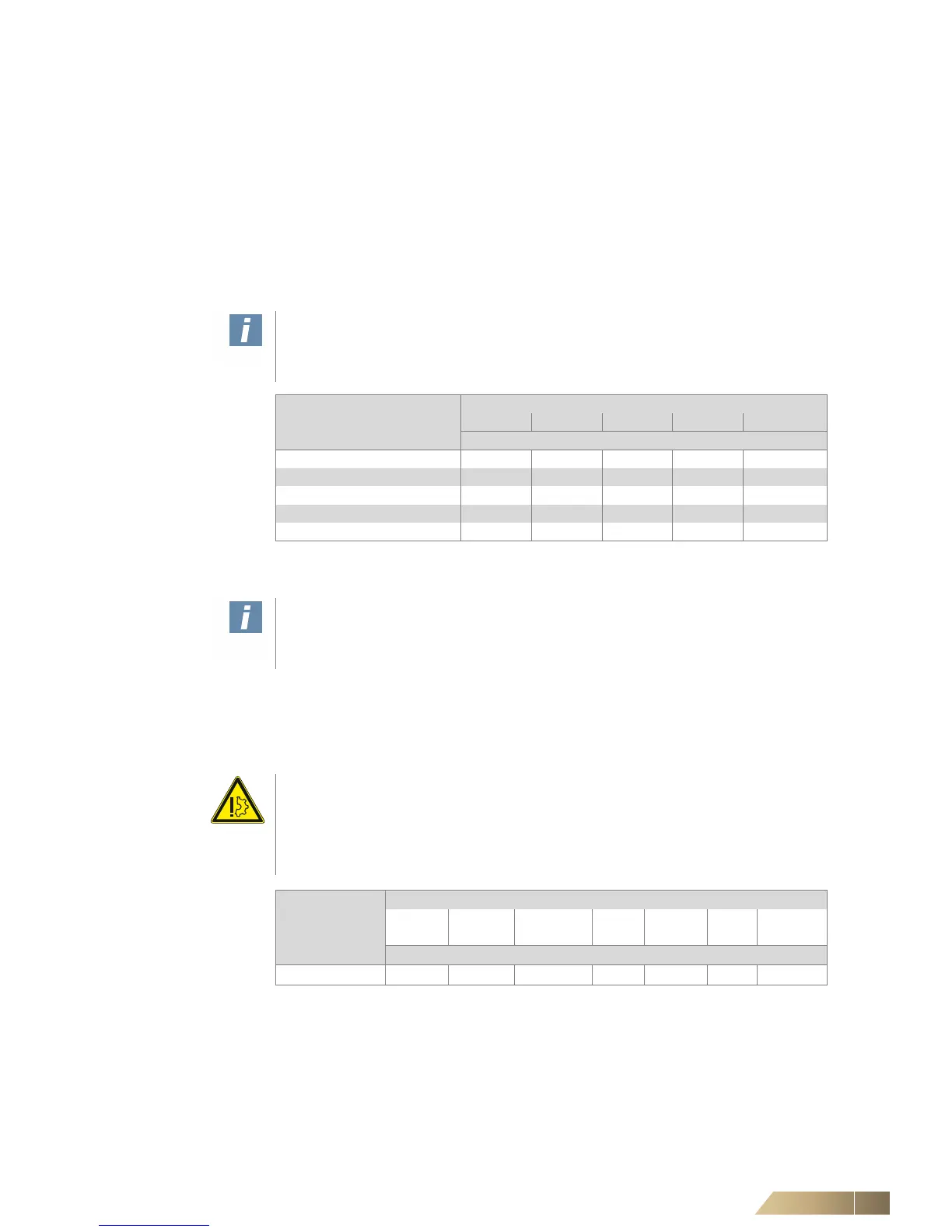
The fan motor is fitted with five controllable speeds. According to the customer require-
ments the manufacturer can supply 3 or 5 speed stages (see unit-specific wiring dia-
gram Tab. 6-2).
Changing fan speed
6.3.2 Fan with EC motor
The speed of an EC motor can be regulated continuously. A control signal 0-10V DC
is required for this purpose.
Only connecting terminals for motor(s) are shown. Refer to the unit-specific wiring
diagram for wiring of other connecting terminals.
User instructions!
The factory-performed assignment of the terminals depends on the speed combina-
tion selected by the customer.
Possible speed
combination
Terminal designation
110 111 112 113 114
Motor speed stage
A, K 1 2 3 - -
B, L 2 3 4 - -
C, M 3 4 5 - -
E, O 1 3 5 - -
H, R 1 2 3 4 5
Tab. 6-2: Speed combinations
User instructions!
Only authorized customer service (after-ales service) may change the combination
of fan speeds.
Damage to the unit!
If multiple motors are installed in one unit, alarm signals must be tapped off for each
motor separately if a control system provided on-site is used. The error signal is
ground-referenced and a serial interconnection of multiple outputs can cause motor
damage. An overload of malfunction-report outputs can also cause motor damage.
Speed
combination
Cable EC motor, cable color
brown blue greenish-
yellow
white red/
brown
yellow blue/
green
Terminal designation
S, F L N PE 11.1 11.3 11.4 11.5
Tab. 6-3: Connection diagram


 To Next Page