Installation Multi-DENCO
48 FläktGroup DC-2013-0101-GB • Subject to modifications • R5-08/2020
5.5 Installing enclosed accessories
Below is a list of items or options that could be supplied with your Multi-DENCO unit.
The accessories could be inside of the unit on delivery or as a separate package. The
below items will need further installation once the unit is in place.
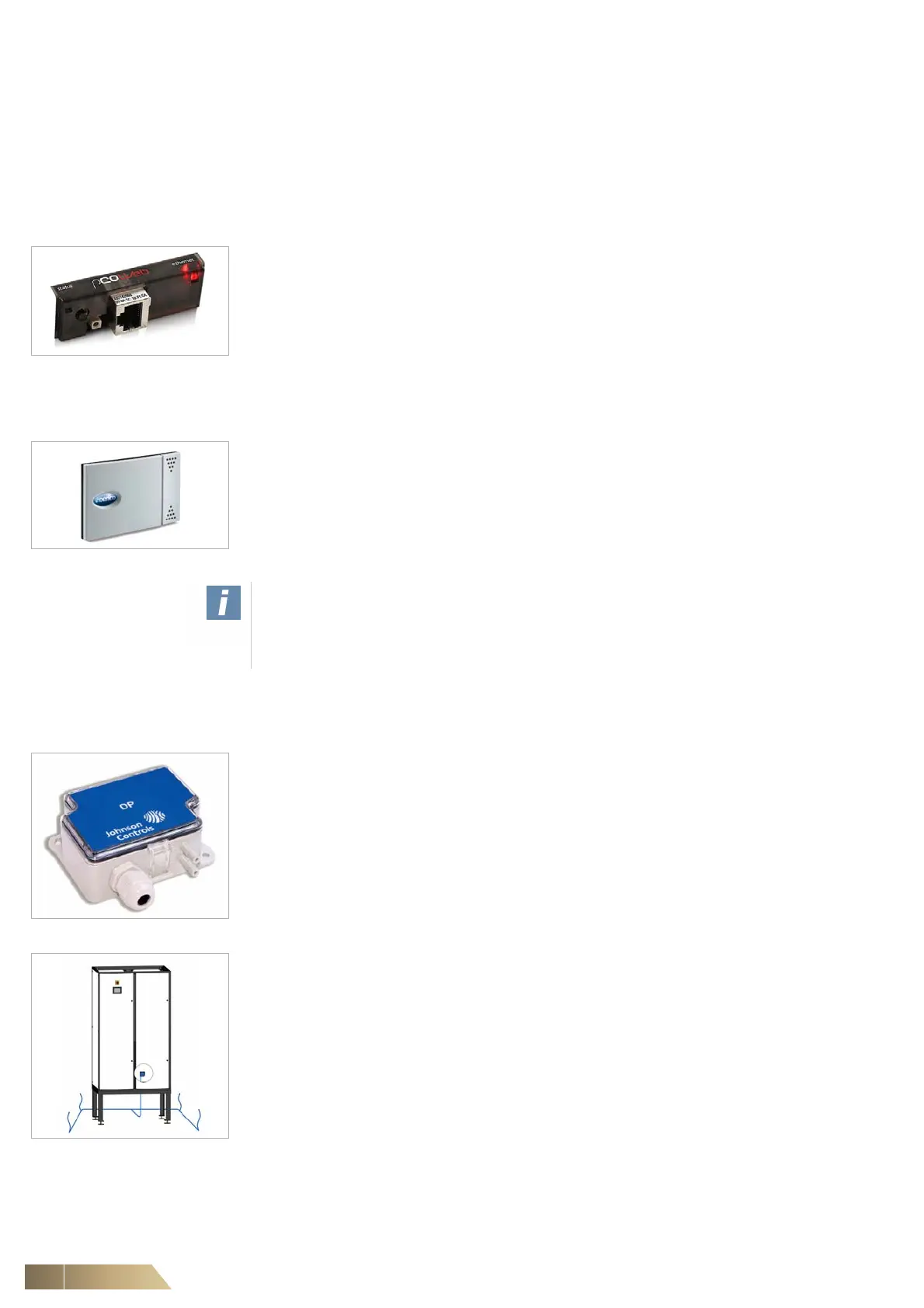
5.5.1 Interface cards
• There are several versions of the interface cards available, these all install directly
into the controller within the unit. Installation and configuration of these cards must
only be conducted by a suitably qualified person.
Fig. 5-16
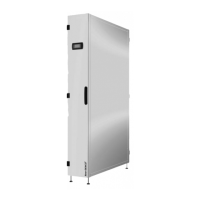
5.5.2 Air sensor
• If a temperature and humidity sensor is supplied as an remote accessory item, it
must be positioned in the reference air flow and must not be subjected to direct
sunlight.
• The sensor cable is already connected to the unit and can be extended to a
maximum of 30 m by using a cable of the same specification.
Fig. 5-17
5.5.3 Floor void air pressure control (APS)
• The air differential pressure sensor is mounted within the unit but the two hoses
must be connected to the sensor during installation to enable the sensor to read the
air pressures.
• Two hose ports are available: '+' (high pressure), which needs the hose to be
positioned within the floor void. The other hose, '-' (low pressure) which needs to be
installed within the room space.
• Air hose opening in the raised floor must be positioned at the right angle to air flow,
in order to prevent measurement of dynamic pressure.This can also be achieved if
the hoses are enclosed in perforated boxes.
Fig. 5-18
• The pressure test point must be placed at least 2 m away from the unit.
• It is optimal to run multiple pressure test points in one closed circular line, shown in
Fig. 5-19.
• APS can also be used to monitor pressure difference between a hot and cold aisle.
• If multiple units used within a room, a BMS system must be used to calculate an
average value and then use the BMS to adjust the fan speed.
Fig. 5-19: Showing multiple
pressure test points
in a floor void.
Note!
Take care when locating the remote air sensor as the unit will attempt to control the
conditions of the room based on the sensor location. Do not place the sensor in
areas of draft or anywhere near a heat source that could provide a 'false reading'!


 To Next Page