4 Product description
4.3 Navigation FLUXUS G801
2020-06-26, UMFLUXUS_G801V1-0EN
22
4.3 Navigation
4.3.1 Scroll lists
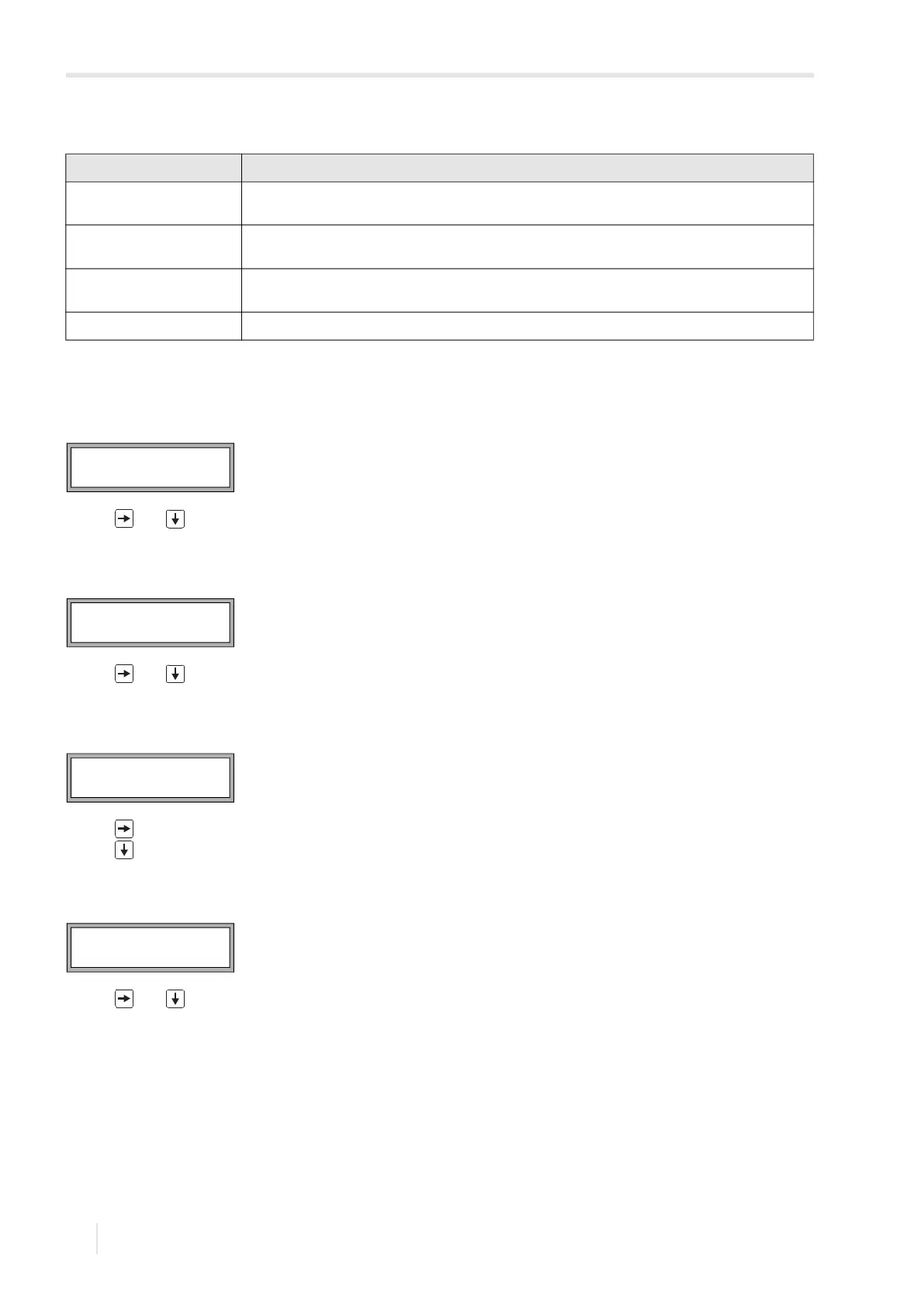
If a vertical arrow (↕) is displayed, the menu item contains a scroll list. The current list item is displayed in the lower line.
• Press and to scroll and select a list item in the lower line.
• Press ENTER.
Some menu items contain a horizontal scroll list in the lower line. The selected list item is displayed in capital letters and
angle brackets.
• Press and to scroll and select a list item in the lower line.
• Press ENTER.
Some menu items contain a horizontal scroll list in the upper line. The selected list item is displayed in capital letters and
angle brackets. The current value of the list item is displayed in the lower line.
• Press to scroll and select a list item in the upper line.
• Press to scroll and select a value for the selected list item in the lower line.
• Press ENTER.
4.3.2 Input fields
• Press and to enter the value.
• Press ENTER.
Tab. 4.1: Description of the program branches
program branch description
Parameter Before starting a measurement, the transducer, pipe and fluid parameters have to be entered in the
program branch Parameter.
Measuring Having activated the measuring channels and entered the transducer distance, the measurement is
started in the program branch Measuring.
Output Options Channel-related settings such as determination of the physical quantity, unit of measurement and
parameters for the transmission of measured values are set in the program branch Output Options.
Special Funct. Includes global settings that are not directly related to the measurement.
Special Funct. ↕
SYSTEM settings
Lining
no YES
R1=FUNC< typ mode
Function MAX
OUTER DIAMETER
100.0 mm








 To Next Page