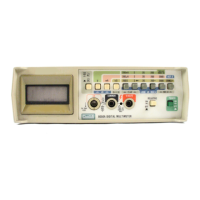
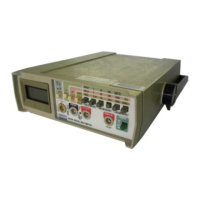
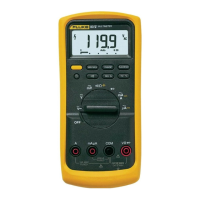
8060A
Instruction Manual
2-4
1. Set the 8060A power switch to OFF.
2. Remove test leads from external connections and from the 8060A input
terminals.
3. Turn the instrument over and remove screw from battery cover as shown
in Figure 2-1.
4. Use your thumbs to push off the battery cover as shown in Figure 2-1.
5. Slide the battery out of the compartment as shown in Figure 2-2.
6. Carefully pull the battery clip free from the battery terminals (if
replacing the battery) and attach the new battery.
7. Slide the battery and its leads into the compartment and slide the cover
into place.
WARNING
TO AVOID SHOCK REMOVE
INPUTS BEFORE OPENING
CLOSE COVER BEFORE USE
WARNING
TO AVOID SHOCK REMOVE
INPUTS BEFORE OPENING
CLOSE COVER BEFORE USE
Backside of
8060A
Use thumbs to push
battery cover down
and then out from
instrument case.
dx03f.eps
Figure 2-1. Removal of Battery Compartment Cover
Fuse in Circuit
Spare Fuse
dx04f.eps
Figure 2-2. Battery Removal and Fuses



 To Next Page