I
-
POWER-UP PROCEDURE FOR THE 9105A
1.1.
To power-up the
9105A,
you should:
1.
Turn on the mainframe electrical power by setting
the power switch on the back of the mainframe (near
the power cord) to the 1 (on) position. The system
then proceeds through its automatic power-up
self-
test.
2.
After the self-tests are completed, you will be
prompted to insert the disk labeled “System Disk 1”
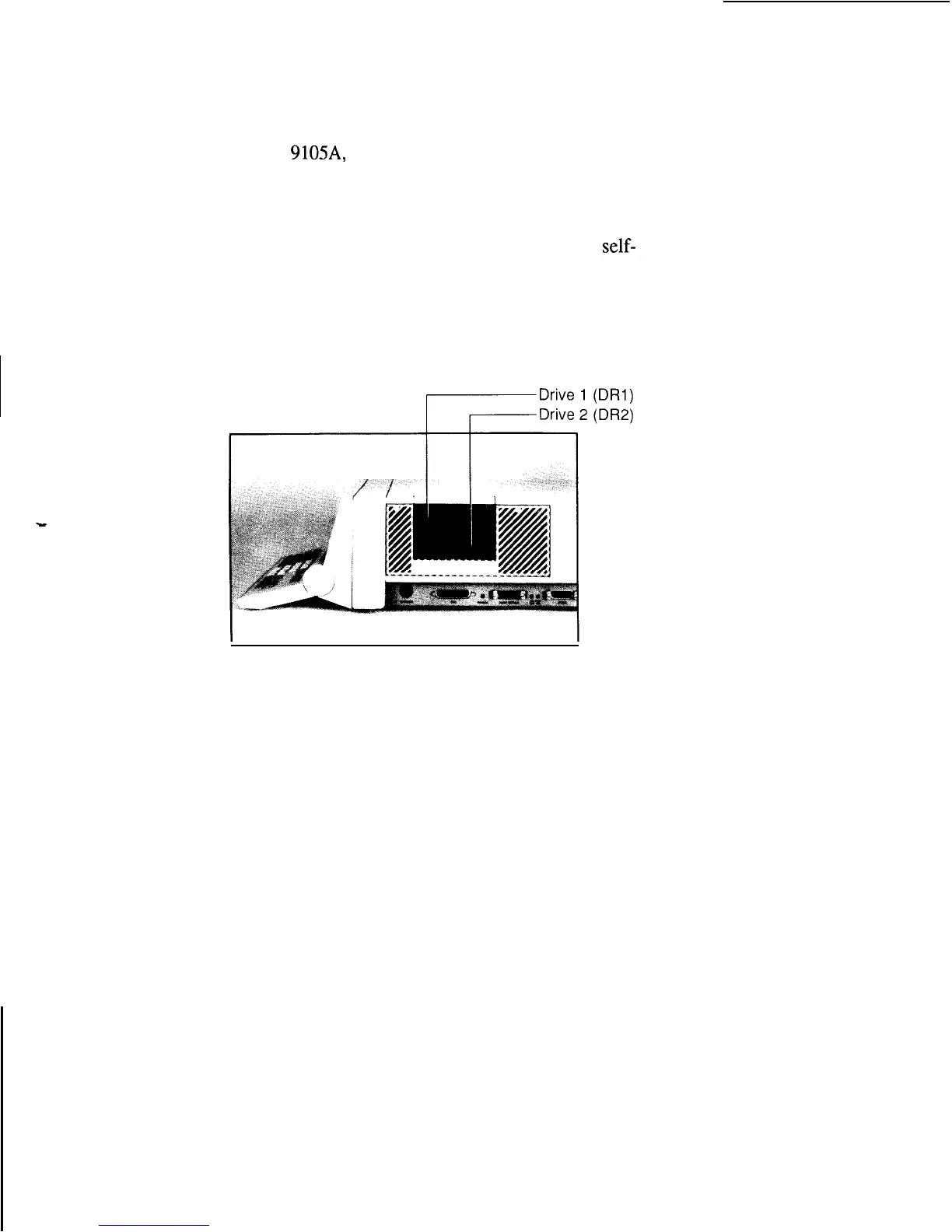
into Drive 1 (the upper micro-floppy disk drive).
The following figure shows the disk drives on a
9 105A mainframe:
3.
After the loading of System Disk 1 is completed, you
are prompted to insert System Disk 2 into Drive 1.
4. When the loading of System Disk 2 is completed, a
ready message will appear on the operator’s display.
(If no pod is connected, an additional message
appears on the operator’s display to tell you so.)
This completes the power-up procedure.
l-3



 To Next Page