20
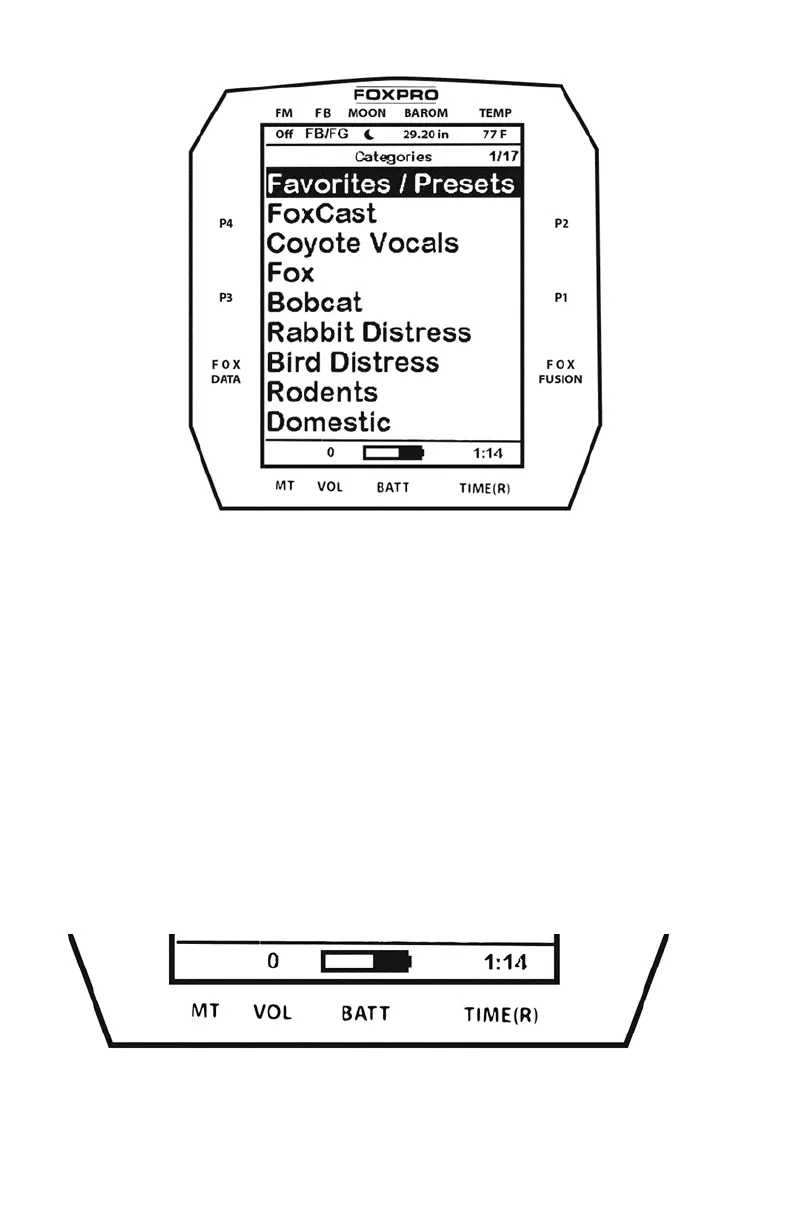
The image above shows the primary display area for the X24 remote.
Above the menu items you will see “Categories” which is the title of this
screen. When you enter other menu sections, the title will change
accordingly. The two main items on the screen “Favorites/Presets” and
“FoxCast” options are always available on this screen (in both Category
and Sound List mode). Directly beneath “FoxCast” begins the category
listings. If using sound list mode, you will then see “Sound List” as the
third option.
The image below shows the bottom status line. Following the image is a
description of each element.



 To Next Page