PRO PAK’R User Manual Version 1.0 Page -21-
FP InternationalFP International
3 operAting instructions
3.3.4 moving
• Switch off the machine.
• Remove lm roll from machine
• Unlock the castors and move the machine to the desired place.
GB: Always remove the roll of lm before changing the
position of the stand.
DE : Entfernen Sie immer zuerst die Folie bevor Sie
die Position des Standes änderen.
FR: Retirer impérativement la bobine de lm avant de
changer la position du stand.
NL: Verwijder altijd eerst de folie alvorens de positie
van de stand te veranderen.
3.3.5 setting up
Bear in mind the requirements for a workplace. See “Workplace” on page 11.
• Set up the machine on a level surface.
• If the machine is on a stand lock all 4 casters with the integrated locking mechanisms
• Connect the machine to the mains.
restore settings
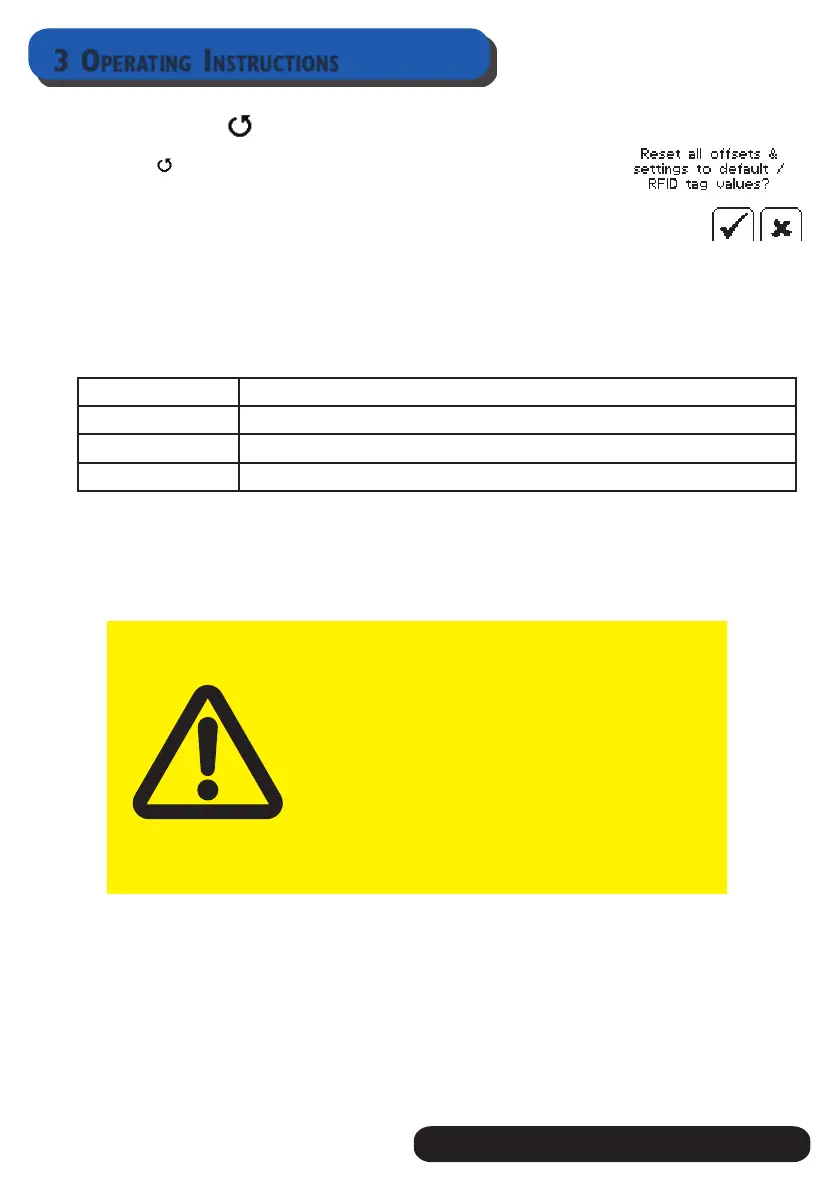
Press in the Menu
In Display shows “Reset all offsets & settings to default / RFID tag
values”
Press P to accept
3.3.3 displAy error
If the display shows an error code / symbol, and the red LED ashes, consult the chart below to
determine the cause. Clear the problem as described below, then press START button to resume
normal operation. If the error persists, contact Service Centres at FP International B.v. (See page
3)
Error code Action
COVER Make sure covers are closed
DELTA T Contact your distributor or FPI for assistance
JAM / FILM END In case of jam, open display cover and remove jammed lm cafefully


 To Next Page