47
Installation Manual
• The communication speed: must be the same for every eProWallbox. It
is recommended that the default setting is used: 115200 baud.
• The communication channel: is the eProWallbox Address. This must
be set as incremental following the order of electrical connection.
The communication channel of the Master should not be set, the
communicationchanneloftherstSlaveshouldbesetas1.
• For eProWallbox Master: set the maximum power of the Master/Slave
group:
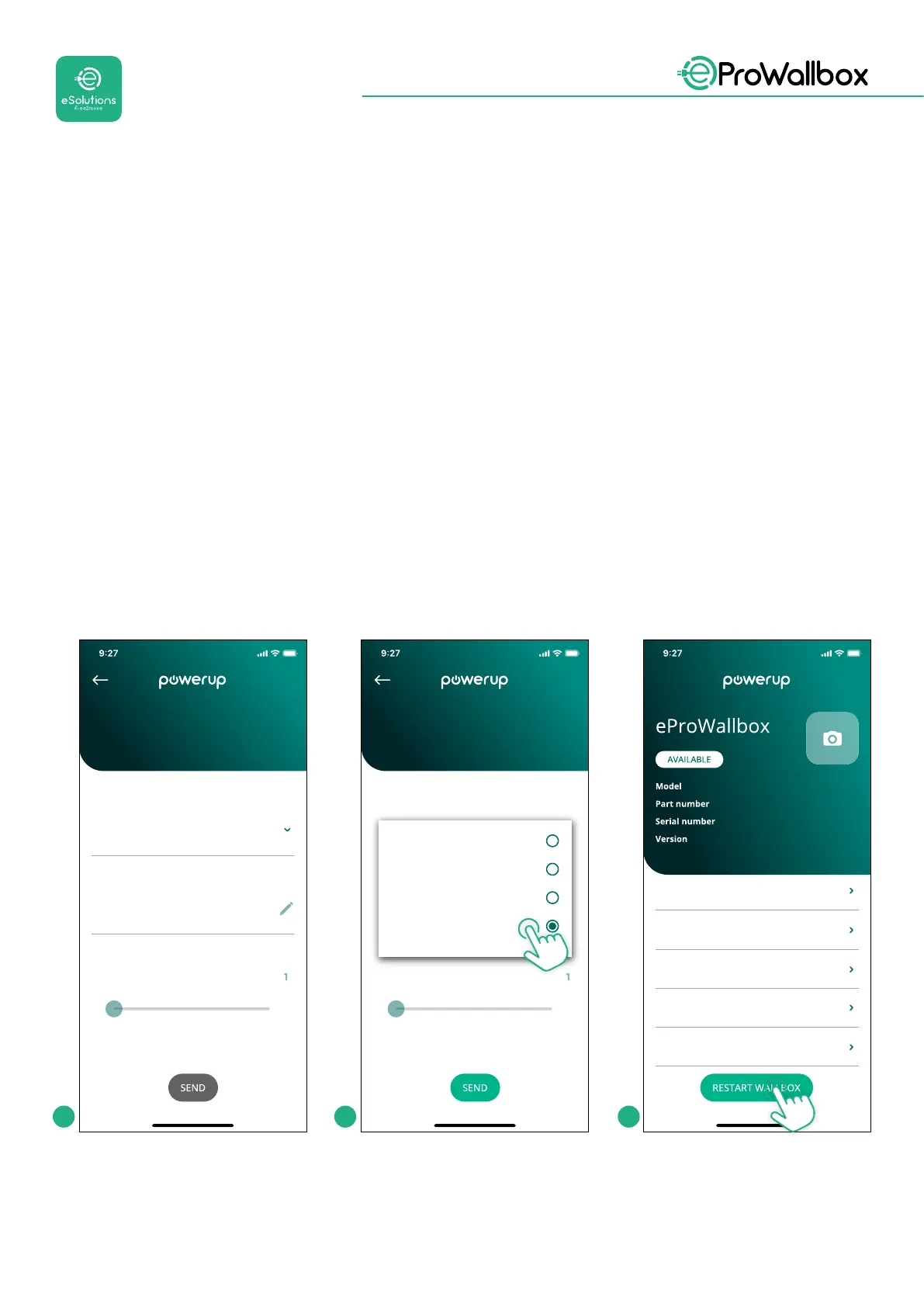
• Click send on the Master/Slave page
• In the main menu, go to DPM PowerMeter and set “M/S only” as DPM
PowerMeter type
• In the DPM limit set the maximum power of the Master/Slave group
• Restart the eProWallboxtomakechangeseective
22
kW
T c
rrent r
t
PM
imit
DPM settings
12.0
DPM PowerMeter type
M/S only
OFF
Finder XXX
Gavazzi XXX
M/S only
T current rat
DPM settings
DPM PowerMeter type
eProWallbox
F2ME.EPROXXXXXXXX
0000AB0123456789
2.9.1
Country settings
Operating mode
Wi-Fi settings
Master / Slave
Internet mobile pameters
1 2 3



 To Next Page